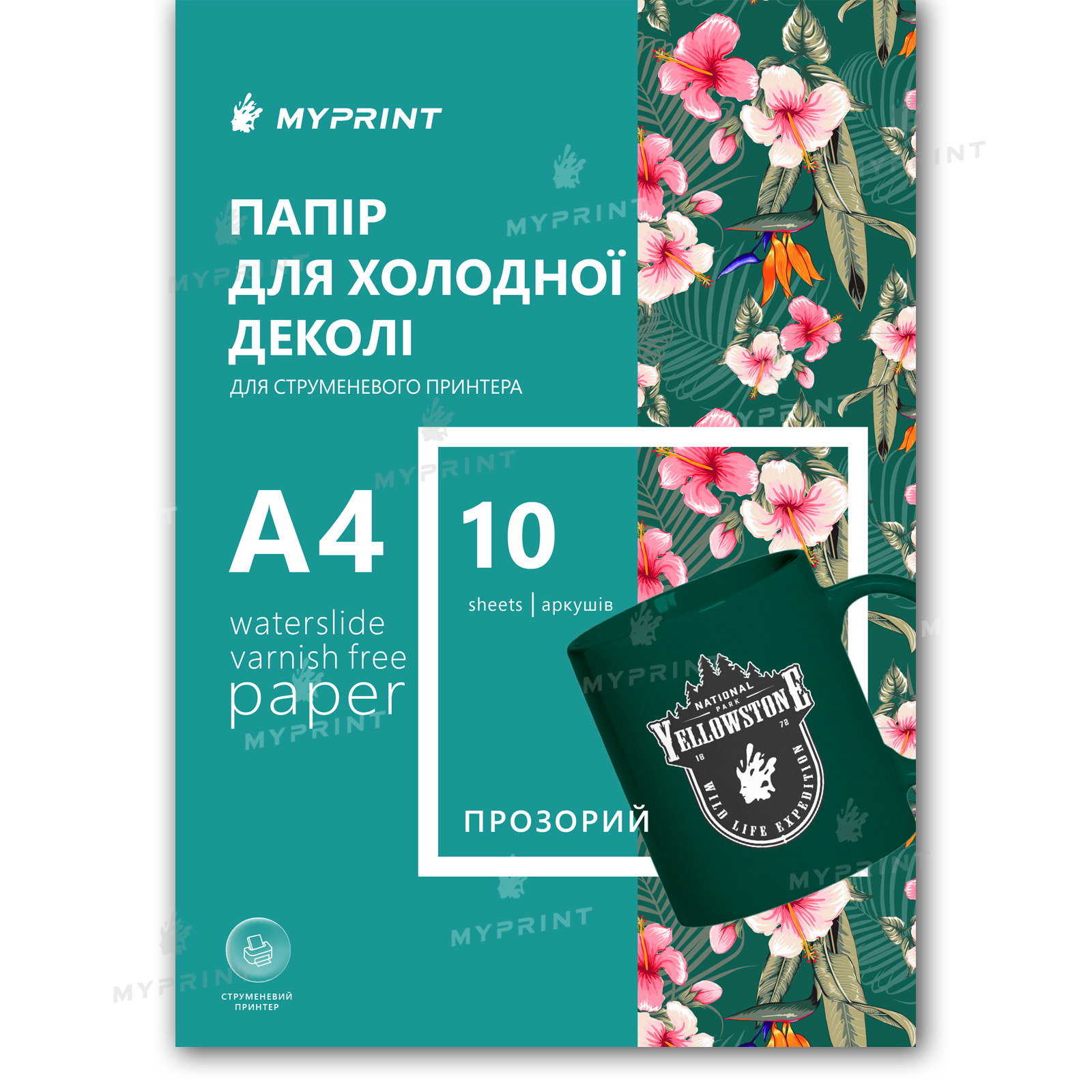
My Print Waterslide Varnish Free Decal Paper for Inkjet Printer Transparent (A+B) A4, 10 sheets (11830) - фото 1 - Consumables for printing
  • My Print Waterslide Varnish Free Decal Paper for Inkjet Printer Transparent (A+B) A4, 10 sheets (11830) - фото 1 - Consumables for printing
  • My Print Waterslide Varnish Free Decal Paper for Inkjet Printer Transparent (A+B) A4, 10 sheets (11830) - фото 1 - Consumables for printing

My Print Waterslide Varnish Free Decal Paper for Inkjet Printer Transparent (A+B) A4, 10 sheets (11830)

(0)
Color: Transparent
Quantity per package:
Not available
Price:
750.00 грн
  • Report availability
  • Ask a question for this product

Payment Cash, Visa/MasterCard, Payment in installments, Instant installments, Cashless settlement.
Delivery By new mail to the branch, post machine or courier at carrier rates.

  • Return guarantee

    We guarantee a refund if you are not satisfied with the product

  • Доставка

    Delivery across Ukraine to any settlement

Description My Print Waterslide Varnish Free Decal Paper for Inkjet Printer Transparent (A+B) A4, 10 sheets (11830)

Transparent waterslide decal with no varnish: an A+B pack for runs


Varnish Free is a waterslide decal for inkjet printers that needs no acrylic spray varnish: the sealing is done by film B from the (A+B) kit, laminated over the print. The 10-sheet A4 pack is a working stock for a run: a batch of white mugs with photos, a set of glasses for an event, glassware décor for sale — without reordering after every couple of pieces. The transparent image film is meant for light surfaces: unprinted areas stay clear and the object shows through them, so the design looks painted straight onto the mug or glass. The process is honest about equipment: a hot laminator for film B and an oven for the final bake — in return, no aerosol work and the same protective layer on every sheet of the run. If the technique is new to you, there is a 2-sheet trial pack.

Inkjetprint type (ink)
Transparentimage film, for light surfaces
A+Bprint sheet A + protective adhesive film B
10 sheets A4a pack for runs and regular work
No varnishsealing by film B, laminator at 140 °C
Film B instead of spray varnish

The design is covered by a solid film laminated at 140 °C: an even protective layer with no aerosol, no dust and no waiting between varnish coats.

A hot laminator and an oven are required — check your equipment before buying.

Is this pack right for you

 
You own an inkjet (ink-based) printer, plus a hot laminator and an oven
The surface is light: a white mug, clear glass, light ceramic — unprinted areas will stay transparent
You print runs or work with decals regularly — the stock covers a batch without pauses
You want to skip spray varnish: no smell, no drips, no drying of three coats
The object must survive baking at 150–160 °C — ceramic, glass and metal are fine; candles and low-melt plastic are not
The A+B technique is new to you — first check your laminator on the 2-sheet pack
White will not print — those areas turn transparent; for white elements and dark surfaces there is the white version in a 10-sheet pack
No laminator — there is nothing to bond film B with; take the classic transparent 10-sheet paper with spray varnish
You own a laser printer — this paper is made for ink; for toner there is the laser transparent 10-sheet paper, which needs neither varnish nor film
You need the design on fabric or skin — that is heat transfer paper or tattoo paper, not an object decal

Specifications

 
A4sheet format
Inkjetprint type
Transparentimage base
Varnish Freetype — sealing by film B
10 sheetsper pack
Nomirroring not needed
ParameterValue
FormatA4 (210 × 297 mm)
Print typeInkjet (ink)
TypeVarnish Free — no varnish: film B seals the design instead of spray
Kit(A+B): print sheet A + protective adhesive film B
ColorTransparent image film (white in the design = transparent)
Sheets per pack10 sheets; a 2-sheet trial pack is available
EquipmentHot laminator (140 °C) and oven (150–160 °C)
TransferWarm water, 30–60 s
FixingBaking at 150–160 °C for 15 minutes, then full cooling
MirroringNot needed — print straight
SurfacesHard non-porous, oven-safe: ceramic, glass, metal
CareHand wash with a soft sponge; no dishwasher or microwave
Temperature
140 °Claminating sheet A with film B
Time
30–60 ssoaking in warm water — until the film moves freely
Temperature
150–160 °Cbaking for 15 minutes after the transfer

The sandwich after lamination: what moves onto the object

 
1Protective film Ba solid layer over the print — the job spray varnish does in the classic decal
2Ink layerthe design on the ink-receptive coating of sheet A
3Transparent carrier filmthe thin base: unprinted areas stay clear, so the object shows through
4Water-soluble adhesive layerdissolves in warm water and releases the film with the design
5Paper backingkeeps the sheet flat in the printer and gives up the film in water

Why this pack


No aerosol at all

Film B does the sealing via a laminator: no smell, no dust settling on fresh varnish, no pauses to dry coats

An even protective layer

The laminator presses the film with equal force across the sheet — none of the gaps or drips a spray can leave

The "painted on the object" effect

Unprinted areas stay transparent: you see the object, not a sticker

Full inkjet color

Photos, gradients, fine text — everything your inkjet printer can do moves onto the object

A baked finish

15 minutes at 150–160 °C and the film bonds firmly to the surface of the piece

Stock for a run

Ten A4 sheets — a batch from one pack; each sheet fits several designs

From design to mug


Prepare the design
Print straight — do not mirror. Arrange several designs on the sheet with margins for cutting; remember: white and transparent areas will show the object's color.
 
Print
With an inkjet printer on the glossy (working) side of sheet A. Let the ink dry completely.
 
Key step
Laminate with film B
Peel the lower liner off film B and run it with sheet A through the laminator at 140 °C — this is the sealing that replaces varnish.
 
Remove the top PET film
After laminating, carefully peel off the top clear layer: the design stays on the sheet under the protective film.
 
Cut out the decal
With scissors or a plotter, leaving a small margin around the contour.
 
Soak
Warm water, 30–60 seconds — until the film starts moving freely on the backing.
 
Transfer
Hold it against the clean, degreased surface, slide the film off the backing and push out water and bubbles with a sponge, working from the center.
 
Bake
Oven at 150–160 °C for 15 minutes — the film bonds to the surface. Take the piece out and let it cool completely.
Tip: Keep the regime stable through the run: the same laminator temperature, the same time in water and in the oven — then every piece of the batch looks the same.

Next to it in the range

 
VariantPrinterPrint protectionBasePackWho it is for
Varnish Free, transparent (A+B) — 10 sheetsYou are hereInkjetFilm B via a laminatorTransparent10 sheetsRuns on light surfaces
The same decal — 2 sheetsInkjetFilm B via a laminatorTransparent2 sheetsA trial of the technique before a run
Varnish Free, white — 10 sheetsInkjetFilm B via a laminatorWhite opaque10 sheetsRuns on dark and colored surfaces
Regular transparent — 10 sheetsInkjetAcrylic spray varnishTransparent10 sheetsFor those who prefer varnish to a laminator and an oven
Laser transparent — 10 sheetsLaserNot needed — waterproof tonerTransparent10 sheetsFor laser printer owners

Where it shines

 
A run of mugs and glasses
A batch of identical pieces with photos or logos for an event or for sale — one pack covers the run
Glassware décor in volume
Bottles, jars, vases: the transparent base disappears on glass, only the design remains
Light ceramic and tile
A series of plates or tiles with ornaments that take the oven bake with no trouble
Regular workshop use
The decal is always at hand: a stock of sheets for orders that arrive one by one

What can go wrong

 
Film B went on with wrinkles or bubbles

Cause: the laminator had not reached 140 °C or the sheet was fed at an angle

Fix: let the laminator fully heat up and feed the sheet straight, without rushing
The design smeared under the film

Cause: the ink had not dried before lamination

Fix: wait for full drying after printing — film B must cover a dry design
White details disappeared

Cause: inkjet printers do not print white — those areas stay clear on the transparent base

Fix: rework the design for the surface color or take the white version in a 10-sheet pack
The decal is stiff and does not hug the object

Cause: the top PET film was not removed after lamination

Fix: peel it off before cutting: only the thin layer with the design transfers to the object
The film does not slide off the backing

Cause: the water is too cool or the soak too short

Fix: warm water and 30–60 seconds — the film should move freely, do not pull it by force

Questions and answers


What do Varnish Free and (A+B) mean?

"Varnish free": the design is sealed not by acrylic spray but by film B. (A+B) is a two-part kit: sheet A you print on, and the protective adhesive film B you laminate over it.

Do I need acrylic spray varnish?

No, that is the whole point of this type: film B, bonded by the laminator at 140 °C, plays the role of varnish. No aerosol to buy.

How is this pack different from the 2-sheet one?

Only in volume: the paper, the (A+B) kit and the technique are the same. Two sheets are for checking the process, ten are for working in runs without reordering.

Which laminator will work?

A hot one with a working temperature around 140 °C. Cold lamination does not activate the adhesive layer of film B.

Do I need to mirror the design?

No. The print is straight: the decal lands on the object face up. Mirroring is for Film Free and heat transfer — those are different materials.

Can I skip the oven?

Baking at 150–160 °C for 15 minutes is the standard finish of the process: it is what bonds the film to the surface. If your objects cannot be heated, the classic transparent paper with varnish is the more honest choice for a run.

How many pieces does the pack cover?

One A4 sheet fits several designs depending on size, so ten sheets cover a run of dozens of pieces. For a first trial of the technique there is the 2-sheet pack.

Can I wash a piece with a decal?

By hand with a soft sponge — yes. A dishwasher, microwave or abrasives will destroy the design; place the decal in the decorative zone, not where people drink from.

Another pack, another option or an addition


If this pack does not match your equipment, surface or volume — the right one is nearby.

Характеристики My Print Waterslide Varnish Free Decal Paper for Inkjet Printer Transparent (A+B) A4, 10 sheets (11830)

Customer reviews  (0)Leave a review
Customer reviews  (0)

You have already rated this product