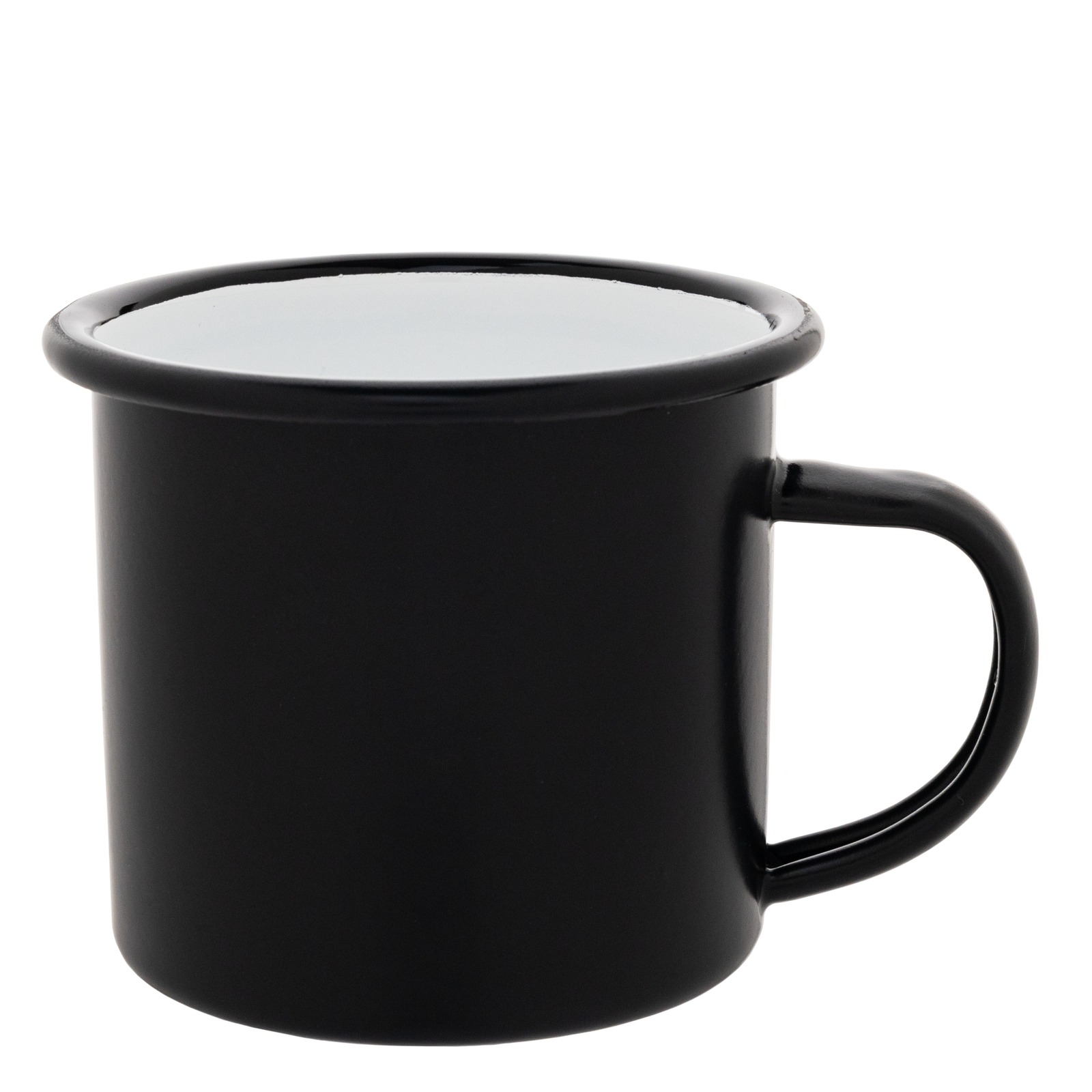
Sublimation mug metal enamel chameleon semi-matte black 11 Oz (330 ml) (8158) - фото 1 - Blanks for sublimation
  • Sublimation mug metal enamel chameleon semi-matte black 11 Oz (330 ml) (8158) - фото 1 - Blanks for sublimation
  • Sublimation mug metal enamel chameleon semi-matte black 11 Oz (330 ml) (8158) - фото 1 - Blanks for sublimation

Sublimation mug metal enamel chameleon semi-matte black 11 Oz (330 ml) (8158)

(0)
In stock
Price:
134.00 грн
Product in cart
  • The date of shipment of the goods: tomorrow (24.11.2026)
  • Buy a box36 штук - 4824 грн
  • Ask a question for this product

Payment Cash, Visa/MasterCard, Payment in installments, Instant installments, Cashless settlement.
Delivery By new mail to the branch, post machine or courier at carrier rates.

  • Return guarantee

    We guarantee a refund if you are not satisfied with the product

  • Доставка

    Delivery across Ukraine to any settlement

Description Sublimation mug metal enamel chameleon semi-matte black 11 Oz (330 ml) (8158)

An enamel colour-changing mug: the design appears with a hot drink


A 330 ml metal mug in the style of a classic enamel camping mug, with a rolled rim and a semi-matte black heat-sensitive coating outside; white enamel inside. Cold, the mug is black; a hot drink lightens the coating and reveals the printed design, and as the mug cools the background darkens again. A trial starting point for this blank is 180 °C for 150 seconds with medium pressure. The enamelled metal body may need longer: if the design remains pale once hot water has fully lightened the wall and heater contact is even, add 30 s at a time on a fresh test mug without raising the temperature. Ø 7.7 cm is within the range of a standard 11 oz heater (7.5–9 cm), and the rim is wider than the wall: before the first print, check that the heater makes close contact with the wall below the rim and covers the full design height.

180 °Cstarting settings, 150 s
Enamelled metalmug body
330 mlvolume
Semi-matteblack colour-changing coating

Is this mug right for you

 
Your heater fits the Ø 7.7 cm body, makes close contact below the rim and covers the full design height; the rim stays outside the heater, with clearance for the handle
You print with sublimation ink on sublimation paper
You want a surprise with the retro look of a camping mug: lettering or a photo that appears with a hot drink
The lettering must stay completely hidden on the cold mug — a saturated design may show faintly through the coating; check on a sample
For a ceramic mug, see the enamel-style colour-changing mug or the matte black 330 ml mug.
The mug will go in a dishwasher or a microwave — a colour-changing mug is washed by hand only, and a metal mug is never heated in a microwave

Size and print settings

 
Ø 7.7 cmdiameter
Cylindricalshape
Black → lightcold and hot mug
Whiteenamel inside
Temperature
180 °Capproximate trial setting for a constant-temperature press; do not raise it
Time
150–240 sapproximate trial window; start with 150 s from closing the press preheated to 180 °C
Pressure
mediumthe press handle closes with moderate resistance

These are starting settings: the exact ones are tuned to your press, paper, ink and room conditions — temperature and humidity. After pressing, let the mug cool to room temperature. Assess the print once hot water has fully warmed and lightened the wall, then let it cool again to check that the dark background returns.

Why this mug


Retro with a surprise

A camping enamel-mug shape and a design that appears with a hot drink

Metal instead of ceramic

Less fragile than a ceramic mug — practical for travel and shipping

From file to finished mug


Prepare the layout
Measure the wall height below the rim and the circumference without the handle zone on the mug itself; saturated dark areas may show faintly through the cold coating.
 
Print mirrored
With sublimation ink on sublimation paper.
 
Fix the paper
Wrap the mug tightly with no gaps and secure the edges with heat-resistant tape.
 
Key step
Press
Start with 180 °C for 150 seconds at medium pressure; keep the rim outside the heater. White-mug settings overheat the heat-sensitive coating.
 
Remove the paper
Right after the signal, wearing heat-resistant gloves, without sliding the sheet over the hot surface.
 
Let it cool
To room temperature, on a heat-resistant stand: a warm coating looks lighter than it will be.
 
Test with hot water
The design appears; pour the water out and let the mug cool — the coating should darken evenly again.
Tip: Make the first mug of a batch a test piece and judge it cold, hot, then cold again. If the design remains pale when fully revealed by hot water, first check heater contact; with even contact, add 30 s on a fresh test mug; a grey background after cooling means overheating — shorten the time.

Colour-changing mug: which to choose

 
VariantBaseWhere the design appearsDesign and use
Enamelled metal, semi-matteYou are hereEnamelled metal, semi-matte coatingThe whole wallA retro camping style
Enamelled metal with sparklesEnamelled metal, matte coating with sparklesThe whole wallA striking gift
Ceramic in an enamel-mug styleCeramic, matte coatingThe whole wallA retro look without metal
Matte black, 330 mlCeramic, matte coatingThe whole wallA classic cylindrical shape

Where it works best

 
Gifts for travellers
Lettering or a trip photo appears with a hot drink
Hiking clubs and camps
A logo that appears with the first tea by the campfire
Retro interiors and cafés
A mug with a surprise for guests

What can go wrong

 
The background stays grey or patchy after cooling

Cause: overheating, most often with white-mug settings

Fix: on a fresh test mug shorten the time and do not raise the temperature; do not press this mug again
Pale band below the rim

Cause: the heater does not touch the wall next to the rolled rim

Fix: keep important elements below the rim and check heater contact
The design shows faintly on the cold mug

Cause: a property of the blank: the coating does not fully hide a saturated design

Fix: agree this look with the customer on a sample
Ghosted outline

Cause: the paper shifted during pressing

Fix: tape the edges and remove the sheet in one motion

Questions and answers


What are the print settings for an enamel colour-changing mug?

Use this approximate starting point for a trial — 180 °C, 150 seconds, medium pressure. The metal body may need longer: if the design remains pale once hot water has fully lightened the wall and heater contact is even, add 30 s at a time on a fresh test mug without raising the temperature. The exact values depend on your press, paper, ink and room conditions.

Why did the mug turn grey after printing and not darken again?

The coating was overheated, most often with white-mug settings. Compare it with an unprinted blank from the same box once both have cooled; on a fresh test mug shorten the time, changing one setting at a time.

Which heater does it need?

A mug heater that wraps the Ø 7.7 cm wall below the rim tightly and covers the design height, for example a standard 11 oz heater for 7.5–9 cm in the AP1803 press; check this before the first print.

How should this mug be cared for?

Hand wash only, with a soft sponge, never in a dishwasher; never heat a metal mug in a microwave. Pass this rule on to your customer with the mug.

What you need for printing


Everything it takes to turn this colour-changing mug into a finished gift: a press, paper, ink and packaging.

Характеристики Sublimation mug metal enamel chameleon semi-matte black 11 Oz (330 ml) (8158)

Customer reviews  (0)Leave a review
Customer reviews  (0)

You have already rated this product