
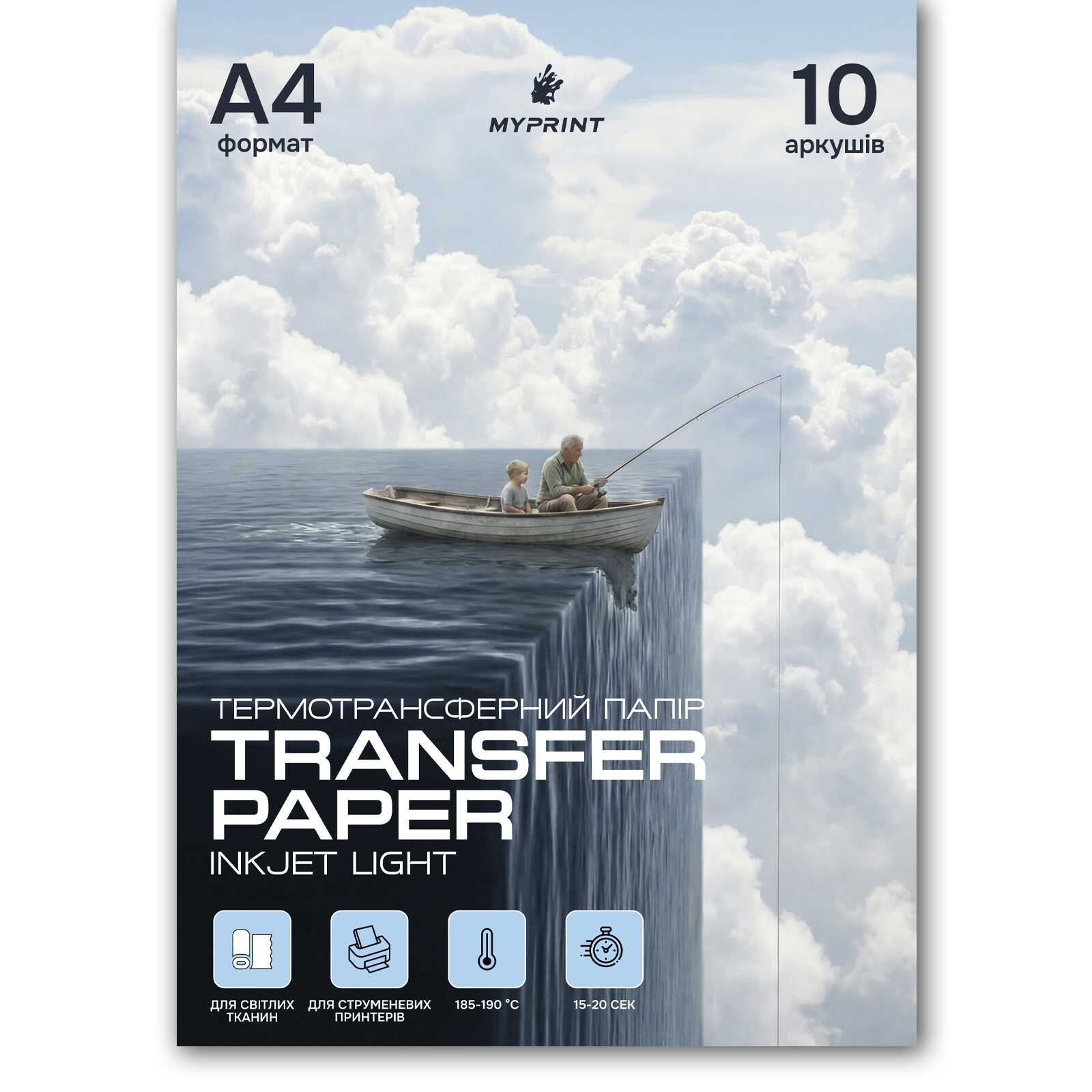
Thermal transfer paper My Print Inkjet Light for inkjet printer for light fabrics A4, 10 sheets (6976)
- The date of shipment of the goods: 2026-08-17
- Ask a question for this product
Payment Cash, Visa/MasterCard, Payment in installments, Instant installments, Cashless settlement.
Delivery By new mail to the branch, post machine or courier at carrier rates.
- Return guarantee
We guarantee a refund if you are not satisfied with the product
- Доставка
Delivery across Ukraine to any settlement
Description Thermal transfer paper My Print Inkjet Light for inkjet printer for light fabrics A4, 10 sheets (6976)
Print your design on an ordinary inkjet printer and transfer it with a heat press or iron onto light or white fabric — cotton and cotton blends. One must-do: mirror the image (especially text) before printing, or it comes out reversed on the fabric. My Print paper, A4, 10 sheets per pack — handy for tests and small runs.
Is this paper right for you?
Light or Dark: which transfer paper to choose
| Parameter | This paper — Light | "For dark" paper — Dark |
|---|---|---|
| Fabric | Light, white | Dark, coloured |
| Mirror the image | Yes, required | No |
| Background around art | Thin clear "window" | Opaque white backing |
| Printer | Inkjet | Inkjet |
Why people choose this paper
Specifications
| Format | A4 (210×297 mm) |
|---|---|
| Sheets per pack | 10 |
| Print type | Inkjet |
| Intended for | Light and white fabrics |
| Application | Heat press or iron |
How to print and apply
Care and durability
- Do not wash the item for the first 24 hours after application.
- Wash cold or up to 40 °C, always inside out.
- No fabric softener, bleach or harsh spin.
- Dry gently at low heat; iron only from the reverse through a cloth.
- Durability depends on the fabric, the ink (pigment lasts longer) and following the application steps.
What went wrong — and how to fix it
Fix: even pressure across the whole area, 24 h cure before washing, wash cold inside out without softener.
Fix: add pressure and time, cover with parchment and reheat, peel by the instructions on the pack.
Fix: trim close to the outline, preferably with rounded cuts; on light fabric the film fades after the first wash or two.
Fix: place Teflon or parchment on top, lower the temperature and time, keep the platen clean.
Compatibility
- Inkjet printers
- Light and white fabrics
- Cotton and cotton-blend fabrics
- Dark and saturated coloured fabrics
- Laser printers
- Nylon, water-repellent, heavily textured fabrics
FAQ
How many washes will the print last?
It depends on the fabric, the ink and following the steps. It lasts longer with pigment ink, even pressure, a 24 h cure before the first wash, and cold inside-out washing without softener.
Why is there a light frame around the art, and do I trim it?
It's the thin clear base of the paper where there's no print. On light fabric it's barely visible and fades after washing. Trim close to the outline with rounded cuts.
Do I need to mirror the image?
Yes. For light paper, mirror the image (especially text) before printing — otherwise it's reversed on the fabric. "For dark" paper does not need mirroring.
Can I use an iron instead of a heat press?
Yes. With an iron — max setting, no steam, a hard flat surface, firm pressure, section by section. A heat press gives a more even, reliable result.
Which fabric works — cotton, polyester, blend?
Best on cotton and blends with a high cotton content. 100% polyester, nylon and water-repellent fabrics are not suitable.
Hot or cold peel of the backing?
The peel method is on the pack — follow it. If the backing sticks, cover with parchment, reheat and peel.
Is it suitable for a laser printer?
No. This paper is for inkjet printers. A laser printer needs separate paper made for laser printers.
Характеристики Thermal transfer paper My Print Inkjet Light for inkjet printer for light fabrics A4, 10 sheets (6976)
- Size:A4
- Quantity per package:10
- Feature:Usual
- Print type:Stream
- To transfer to:Light fabrics
- Transfer type:Thermopress


