
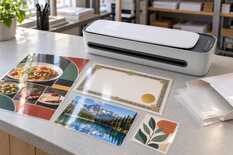
Laminate anything that is leafed through or hung on a wall in 80 µm film, certificates and award sheets in 100 µm, a menu wiped every day and signs in 125 µm, badges and passes in 150 µm. Compare the “Film thickness” line on the laminator with the thickness of one layer of the pouch — that is usually the number printed on the pack. Do not put a receipt or a ticket on thermal paper into a hot pouch: it is covered with cold self-adhesive film.
Table: which film for which item
The thicknesses and formats in the table are MyPrint pouches for hot lamination: glossy, A5, A4 or A3, 100 per pack.
| Item | Film | Pouch | What to consider |
|---|---|---|---|
| Menu booklet, manual, price list in a folderthat are leafed through | 80 µm | A4, A5 | The film bends with the page, so the booklet is easy to leaf through. |
| Poster, timetable, notice on a wall | 80 µm | A3, A4 | A wall needs no stiffness, and a thin sheet rolls up easily. If it hangs under a lamp or opposite a window, cover the front with matte cold film instead of a pouch. |
| Certificate, award sheet, competition diploma | 100 µm | A4 | If it will stand on a shelf without a frame, take 125 µm. |
| 10 × 15 photo | 80–100 µm | A5 | 100 µm keeps the photo flatter. First let the inkjet print dry and laminate a spare copy. If the spare copy waves, use cold film. Darkened under the film: what to change in the file and the film. |
| Single-sheet menu, price list at the tillwiped every day | 125 µm | A4 | Holds its shape in the hand, and the 3 mm sealed border on every side keeps moisture away from the paper. Test a dry-erase marker on an offcut first. |
| Door sign, direction sign | 125 µm | A4, A5 | Does not sag between the fixing points. |
| Badge, pass, participant card | 150 µm; 125 µm if the laminator takes up to 125 | A5, A4: several cards in one pouch | Lay the cards in the pouch 6–8 mm apart and, once cooled, cut down the middle so each keeps a 3–4 mm border: how to lay out and cut cards. |
| Children's learning cards | 125 µm | A4, A5: several cards | They get bent and wiped, and 125 µm holds its shape. Leave a border around each card, as for badges, so the edge does not delaminate. |
| Receipt, ticket, ultrasound scan on thermal paper | cold film | A4 sheet | Heat darkens thermal paper, so a hot pouch would ruin it. A valuable original: copy it first, then laminate the copy. |
| Original of a civil-status certificate, school certificate or education diploma | do not laminate | — | The law does not forbid lamination, but a laminated document can no longer receive an apostille or other marks. Laminate a copy and keep the original in a plastic sleeve. |
What “125 µm” on the pack means
A pouch is two films sealed along one edge. The pack usually gives the thickness of one layer, which is how film and laminator makers count: a 125 µm pouch is two layers of 125 µm, 250 µm together before the paper. “2 × 125” or “250 (2 × 125)” on another pack means the same pouch.
A laminator states its limit in the same numbers. “Film thickness: 80–125 µm” means 80, 100 and 125 µm pouches, but not 150 µm. If the marking is unclear, measure an empty pouch with a caliper: two layers of 125 µm give about 0.25 mm.
A pouch in cross-section: thickness of one layer, µm
60
0.22
80
0.26
100
0.30
125
0.35
150
0.40
175
0.45
250
0.60
Above each bar: one layer, as on the pack; below it: the pouch with the sheet, mm
You double it only when you work out what passes between the rollers together with the paper. With thick paper, also check the laminator's second limit: the manual says whether it is for the sheet alone or for the sheet together with the pouch — how to check both limits.
How each thickness holds its shape
- 80 µm film bends with the sheet.
- 100 µm keeps the sheet flat but still bends.
- 125 µm holds its shape: this is how menus handled every day are laminated.
- 150 µm is the stiffest MyPrint film, for badges and passes.
- 60 µm bends almost like the paper itself. 175 µm gives a card that resists bending, and 250 µm one close to a bank card in stiffness. Only a laminator with a 175 or 250 µm limit takes these pouches.
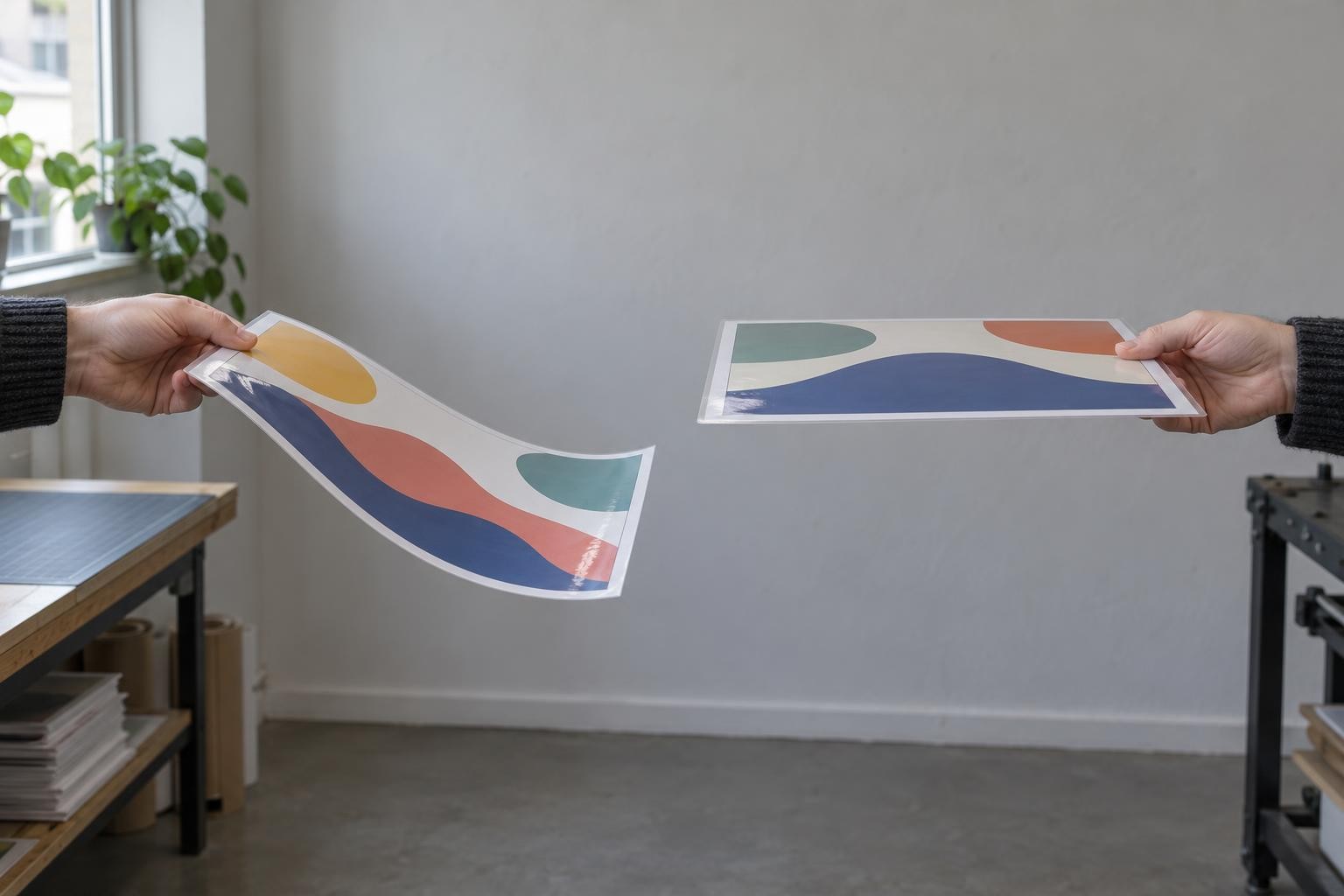
A thin pouch bends with the sheet; a thick one keeps the sheet almost straight.
Pouch formats
Pouch 154 × 216 mm
A5
10 × 15 photos, cards, badges
Pouch 216 × 303 mm
A4
menus, certificates, manuals
Pouch 303 × 426 mm
A3
posters, large menus, drawings
A pouch is 3 mm larger than the sheet of its format on every side: that is the sealed border. Each format comes in 80, 100, 125 and 150 µm.
An A3 pouch is 303 mm wide, so it needs an A3 laminator with a working width of at least 303 mm.
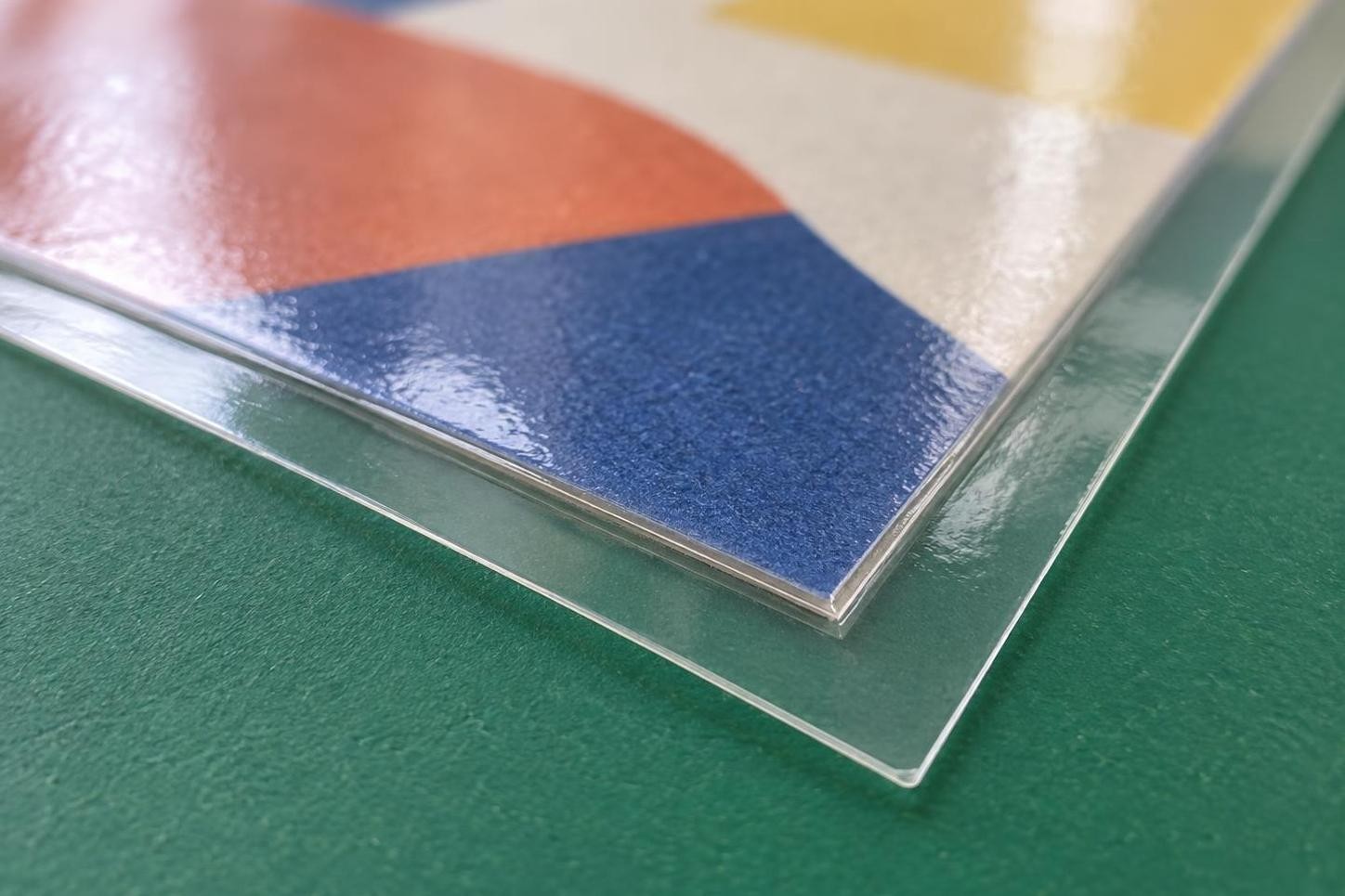
Beyond the paper edge the film is sealed to the film: this border keeps moisture out.
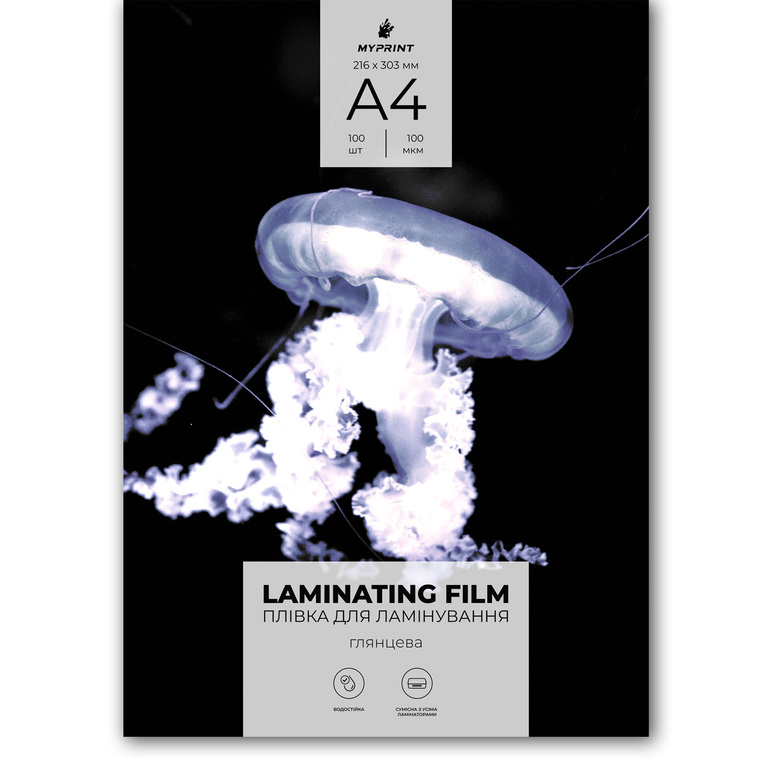
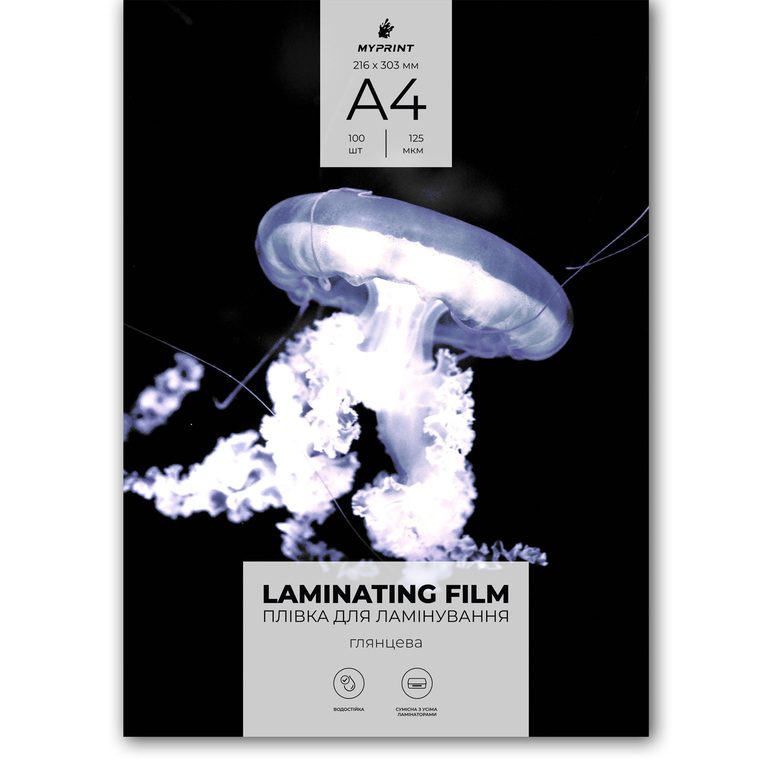
My Print laminating film A4, 100 µm
Pouches 216 × 303 mm · glossy · 100 pcs · certificates, manuals, price lists
My Print laminating film A4, 125 µm
Pouches 216 × 303 mm · glossy · 100 pcs · menus, signs, cards
Laminator: which pouch it will take
Look for the limit in the “Film thickness” line on the laminator's rating plate, in its manual or on its product card. You will see, for example, “80–100 µm”, “80–125 µm” and “40–250 µm”.
Limit up to 100 µm
80 and 100 µm pouches
Menu booklets, posters, certificates, photos.
Limit up to 125 µm
80, 100 and 125 µm pouches
Plus menus that are wiped, signs, children's cards, badges.
Limit 150 µm and above
All MyPrint pouches, 80–150 µm
Plus 150 µm for badges and passes.
If there is a thickness switch, set it to the thickness of one layer: choose 125 µm for a pouch marked “250 (2 × 125)”. Wait for the ready signal: warm-up takes a few minutes, longer for thicker film. A pouch thicker than the upper limit may not heat through, and the film will stay milky: what to do with a milky pouch.
If you work with pouches of different thicknesses, start with the thinnest: then you do not have to wait for the laminator to cool down. Feed the pouch sealed edge first, centred in the slot. Let the finished item cool on a flat surface.
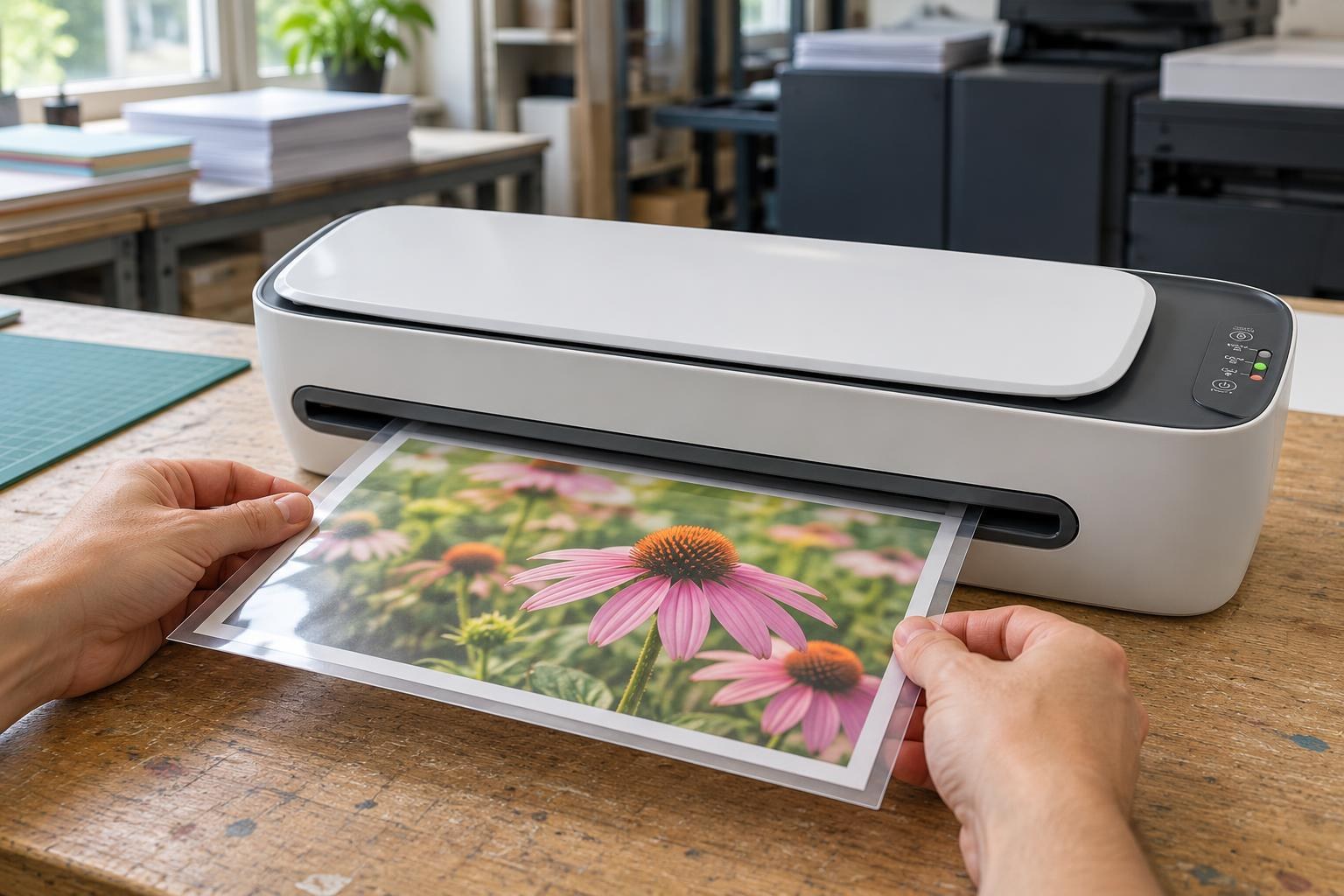
The sealed edge enters the rollers first, with the pouch centred in the slot.
Gloss or matte
Pouches for hot lamination
Gloss
Brighter colours and a deeper black. It glares under a lamp and shows fingerprints.
Cold film A4 and A3
Matte
Removes glare, hides fingerprints and takes handwriting. Covers the front only.
Laminate a menu wiped every day in a glossy pouch: it is sealed on all sides. Choose matte film for what hangs under a lamp or near a window and for sheets people will write on by hand.
Cold film: when it is the right choice
MyPrint cold film comes as self-adhesive A4 (210 × 297 mm) and A3 (297 × 420 mm) sheets, glossy or matte, 20 per pack. It needs neither heat nor a laminator. Use it instead of a hot pouch when:
- the item is printed on thermal paper: a receipt, a ticket, an ultrasound scan;
- an inkjet print waved during a test pass through the laminator;
- you need matte;
- there is no laminator at hand.
Take a dry print
The film goes on top of the finished print.
Peel off the backing
The adhesive is tacky at once. Remove the backing gradually and lay the film down slowly with even pressure.
Smooth it with a squeegee
Work from the centre to the edges and push out the air bubbles.
Silvery specks on dark print after application: how to remove silvering. The sheet edges stay open under cold film, so laminate anything that gets washed in a hot pouch.

My Print matte cold laminating film, A4
Self-adhesive sheets 210 × 297 mm · 20 pcs · no glare, for receipts, tickets and handwriting
Frequently asked questions
Does 125 µm on the pack mean each side?
Usually yes: the pouch is two layers of 125 µm. Compare 125 with the laminator's limit without doubling it, and to be sure, measure an empty pouch with a caliper: about 0.25 mm.
Which film should I take if I buy only one pack for now?
100 µm A4: it suits certificates, manuals and price lists and falls within the range of most pouch laminators. Make the second pack 125 µm for menus and cards handled every day.
How is cold lamination different from hot?
A hot pouch is sealed in the laminator and covers the item on both sides. Cold film is applied by hand without heat, on the front only: it is for thermal paper and prints that cannot take heat.
Will my laminator take 150 or 250 µm?
Only if the upper limit in the “Film thickness” line is at least that number. With thick paper, also check the second limit — for the sheet alone or for the sheet together with the pouch, as the manual says.
Is there matte laminating film?
Yes: at MyPrint it is cold self-adhesive film in A4 and A3. Pouches for hot lamination are glossy.