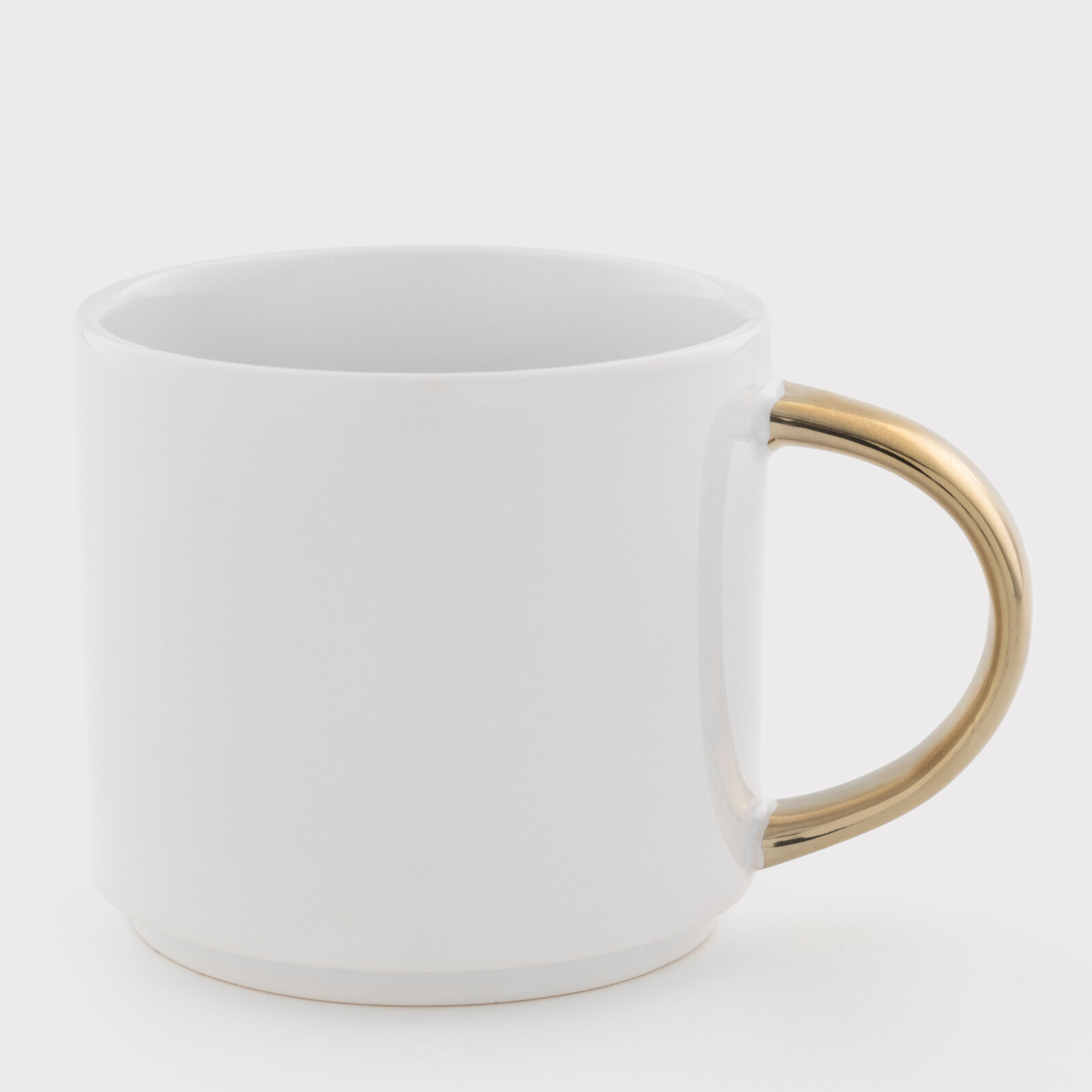
450ml 9.6*9cm Sublimation stackable mug Gold handle (11448) - фото 1 - Blanks for sublimation
450ml 9.6*9cm Sublimation stackable mug Gold handle (11448) - фото 2 - Blanks for sublimation
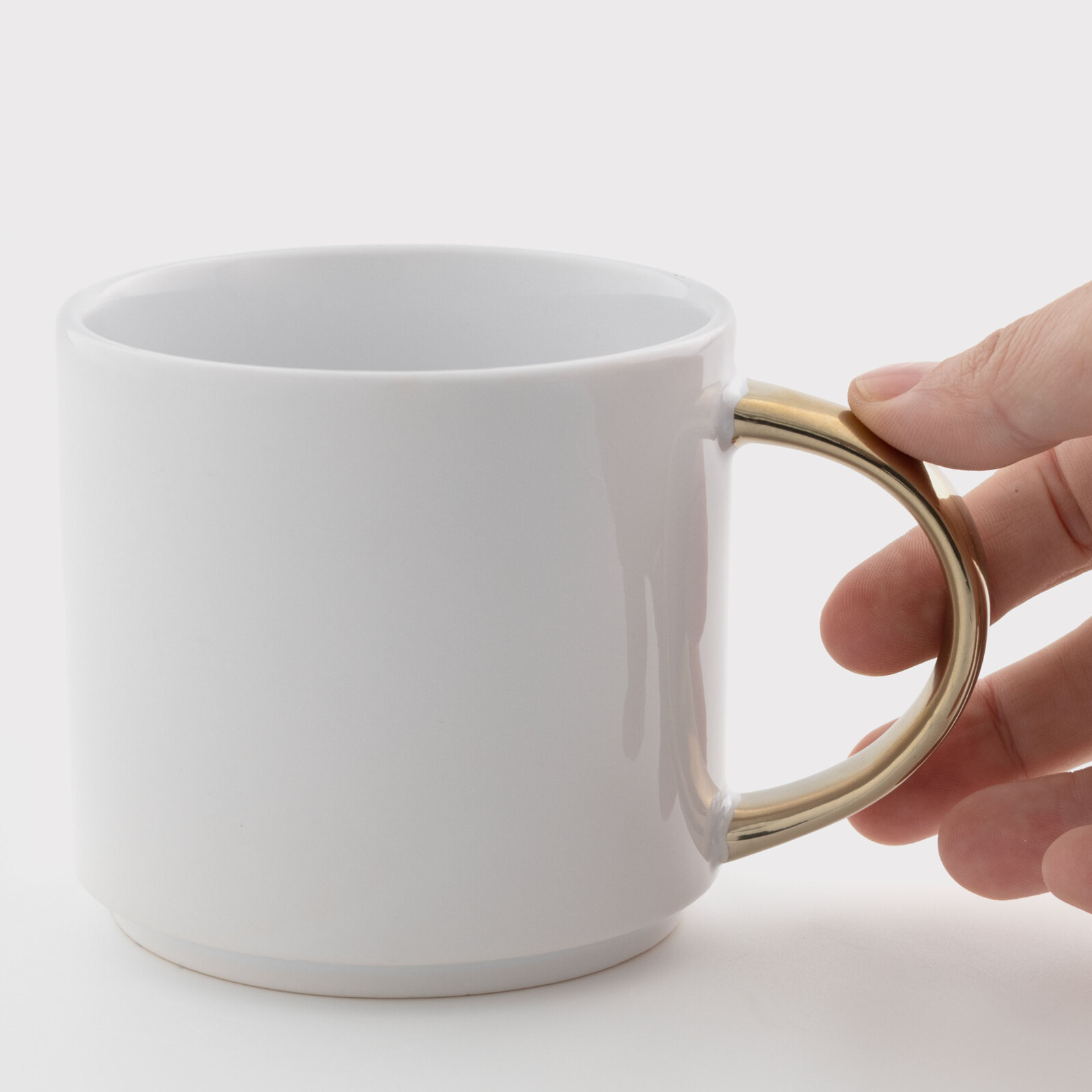
450ml 9.6*9cm Sublimation stackable mug Gold handle (11448) - фото 3 - Blanks for sublimation
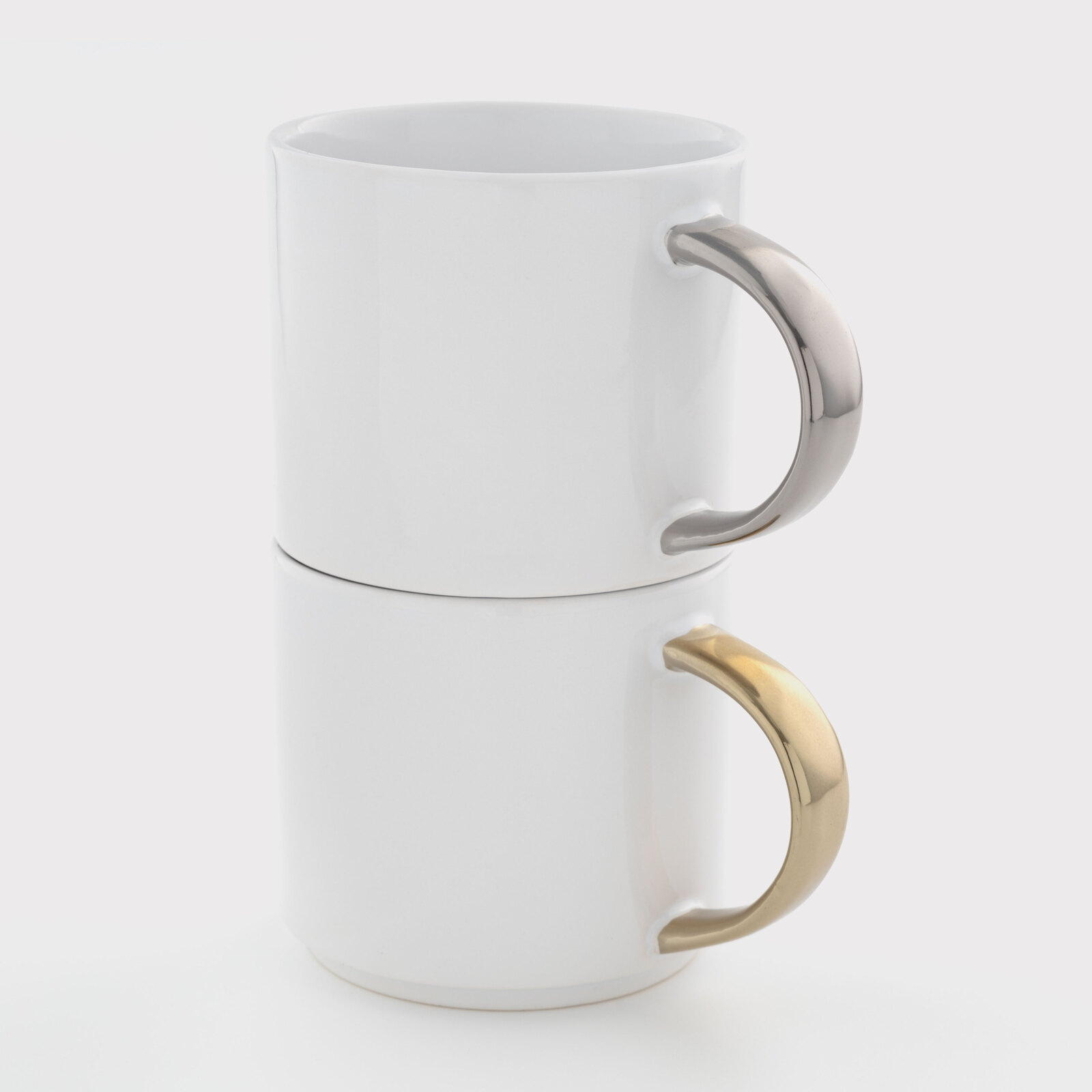
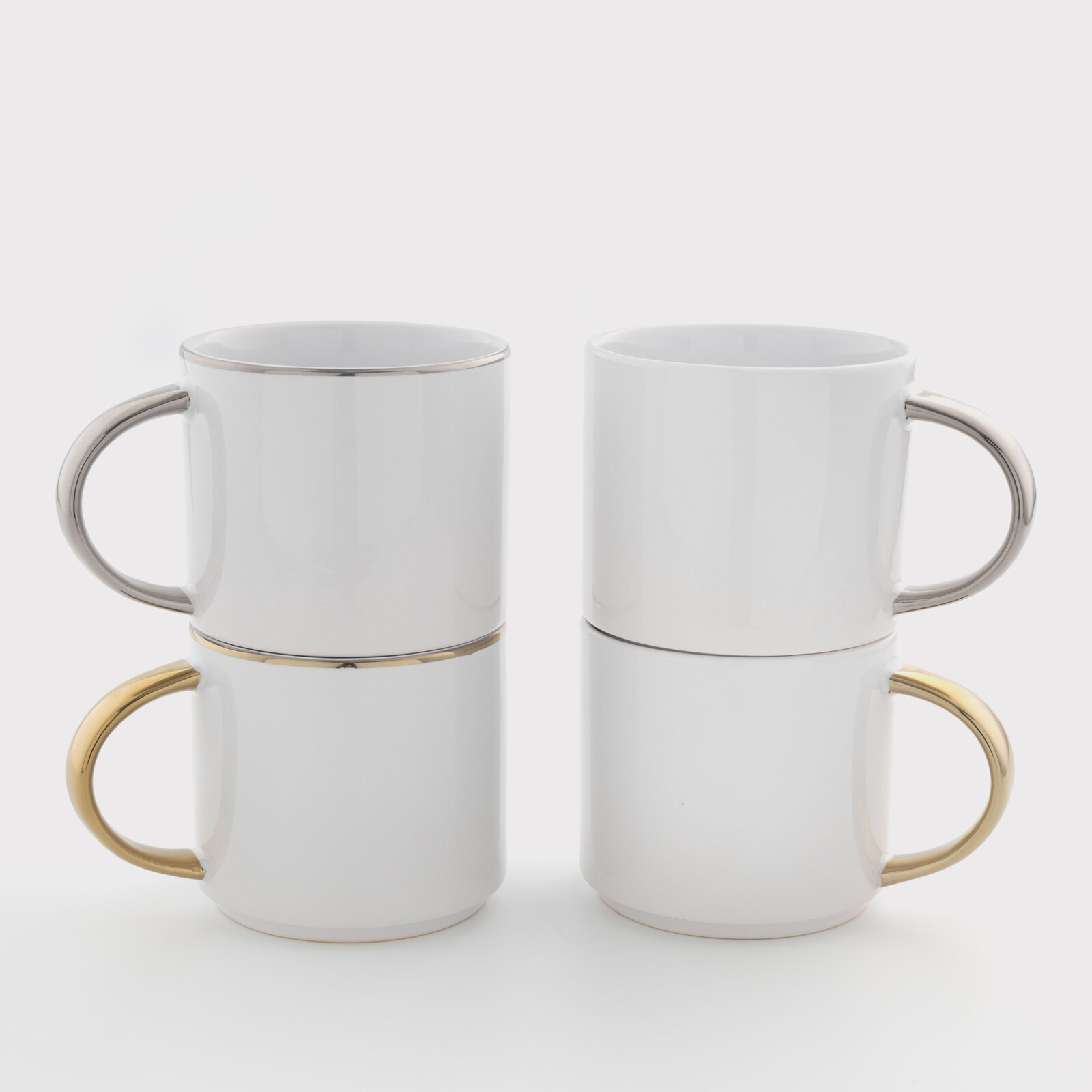
450ml 9.6*9cm Sublimation stackable mug Gold handle (11448) - фото 4 - Blanks for sublimation
  • 450ml 9.6*9cm Sublimation stackable mug Gold handle (11448) - фото 1 - Blanks for sublimation
  • 450ml 9.6*9cm Sublimation stackable mug Gold handle (11448) - фото 2 - Blanks for sublimation
  • 450ml 9.6*9cm Sublimation stackable mug Gold handle (11448) - фото 3 - Blanks for sublimation
  • 450ml 9.6*9cm Sublimation stackable mug Gold handle (11448) - фото 4 - Blanks for sublimation

450ml 9.6*9cm Sublimation stackable mug Gold handle (11448)

(0)
Handle color: Golden
Rim color:
In stock
Price:
125.00 грн
Product in cart
  • The date of shipment of the goods: today (24.11.2026)
  • Ask a question for this product

Payment Cash, Visa/MasterCard, Payment in installments, Instant installments, Cashless settlement.
Delivery By new mail to the branch, post machine or courier at carrier rates.

  • Return guarantee

    We guarantee a refund if you are not satisfied with the product

  • Доставка

    Delivery across Ukraine to any settlement

Description 450ml 9.6*9cm Sublimation stackable mug Gold handle (11448)

A white stackable mug with a gold handle


A wide, low 450 ml ceramic mug: Ø 9.7 cm, with a step near the base, so the mugs stack one on top of another. The outside is white with a sublimation coating, and the handle is gold. The print goes on the straight white wall above the step. Its 9.7 cm diameter is larger than a standard 11 oz heater (7.5–9 cm) or a large 15 oz heater (8–9.5 cm) takes, and within the range of a wide 9.5–10.5 cm heater. The starting settings are 200 °C for 200 seconds, as for large mugs in the MyPrint guide.

Goldhandle
450 mlvolume
200 °Cstarting settings, 200 s
Singlyas many as the order needs

Is this mug right for you

 
Your heater matches the body diameter, makes close contact with the smooth print area and covers the full design height, with clearance for the handle
You print with sublimation ink on sublimation paper
You need a mug that stores conveniently in a stack: café, office, kitchen or shop display
You print in a standard 11 oz or a large 15 oz heater — Ø 9.7 cm is larger than their range; consider a wide 16 × 28.5 cm heater after checking contact with the print area, coverage over the design height and handle clearance
You want another colour or finish — there is, for example, White, 450 ml or Silver rim and handle, 450 ml
You only print in a small 6.5–7.5 cm heater — it is too small for a Ø 9.7 cm mug

Size and print settings

 
Ø 9.7 cmdiameter
9 cmheight
Stepnear the base for stacking
Glossysurface
Temperature
200 °Cstarting point for a wide 450 ml ceramic mug
Time
200 scount from closing the preheated press
Pressure
firmthe press handle closes with effort

These are starting settings: the exact ones are tuned to your press, paper, ink and room conditions — temperature and humidity.

Why this mug


Stores in a stack

The step near the base lets the mugs stand one on top of another: less space on a shelf, in a cupboard or on display

A wide wall for the design

Ø 9.7 cm gives a longer circumference for a panoramic picture or long lettering

A gold handle

A subtle accent with no colour on the wall

From file to finished mug


Prepare the layout
Measure the height of the straight wall above the step and the circumference without the handle zone on the mug itself; keep important elements away from the handle and the step.
 
Print mirrored
With sublimation ink on the white side of sublimation paper.
 
Let it dry
The paper dries quickly; a damp print blurs the outline.
 
Fix the paper
Wrap the mug tightly with no gaps and secure the edges with heat-resistant tape.
 
Key step
Press
Starting settings — 200 °C, 200 s, firm pressure.
 
Remove the paper
Right after the signal, wearing heat-resistant gloves, without sliding the sheet over the hot surface.
 
Let it cool
Let the mug cool completely before packing or stacking it.
Tip: Make the first mug of a batch a test piece: tune the starting settings to your press, paper, ink and room conditions, changing one setting at a time.

Stackable mug: which to choose

 
VariantFinishVolumeFor whom
Gold handle, 450 mlYou are hereGold handle450 mlA subtle gold accent
White, 450 mlWhite450 mlClassic: full-colour print all round
Silver rim and handle, 450 mlSilver rim and handle450 mlA restrained silver accent
Gold rim and handle, 450 mlGold rim and handle450 mlFestive and premium gifts
Black inside, 450 mlBlack inside450 mlStrong contrast for any design

Where it works best

 
Cafés and restaurants
Mugs with the venue's logo, easy to keep in a stack by the coffee machine
Office kitchens
Personalised team mugs take less cupboard space
Gifts and merch
A wide wall for a photo, a panorama or long lettering

What can go wrong

 
Pale band near the step

Cause: underheating or weak pressure exactly there

Fix: keep important elements on the straight wall and check heater contact; adjust the starting time on a fresh test mug, changing one setting at a time
Pale patches around the mug

Cause: the heater does not wrap Ø 9.7 cm: a standard 11 oz or large 15 oz heater is too narrow for it

Fix: use a wide 9.5–10.5 cm heater for a trial only after checking close contact across the entire print area
Ghosted outline

Cause: the paper shifted on the hot mug

Fix: tape the edges and remove the sheet in one motion without dragging it over the surface
The white area turns yellow

Cause: overheating: too many degrees or seconds

Fix: on a fresh test mug, adjust the starting settings by reducing either time or temperature, changing one setting at a time
The print faded within a few months

Cause: dishwasher and abrasive sponges

Fix: wash by hand with a soft sponge — the print keeps its brightness longer

Questions and answers


How do the mugs stack?

The step near the base fits into the top of the mug below — that is how they are kept in a stack. Stack only printed mugs that have cooled.

Which heater does it need?

Ø 9.7 cm is within the range of the wide 16 × 28.5 cm heater for 9.5–10.5 cm. A standard 11 oz heater (7.5–9 cm) and a large 15 oz heater (8–9.5 cm) are too narrow for it. Before the first print, check that the heater wraps the body tightly and covers the design height.

What temperature does mug sublimation need?

The starting settings are 200 °C and 200 seconds with firm pressure. The exact values depend on your press, paper, ink and room conditions, so make the first mug of a batch a test piece.

Can I print on the rim or handle?

No: the print goes only on the white wall with the sublimation coating.

How should a sublimated mug be washed?

By hand, with a soft sponge and a mild detergent. The print keeps its brightness longer, so pass this tip on to your customer with the mug.

What you need for printing


Everything it takes to turn this mug into a finished gift: a heater, paper, ink and heat-resistant tape.

Характеристики 450ml 9.6*9cm Sublimation stackable mug Gold handle (11448)

Customer reviews  (0)Leave a review
Customer reviews  (0)

You have already rated this product