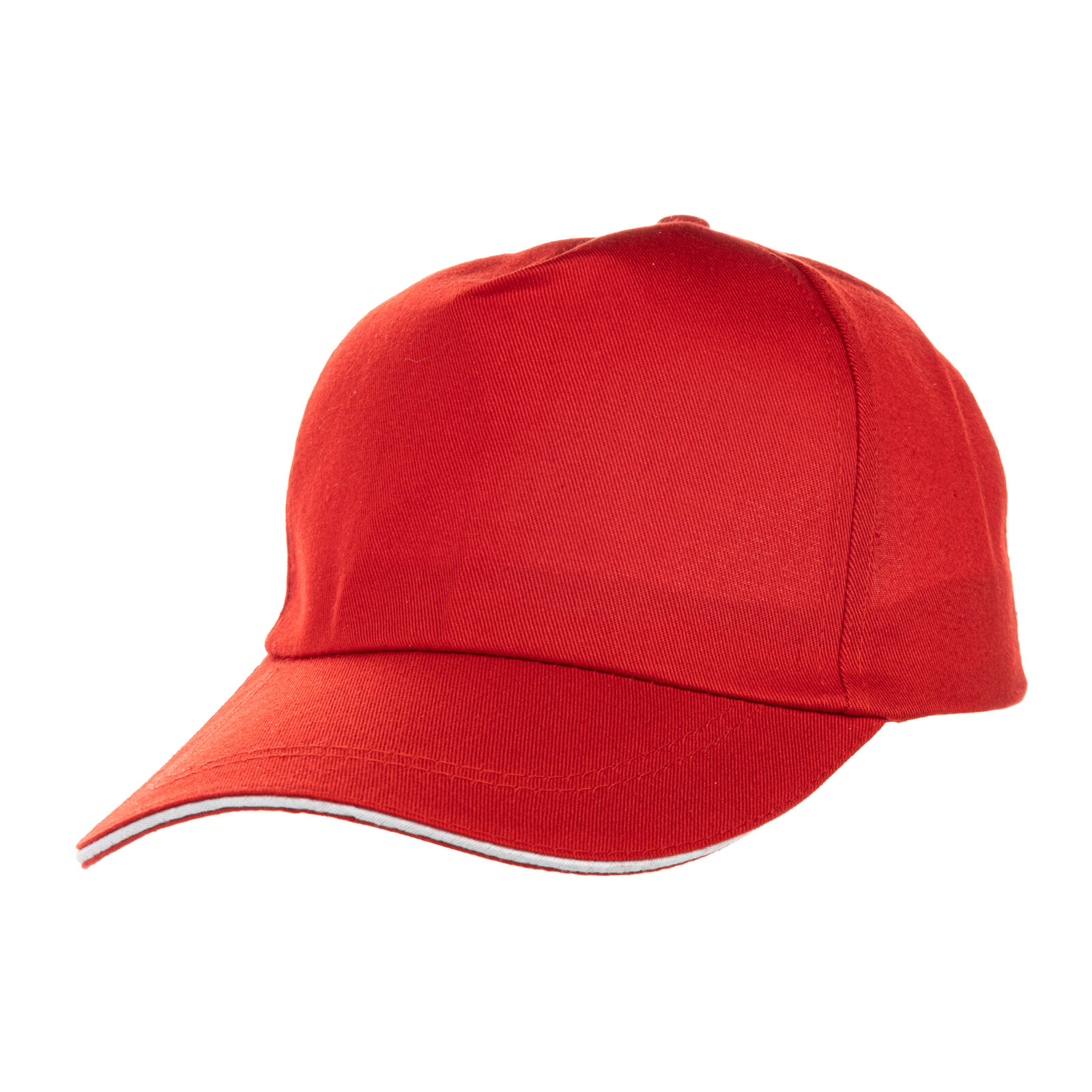
Five-blade cap for sublimation polyester red (7201) - фото 1 - Blanks for sublimation
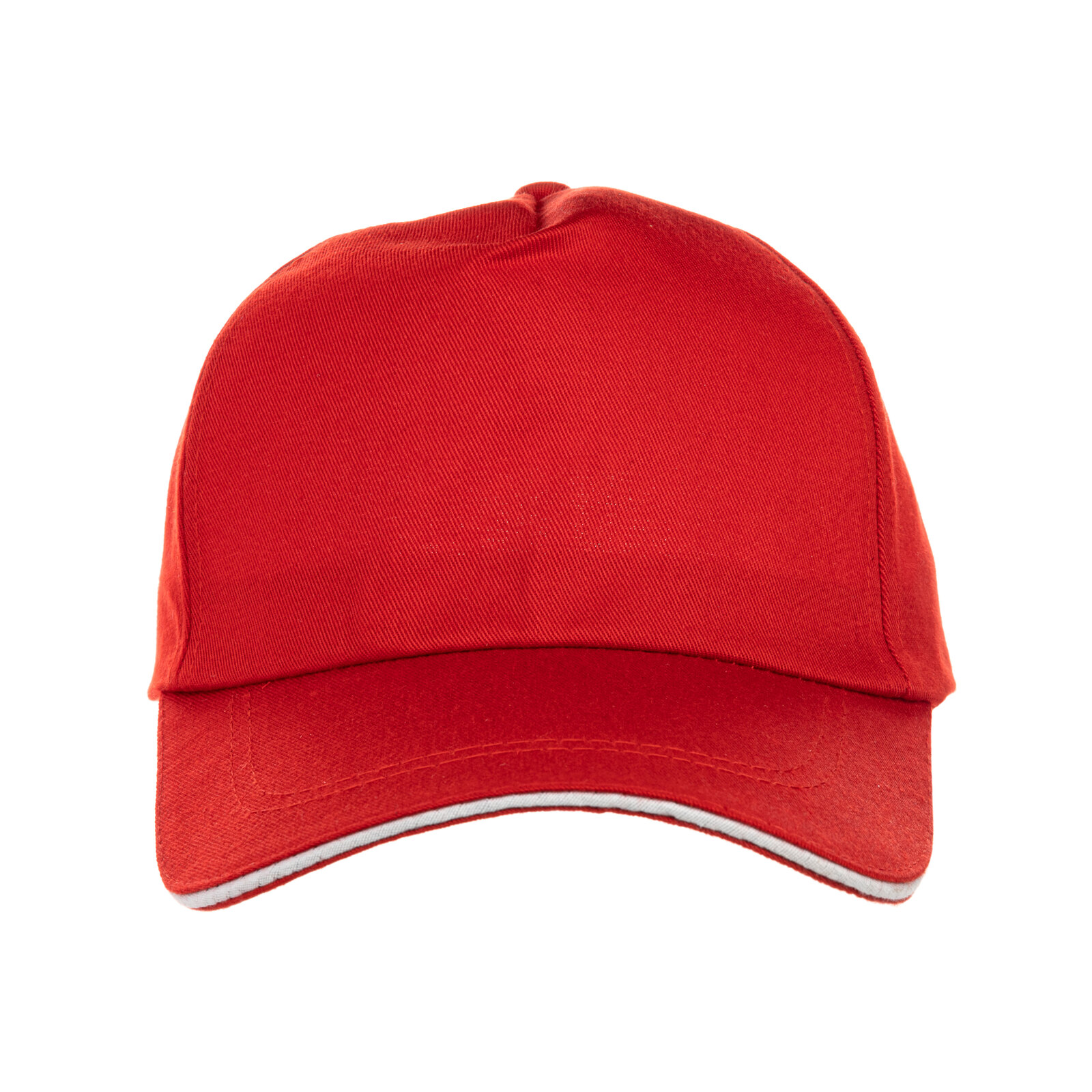
Five-blade cap for sublimation polyester red (7201) - фото 2 - Blanks for sublimation
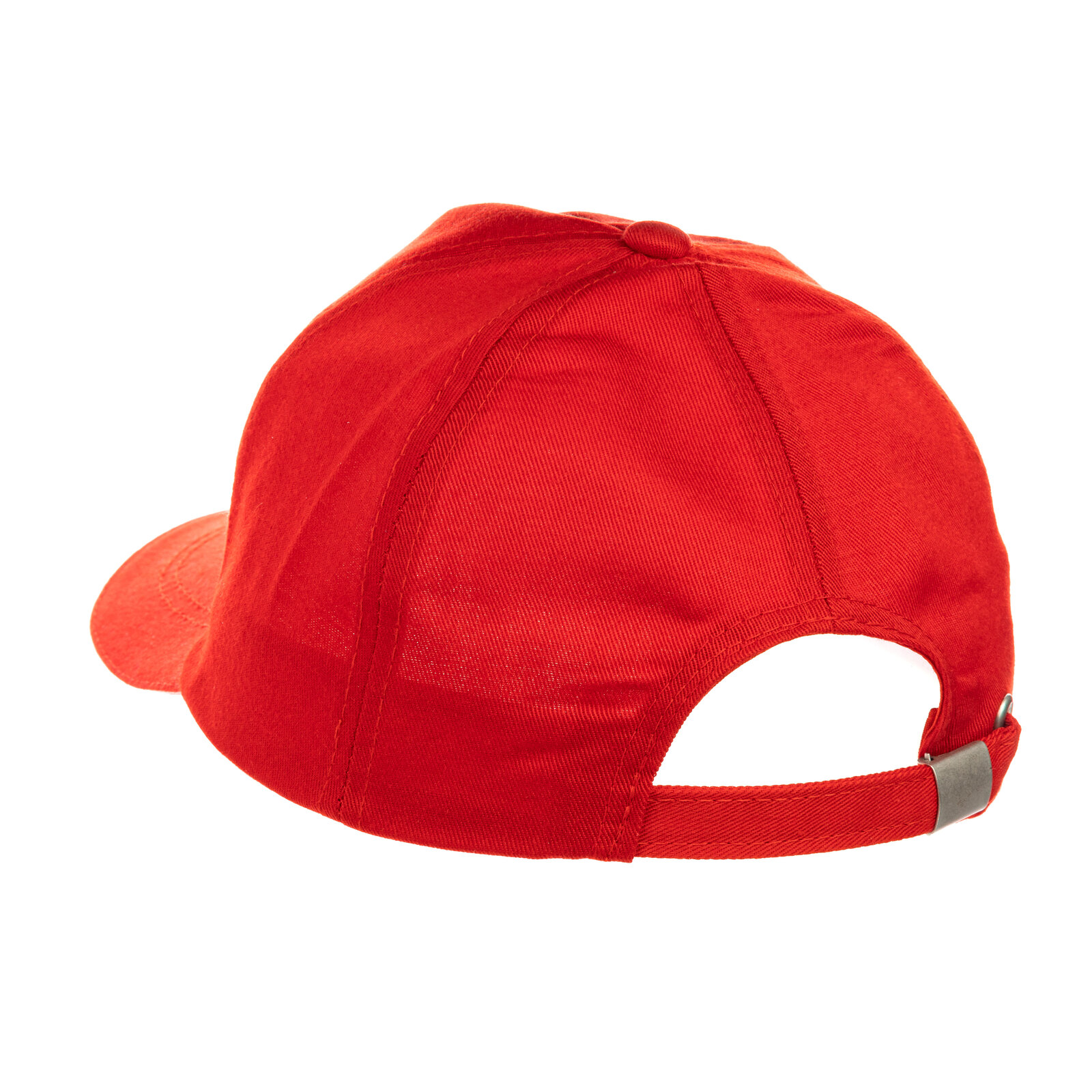
Five-blade cap for sublimation polyester red (7201) - фото 3 - Blanks for sublimation
  • Five-blade cap for sublimation polyester red (7201) - фото 1 - Blanks for sublimation
  • Five-blade cap for sublimation polyester red (7201) - фото 2 - Blanks for sublimation
  • Five-blade cap for sublimation polyester red (7201) - фото 3 - Blanks for sublimation
  • Five-blade cap for sublimation polyester red (7201) - фото 1 - Blanks for sublimation
  • Five-blade cap for sublimation polyester red (7201) - фото 2 - Blanks for sublimation
  • Five-blade cap for sublimation polyester red (7201) - фото 3 - Blanks for sublimation

Five-blade cap for sublimation polyester red (7201)

(0)
Color: Red
In stock
Price:
105.00 грн
Product in cart
  • The date of shipment of the goods: 2026-11-23
  • Ask a question for this product

Payment Cash, Visa/MasterCard, Payment in installments, Instant installments, Cashless settlement.
Delivery By new mail to the branch, post machine or courier at carrier rates.

  • Return guarantee

    We guarantee a refund if you are not satisfied with the product

  • Доставка

    Delivery across Ukraine to any settlement

Description Five-blade cap for sublimation polyester red (7201)

Polyester five-panel cap for dark sublimation logos


A five-panel cap in coloured polyester. Sublimation ink is transparent and sits on top of the fabric colour, so on a coloured cap only a design darker than the cap shows: black and dark one-colour logos work best. Full-colour photos are printed on a white cap.

Coloured polyesterfor a dark one-colour logo
56 cmhead size
Metal buckleadjusts the fit at the back
190 °Cstarting setting, 50 s

Is this cap right for you

 
You sublimate a dark one-colour logo or lettering
You have a cap heat press or a cap platen: check that the front lies evenly on the form and the heater covers the whole design
Sublimation gives no white, and light colours in the design mix with the cap colour
You need a full-colour photo — take the white five-panel cap

Sizes and print settings

 
up to 10 × 5.5 cmtrial guide; check the design against the cap and platen
up to 6 cmtrial guide for a round emblem after checking the fit
1–1.5 cmfrom the visor seam to the design
Temperature
190–200 °Cstart at 190 °C
Time
45–60 sstart at 50 s, counted from closing the press
Pressure
mediumthe handle goes down with moderate resistance

These are starting settings: the exact ones depend on your press, paper, inks and room conditions — temperature and humidity.

Why this cap


Seamless front

A centred logo does not cross a seam

Design inside the fibres

Under the press the ink passes into the polyester, so there is no film on the front to crack or peel

How to put a logo on the cap


Prepare the design
For the initial paper fit, use a logo up to 10 × 5.5 cm or a round emblem up to 6 cm; place the bottom of the design 1–1.5 cm above the visor seam. Print it mirrored with sublimation inks on sublimation paper.
 
Cut out the transfer
Leave 1–1.5 cm of paper around the design; if the paper bulges on the curve of the front, snip the top corners.
 
Heat the press
Fit the cap platen and set the starting 190 °C and 50 s. Wait until the press reaches the set temperature.
 
Put the cap on the form
Fold the sweatband out towards the visor, pull the cap over the lower form with the visor towards you and fasten it at the back: the front must sit tight, without folds.
 
Pre-press the front
Start with a 5 s pre-press without paper; allow about 10–15 s to cool before fixing the transfer.
 
Fix the transfer
Place it design side down in the centre of the front and tack it with heat tape on the margins only. Place a clean sheet of protective paper on top.
 
Key step
Press
Start at 190 °C, 50 s, medium pressure; do not touch the cap while the timer runs.
 
Peel the paper
Right after the signal, in one motion, without letting the paper fall back.
 
Cool the cap
Let the cap cool completely with the front facing up before packing; keep weight off the front panel.
Tip: Test the first cap of each batch and assess the print after cooling. If the print is pale, check the paper, inks, moisture, even contact with the front panel and the effect of the fabric colour on the design. After correcting the cause, adjust the starting settings on a fresh test cap within the stated ranges, changing one setting at a time; record the result.

Sublimation caps: what to choose

 
VariantSublimation printingHead sizeStrap
Polyester five-panel cap, redYou are heredark logos on the coloured front56 cmmetal
Polyester five-panel cap, bluedark logos on the coloured front56 cmmetal
Trucker, red visorfull colour on the white front56 cmplastic

Where it works best

 
Team or event merch
Logo caps for a tournament, festival or corporate event, even in small runs
Personalised gift
A cap with a name or date printed in one dark colour
Uniform and promo for a business
Caps with a café, shop or studio logo for staff and customers

What can go wrong

 
Pale print

Cause: possible moisture, uneven contact, unsuitable materials, insufficient heating or the effect of the fabric colour

Fix: check that the front is dry, the paper and inks are suitable, and press contact is even; remember that the fabric colour mixes with the ink; after correcting the cause, adjust the settings on a fresh test cap, changing one setting at a time
A stripe below the design

Cause: the sweatband stayed under the front

Fix: fold the sweatband out towards the visor before pressing
A shadow next to the design

Cause: the paper shifted or fell back after pressing

Fix: fix the transfer with heat tape and peel the paper at once in one motion
A blurred design or a dent in the front

Cause: pressure too light or too heavy

Fix: adjust the pressure: the handle should go down with moderate resistance
The cap colour changed under the heater

Cause: possible effects of heat on the fabric

Fix: assess the colour after complete cooling; if the change remains, adjust the settings on a fresh test cap, changing one setting at a time

Questions and answers


Will a white or light design print?

Not with sublimation: the ink is transparent and darkens on coloured fabric. Light and colourful designs go onto this cap with a DTF transfer or flex, and full-colour sublimation needs a white cap.

What design size should I choose?

As a trial guide, use up to 10 × 5.5 cm or a round emblem up to 6 cm. Check the final size on the cap fitted to the press: the whole design must sit within the area of even contact.

Will a flat heat press do?

Use a curved cap platen compatible with your press. Check the cap on the form: the heater must cover the whole design and the front must lie against the form without folds.

What size is the cap?

A 56 cm head size, an adult size; for children there is the same cap in 51 cm.

What you need


A press and materials for printing on the cap.

Характеристики Five-blade cap for sublimation polyester red (7201)

Customer reviews  (0)Leave a review
Customer reviews  (0)

You have already rated this product