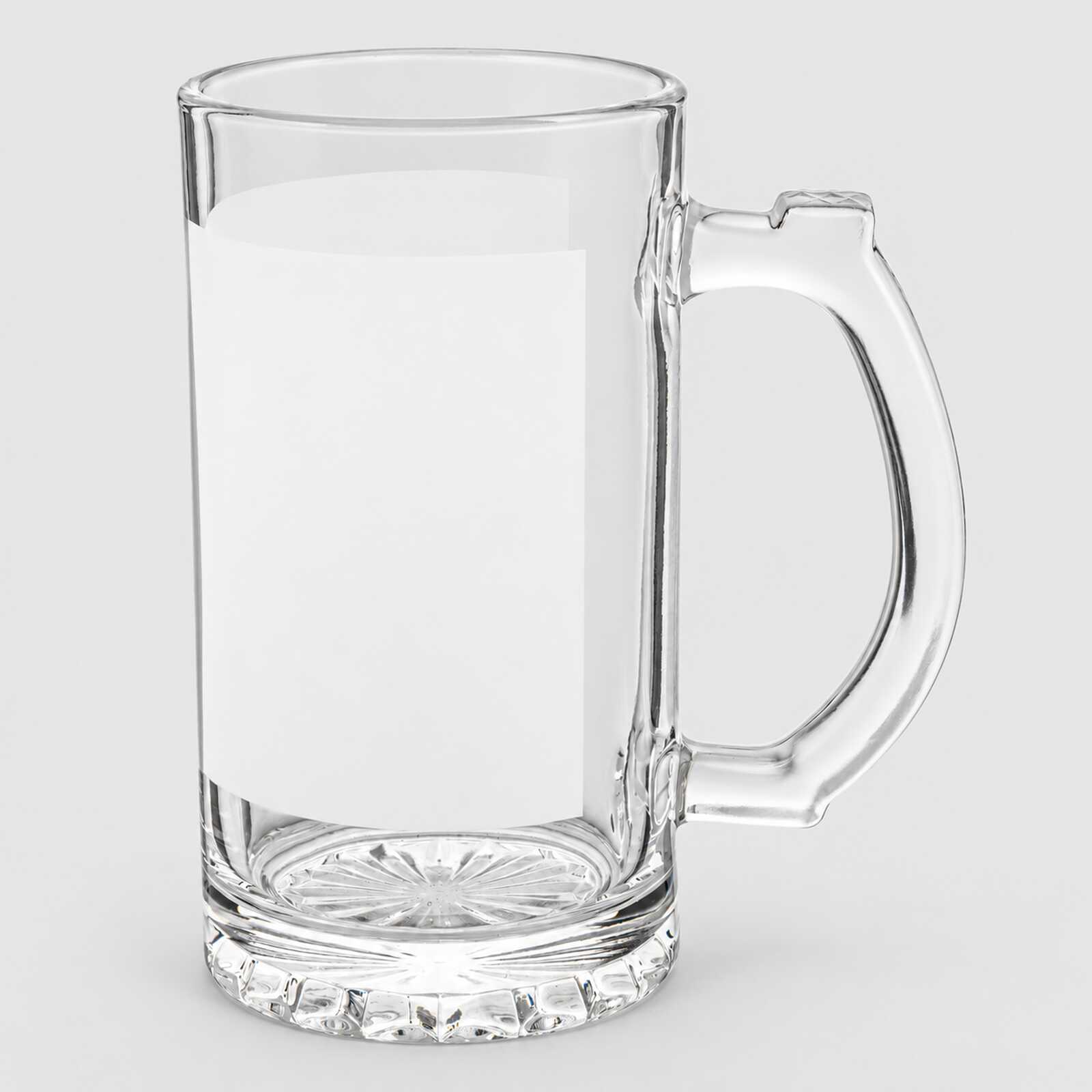
Beer glass for sublimation clear with printable area (500 ml) (6821) - фото 1 - Blanks for sublimation
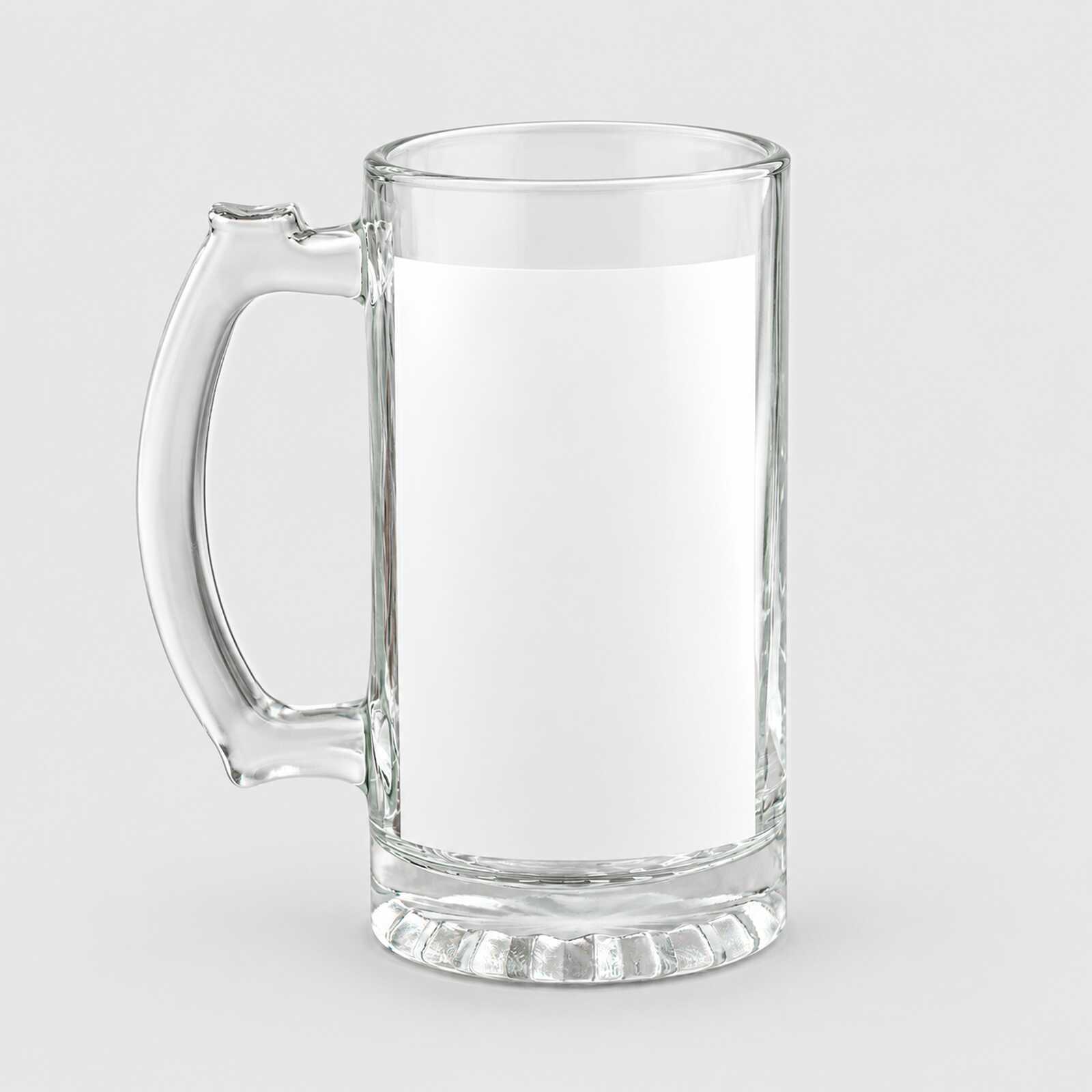
Beer glass for sublimation clear with printable area (500 ml) (6821) - фото 2 - Blanks for sublimation
  • Beer glass for sublimation clear with printable area (500 ml) (6821) - фото 1 - Blanks for sublimation
  • Beer glass for sublimation clear with printable area (500 ml) (6821) - фото 2 - Blanks for sublimation
  • Beer glass for sublimation clear with printable area (500 ml) (6821) - фото 1 - Blanks for sublimation
  • Beer glass for sublimation clear with printable area (500 ml) (6821) - фото 2 - Blanks for sublimation

Beer glass for sublimation clear with printable area (500 ml) (6821)

(0)
Patch:
In stock
Price:
165.00 грн
Product in cart
  • The date of shipment of the goods: 2026-11-23
  • Buy a box24 штук - 3960 грн
  • Ask a question for this product

Payment Cash, Visa/MasterCard, Payment in installments, Instant installments, Cashless settlement.
Delivery By new mail to the branch, post machine or courier at carrier rates.

  • Return guarantee

    We guarantee a refund if you are not satisfied with the product

  • Доставка

    Delivery across Ukraine to any settlement

Description Beer glass for sublimation clear with printable area (500 ml) (6821)

A glass beer mug, 500 ml, with a white area for bright print


A 500 ml clear glass beer mug with a handle and a white print area on the wall. The print goes on the white area: colours come out as on a white background, while the glass around it stays clear. It is printed in a mug press: Ø 8 cm is within the range of a standard 11 oz heater (7.5–9 cm); before the first print, check that the heater makes close contact with the white area and covers its height. Use light or medium pressure — too much can crack the glass. For a trial in a constant-temperature mug press, use 180–190 °C for 4–5 minutes with light or medium pressure; start with 185 °C and 4 minutes on a test piece.

White areabright print on glass
500 mlvolume
185 °Cstart, 4 min in the press
Mug pressstandard 11 oz heater

Is this beer mug right for you

 
Your heater matches the body diameter, makes close contact with the smooth print area and covers the full design height, with clearance for the handle
You print with sublimation ink on sublimation paper
You need a personalised or branded beer mug
Compare these alternatives: clear glass tumbler, 560 ml and frosted, 330 ml
You need print all the way round — the bright print comes out on the white area, and the glass around it is clear

Size and print settings

 
Ø 8 cmdiameter
Clear glassaround the area
Handleglass
Temperature
180–190 °Cstarting point in a constant-temperature mug press
Time
4–5 minstart with 4 min from closing the preheated press
Pressure
light–mediumtoo much pressure can crack the glass

These are starting settings: the exact ones are tuned to your press, paper, ink and room conditions — temperature and humidity.

Why this beer mug


A gift for beer lovers

A name, a pub logo or lettering on a mug with a handle

From file to finished beer mug


Prepare the layout
Measure the white area and fit the design inside it.
 
Print mirrored
With sublimation ink on the white side of sublimation paper.
 
Let it dry
The paper dries quickly; a damp print blurs the outline.
 
Fix the paper
Wrap the glass tightly with no gaps and secure the edges with heat-resistant tape.
 
Key step
Press
Starting settings — 185 °C, 4 minutes, light or medium pressure.
 
Remove the paper
Right after the signal, wearing heat-resistant gloves, without sliding the sheet over the hot glass.
 
Let it cool in the air
Do not dip hot glass in water: it can crack.
Tip: Make the first piece of a batch a test: if the design is pale, add 30 seconds; if the outline blurs, cut the time by 30 seconds. Change one setting at a time.

Glass mug: which to choose

 
VariantGlassVolumeFeature
With a print area, 500 mlYou are hereClear with a white area500 mlWhite print area
Clear glass tumbler, 560 mlClear560 mlNo handle, printed in an oven
Frosted, 330 mlFrosted330 mlGlass handle
Clear, 330 mlClear330 mlGlass handle

Where it works best

 
Pubs and breweries
Mugs with a logo for the bar or for sale
A gift for him
A name or a funny line on the mug
Festivals and corporate events
Personalised mugs for participants

What can go wrong

 
The glass cracked

Cause: sudden cooling or too much pressure

Fix: do not dip hot glass in water, let it cool in the air; use light or medium pressure
The design is pale

Cause: underheating: too little time for your press

Fix: on a fresh test piece, add 30 seconds without changing the temperature
The outline blurred

Cause: overheating: too many seconds for your press

Fix: on a fresh test piece, cut the time by 30 seconds

Questions and answers


Where do I print on this item?

On the white area: colours come out there as on a white background. The glass around it stays clear.

What temperature does sublimation on glass need?

For a trial in a constant-temperature mug press, use 180–190 °C for 4–5 minutes with light or medium pressure. Start with 185 °C and 4 minutes on a test piece: if it is pale, add 30 seconds; if the outline blurs, cut the time.

Can glass be cooled in water?

No: glass blank makers warn that the glass can crack. Let the item cool in the air.

Which press will do?

A mug heat press whose heater wraps Ø 8 cm tightly and covers the full design height, for example with a standard 11 oz heater in the AP1803 press. Use light or medium pressure.

How should it be washed?

By hand, with a soft sponge, not in a dishwasher. Pass this tip on to your customer with the item.

What you need for printing


Everything it takes to print on glass: a press, paper, ink and heat-resistant tape.

Характеристики Beer glass for sublimation clear with printable area (500 ml) (6821)

Customer reviews  (0)Leave a review
Customer reviews  (0)

You have already rated this product