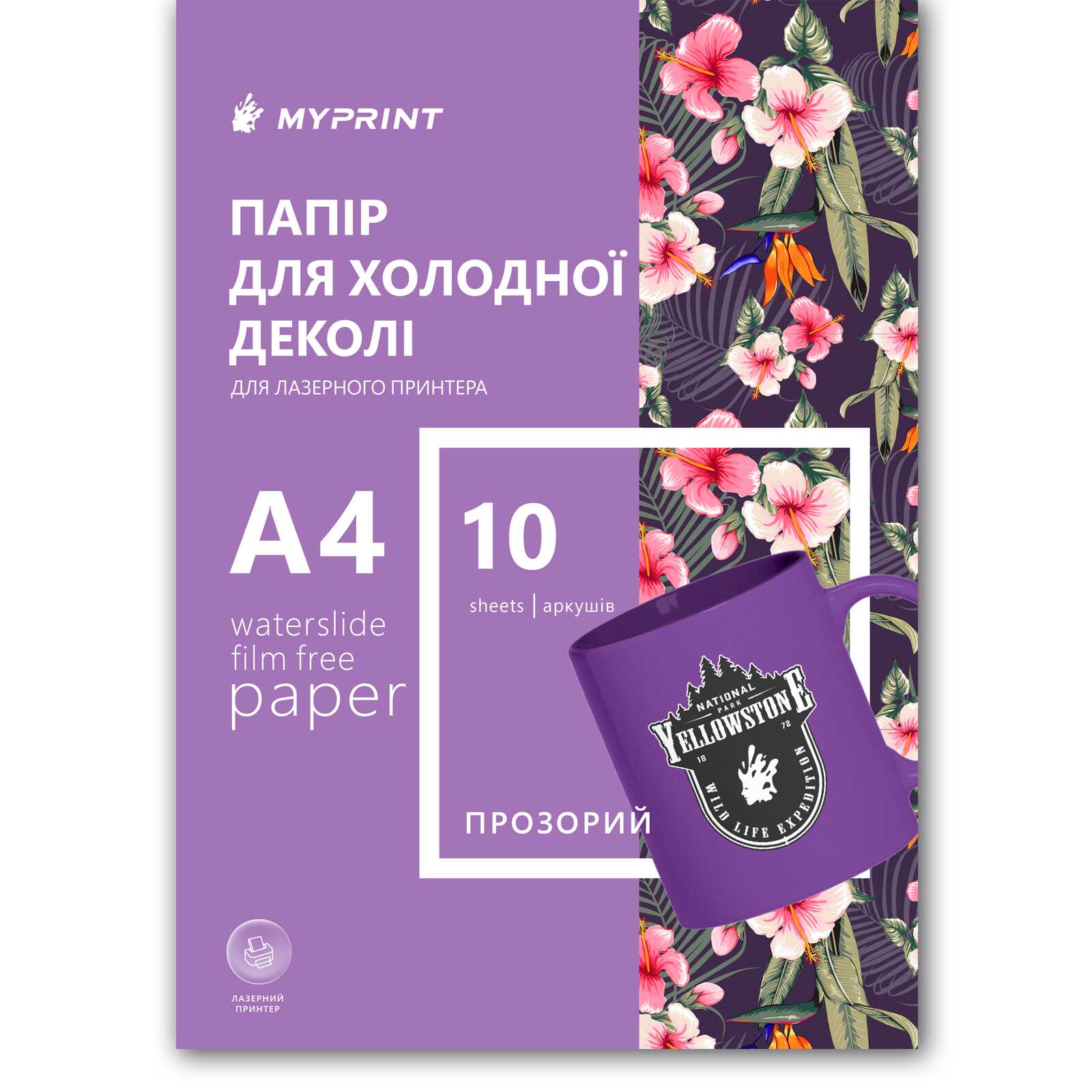
My Print Waterslide Film Free Decal Paper for Laser Printer Transparent A4, 10 sheets (11832) - фото 1 - Consumables for printing
  • My Print Waterslide Film Free Decal Paper for Laser Printer Transparent A4, 10 sheets (11832) - фото 1 - Consumables for printing
  • My Print Waterslide Film Free Decal Paper for Laser Printer Transparent A4, 10 sheets (11832) - фото 1 - Consumables for printing

My Print Waterslide Film Free Decal Paper for Laser Printer Transparent A4, 10 sheets (11832)

(0)
Quantity per package:
In stock
Price:
500.00 грн
  • The date of shipment of the goods: today (10.07.2026)
  • Ask a question for this product

Payment Cash, Visa/MasterCard, Payment in installments, Instant installments, Cashless settlement.
Delivery By new mail to the branch, post machine or courier at carrier rates.

  • Return guarantee

    We guarantee a refund if you are not satisfied with the product

  • Доставка

    Delivery across Ukraine to any settlement

Description My Print Waterslide Film Free Decal Paper for Laser Printer Transparent A4, 10 sheets (11832)

Film Free decal with no film left behind: a pack for runs


The 10-sheet A4 pack of Film Free is the same “no-film” waterslide decal for laser printers, in a volume meant for runs. The film only carries the design: it comes off after the first bake, and every mug, plate or glass keeps just the toner — no glossy outline around the image. The workflow stays the most demanding in the category — a mirrored design and two mandatory bakes at 100 and 190 °C for every piece — so ten sheets make sense once the cycle is dialed in. If Film Free is new to you, the honest advice is to start with the 2-sheet pack.

Laserprint type (toner)
No filmonly toner stays on the piece
Mirroredprinted face-to-object
100 and 190 °Ctwo mandatory bakes in the oven
10 sheets A4a pack for a run of pieces
A run where no piece looks stickered

The film comes off every piece — the whole run looks factory-printed, with no glossy outline on a single mug.

The honest math: two oven bakes per piece — plan the batch time in advance.

Is this pack right for you

 
You own a laser printer — Film Free works on toner
You have already mastered Film Free on the small pack — or are ready to train the mirrored design and both bakes on the first pieces of this one
A run is ahead: mugs, plates, glass — light smooth surfaces that do not mind the oven
Every piece goes through the full cycle: water, two bakes, cooling in between — the oven, not the printer, becomes the bottleneck of a run
Never tried Film Free — start with the 2-sheet pack: the technique is the most demanding in the category, and learning is cheaper on a small volume
The surfaces are dark or strongly colored — there is no white toner; for a run on dark pieces there is the white laser paper, 10 sheets, for a trial — the 2-sheet pack
You do not want mandatory baking for every piece — take the classic laser transparent, 10 sheets: the film stays on the piece there, but the oven is optional
The design goes on fabric or skin — that is heat transfer paper or tattoo paper, not an object decal

Specifications

 
A4sheet format
Laserprint type
Film Freetype: the film comes off
Transparentcolor; white does not print
10 sheetsper pack
Yesmirroring is mandatory
ParameterValue
FormatA4 (210 × 297 mm)
Print typeLaser (toner)
TypeFilm Free — “no-film”: the carrier film is removed after the first bake
ColorTransparent; only toner stays on the piece, white in the design shows the object's color
Sheets per pack10 sheets; a 2-sheet pack covers a trial
MirroringMandatory — the design lands face-to-object
TransferWarm water, 30–60 s
FixingOven, two bakes: 100 °C for 10–15 min, peel the film, then 190 °C for 15 min
SurfacesLight hard surfaces that survive the oven: ceramic, glass, metal; plastic, candles and fabric — no
CareAfter the full cycle — hand wash with a soft sponge; no dishwasher or microwave
Time
30–60 ssoaking in warm water — until the film moves freely on the backing
First bake, 10–15 min
100 °Cthe toner grips, the film is ready to release the design
Second bake, 15 min
190 °Cthe final fixing of the toner

Layers of which only one stays on the piece

 
1Toner — your designthe only thing that stays on the piece for good; that is why printing is mirrored, face-to-surface
2Carrier filmdelivers the toner to the object, releases it after the first bake and comes off
3Water-soluble adhesive layerdissolves in warm water and frees the film with the design from the backing
4Paper backingkeeps the sheet flat in the printer and gives up the film in water

Why this pack


A printed-on look

There is no film edge to catch the light and give the sticker away — the design's border simply disappears

No varnish, no laminator

Toner is waterproof, no sealing needed: the only equipment is a laser printer and a household oven

Durability comes from the oven

The second bake at 190 °C fixes the toner — after the full cycle the piece lives happily with hand washing

A pack for a run

Ten sheets — a batch of mugs or plates without pausing to reorder material

Several decals per sheet

Tight layout on the A4 — one sheet covers several pieces, the pack covers a whole run

Repeatable results

The same file, the same oven, the same 100 and 190 °C — the pieces of the run do not differ from one another

From a mirrored design to a finished piece


Key step
Prepare the design mirrored
The design will press face-to-object, so flip texts and logos. White will not print — those areas show the surface color.
 
Print
With a laser printer on the glossy (working) side of the sheet.
 
Cut out the decal
With scissors or a plotter, leaving a small margin around the contour.
 
Soak
Warm water, 30–60 seconds — until the film starts moving freely on the backing.
 
Apply and smooth
Press the design against the clean, degreased surface, remove the backing and push out water and bubbles with a sponge, working from the center.
 
First bake
Oven at 100 °C, 10–15 minutes — the toner grips the surface, the film is ready to let it go.
 
Cool down and peel the film
Let the piece cool until just warm (25–40 °C) and peel the carrier film off smoothly — only the design stays on the piece.
 
Second bake
Oven at 190 °C, 15 minutes — the toner is fixed for good. Once cool, the piece is ready.
Tip: Both bakes are mandatory for every piece of the run: without the first the film will not release the toner, without the second the design will not survive washing. This is the Film Free workflow specifically — steps of the Regular or Varnish Free decals do not belong here.

Next to it in the range

 
VariantTypeWhat stays on the pieceOvenPackWho it is for
Film Free, laser transparent — 10 sheetsYou are hereFilm FreeToner only, no filmMandatory: bakes at 100 and 190 °C10 sheetsRuns with a printed-on look
Film Free — 2 sheetsFilm FreeToner only, no filmMandatory: bakes at 100 and 190 °C2 sheetsThe first trial of the no-film technique
Laser transparent, Regular — 10 sheetsRegularToner together with the carrier filmOptional: 150 °C or ~3 days air-drying10 sheetsRuns with no mandatory baking
Laser white, Regular — 10 sheetsRegularThe design on a white base, with filmOptional: 150 °C or ~3 days air-drying10 sheetsRuns on dark and colored surfaces
Varnish Free white (A+B) — 10 sheetsVarnish FreeThe design on a white baseNeeds a laminator and an oven10 sheetsInkjet printers and dark surfaces

Where it shines

 
A batch of mugs to order
A run with a logo where every mug looks factory-printed
Merch and souvenirs on ceramic and glass
Identical pieces for a shop or an event — with no film outline on any of them
Branded tableware for a venue
Light cups and plates with a logo in the decorative zone — durability comes from the full cycle with baking
A workshop in production mode
Ten sheets — a stock so the run does not stop for reordering

What can go wrong

 
The text on the piece reads backwards

Cause: the design was printed straight, not mirrored

Fix: Film Free prints mirrored only: the design lands face-to-surface — check the file before printing
The film does not come off or pulls the design

Cause: the first bake was skipped or too weak, or you peeled while hot

Fix: 100 °C for 10–15 minutes, then let it cool until just warm — the film comes off easily
The design rubbed off after washing

Cause: the second bake was skipped

Fix: 190 °C for 15 minutes is the mandatory finale: it is what fixes the toner to the surface
The design is barely visible on the object

Cause: the surface is dark or busy, and there is no white toner

Fix: Film Free is for light surfaces; for dark runs there is the white laser paper, 10 sheets
The piece did not survive the oven

Cause: the material cannot take 190 °C: plastic, a candle, low-melt decor

Fix: give such runs the regular laser decal — it needs no mandatory baking
The film does not slide off the backing in water

Cause: the water is too cool or the soak too short

Fix: warm water and 30–60 seconds: the film should move freely, do not pull it by force

Questions and answers


I have never done Film Free — should I take ten sheets right away?

Honestly: better start with the 2-sheet pack. The technique is the most demanding in the category — a mirrored design, two bakes, cooling in between — and learning is cheaper on a small volume. Ten sheets pay off once the cycle is stable.

How many pieces does the pack cover?

One A4 sheet fits several designs depending on size, so ten sheets mean dozens of decals: a proper run of mugs, plates or glasses.

Do I need both bakes for every piece?

Yes, the full cycle every time: 100 °C to remove the film and 190 °C to fix the toner. When planning a run, count the oven time, not just the printing.

Why mirror the design?

The decal is applied design-side to the object, so the toner ends up between the surface and the film. Once the film is peeled, the image reads correctly — but in the file it must be mirrored.

What should I tell the customer about care?

Hand wash with a soft sponge; dishwasher, microwave and abrasives — no. Better place the design in the decorative zone, not where people drink from — then the run lives long.

Can I make a run on dark tableware?

No: there is no white toner, on dark surfaces the design sinks in. For dark runs there is the white laser paper, 10 sheets; to try the white base first — the 2-sheet pack.

How is Film Free different from the regular laser decal?

With the Regular one the film stays on the piece — its glossy edge shows in the light, but the oven is optional. With Film Free the film comes off: toner only on the piece, a printed-on look. The run-size counterpart of the Regular is the laser transparent, 10 sheets.

Another pack, another option or an addition


If the volume, the surface or the workflow does not match — the right option is nearby.

Характеристики My Print Waterslide Film Free Decal Paper for Laser Printer Transparent A4, 10 sheets (11832)

Customer reviews  (0)Leave a review
Customer reviews  (0)

You have already rated this product