

A design can show on a cold colour-changing sublimation mug for two different reasons. A saturated design may show faintly through the coating even when printed correctly — that is a property of the blank. If the background stays grey or patchy after cooling, however, the coating was overheated: MyPrint recommends 180 °C and 150 s for a colour-changing mug, rather than the 200 °C white-mug setting. A cold–hot–cold check will show which case you have.
What actually changes colour
The heat-sensitive coating is dark on a cold mug and becomes lighter as it warms. The sublimated design stays in place. The coating may not hide it completely — people who print personalised mugs say so directly. A silhouette and damaged coating are different problems, with different solutions.
Check without pressing again
After pressing, put the mug on a heat-resistant stand and let it cool to room temperature: a warm wall is still lighter than it will be.
- Inspect it in diffuse light: does only the design show through, or are there pale patches near the handle where there is no print?
- Fill it with hot water as you would for a drink. Wait until the design appears, then check whether it is easy to read.
- Pour out the water and let the mug cool again. Look at the same side under the same light: is the background as dark as it was before?
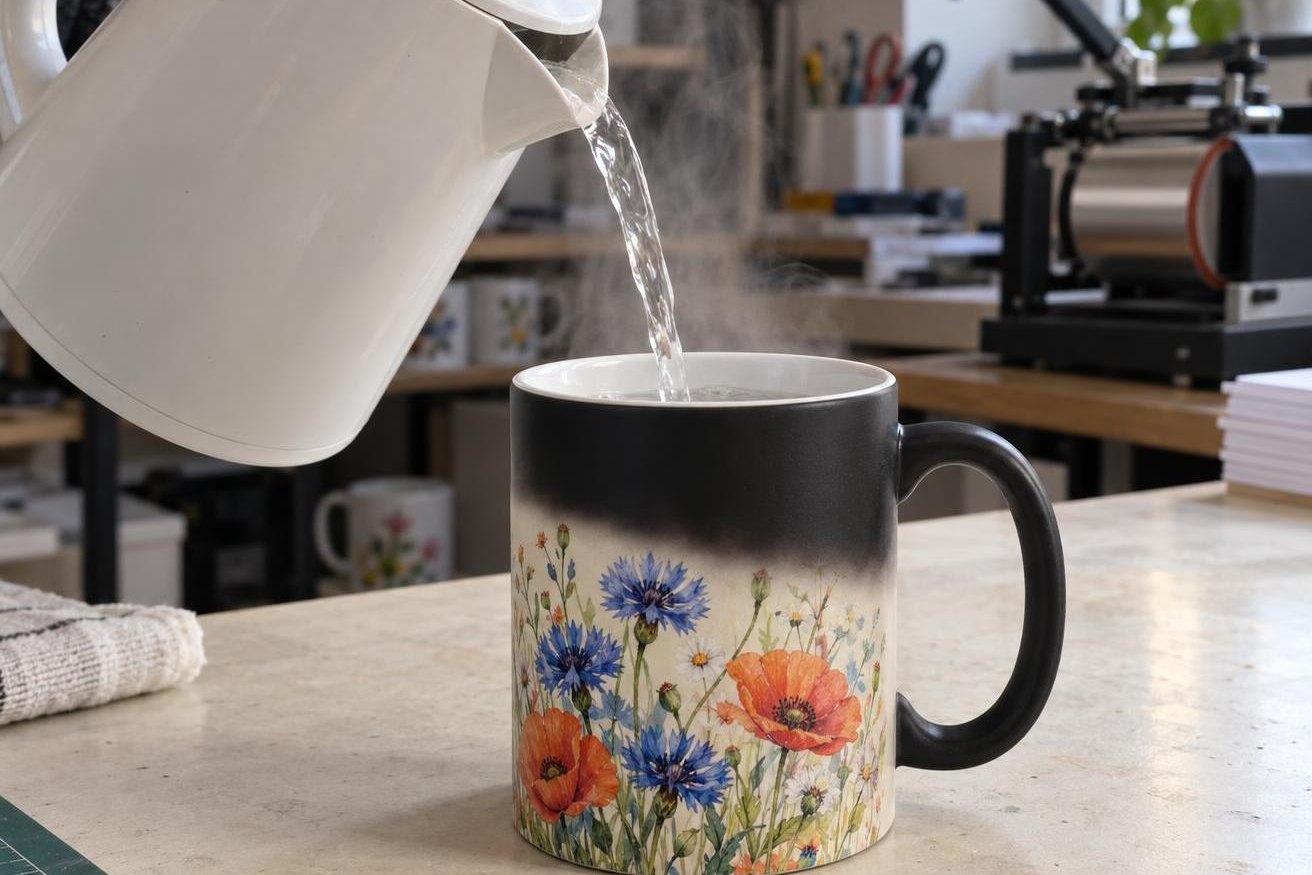
The hot-water check: the design appears as the water level rises. Judge it once the whole wall has turned light.
A silhouette or a pale patch?
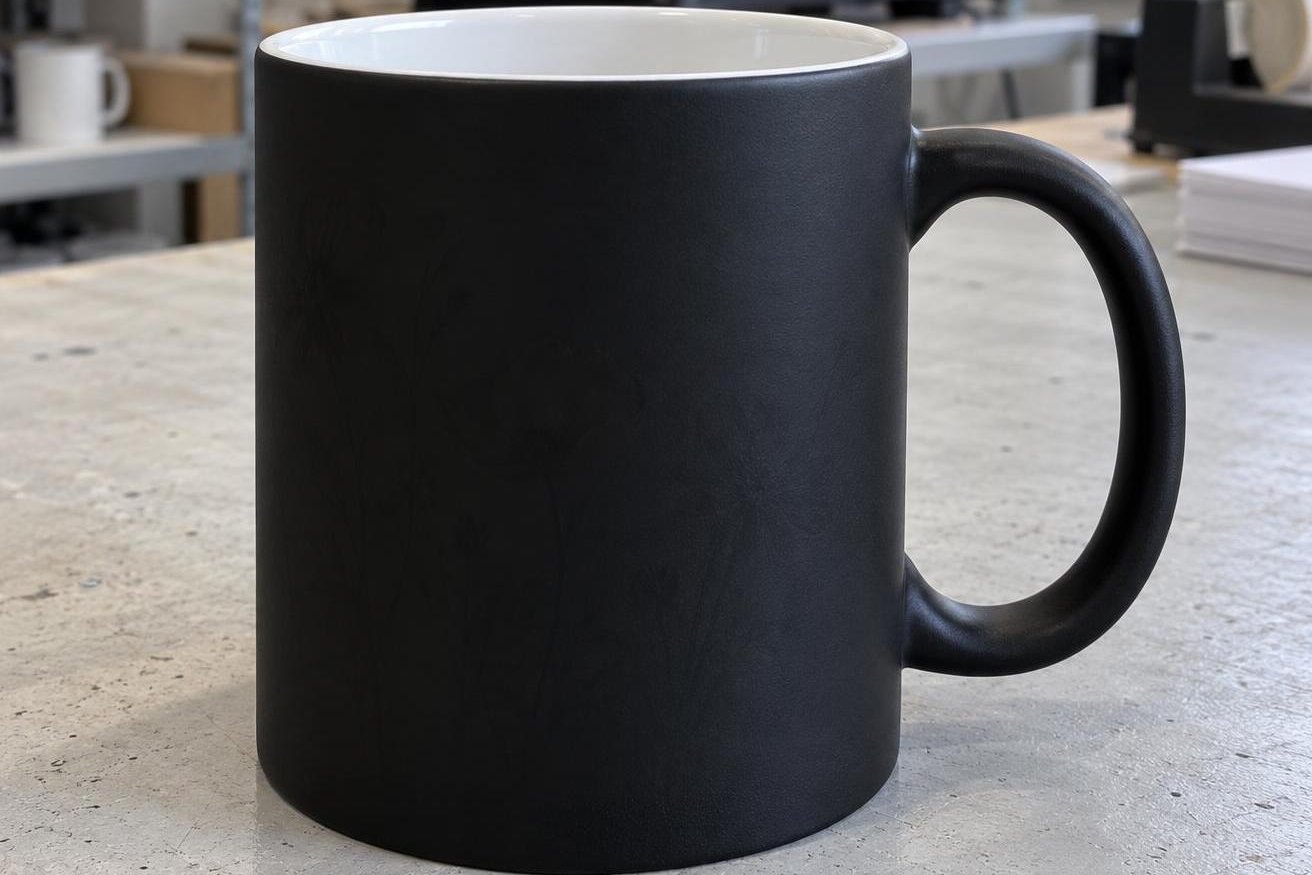
Right: once cool, the background is evenly black again and the design is hidden.
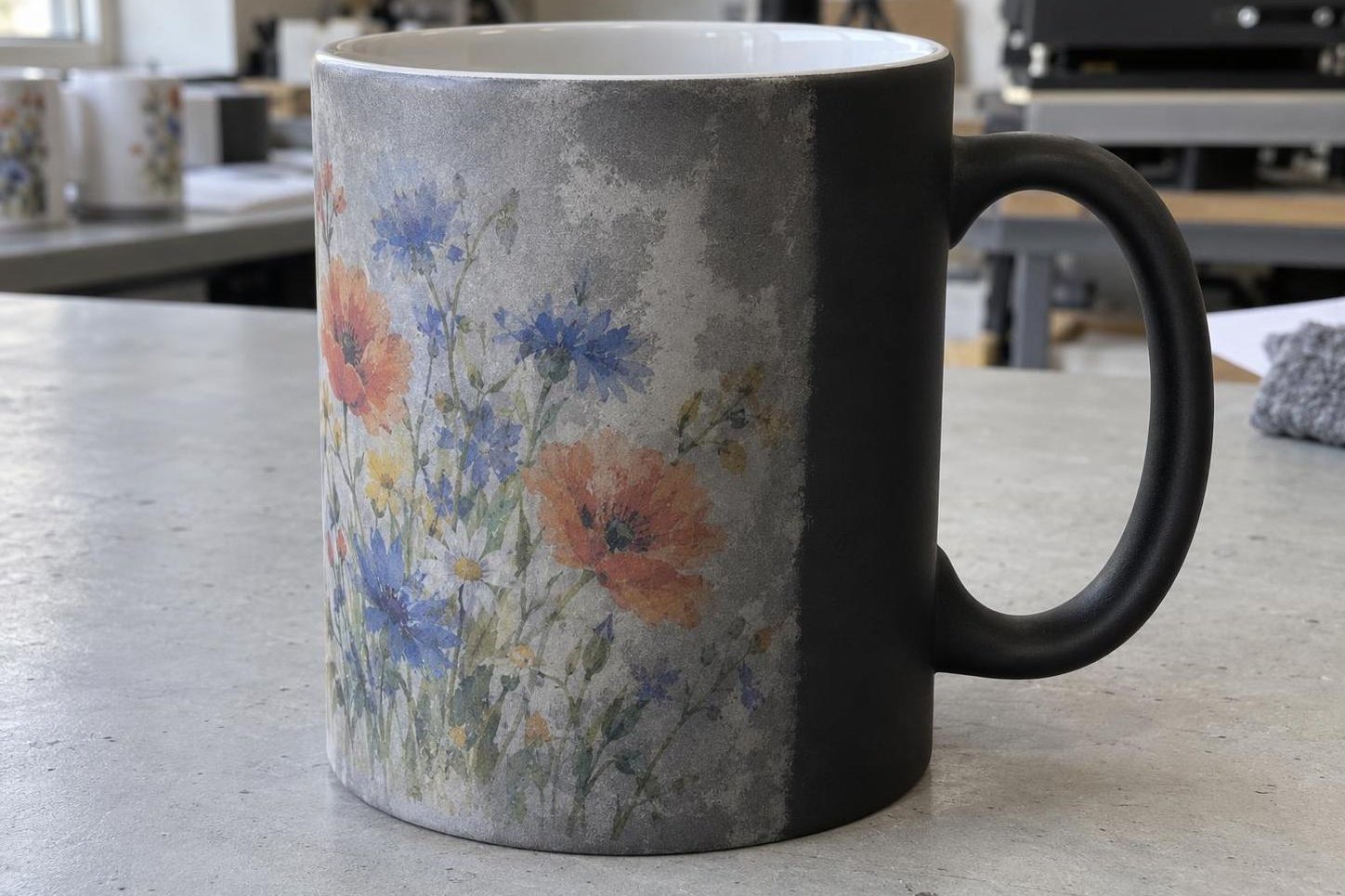
Wrong: where the heater was, the background stayed patchy grey, while near the handle it is black. The design shows through the damaged coating.
| What you see after cooling | What to do |
|---|---|
| The design shows through. The surrounding background is dark and even, and has recovered after the hot water. | Check whether the customer accepts this appearance. If the message needs to be hidden, try another blank. |
| The surface itself stays pale. A patch extends beyond the design, or you can see pale scratches or streaks. | Set this mug aside. Compare it with an unprinted blank from the same batch; do not press it again. |
| Pale streaks in the same place on every mug | A hot zone in the heater. Set the batch aside and check the heater; do not increase the settings. |
Give an unprinted mug from the same box the same hot-water and cooling check. If it stays patchy, the blank is at fault: use another one. If it turns evenly dark again but the printed mug does not, the coating was overheated. If the pale streaks sit in the same place on every mug, that is a hot zone in the heater: check it.
For a new sample in a mug press, use the colour-changing mug settings: MyPrint recommends 180 °C and 150 s with firm pressure. That is lower than for a white mug (200 °C and 180 s): white-mug settings overheat the heat-sensitive coating, and after cooling the background stays grey. For the same reason, do not add heat to try to ‘hide’ the print.
Temperature
180 °C
white mug: 200 °C
Time
150 s
white mug: 180 s
Pressure
firm
as for a white mug
Assess when
cold
only after cooling to room temperature
Black colour-changing mug, 330 ml, in a mug press. Settings come from the MyPrint articles “Mug printing via sublimation” and “Heat press physics”; use the first mug of the batch as a test.
Compare your settings with the recommended ones, and inspect the new mug before printing. On a new sample, change only what did not match. If pale areas recur at the correct settings, set the batch aside and send the supplier photos of the unprinted and printed mugs. For scratches, also check what touched the hot surface.
Before printing the batch
The catalogue includes black matte and glossy colour-changing mugs.
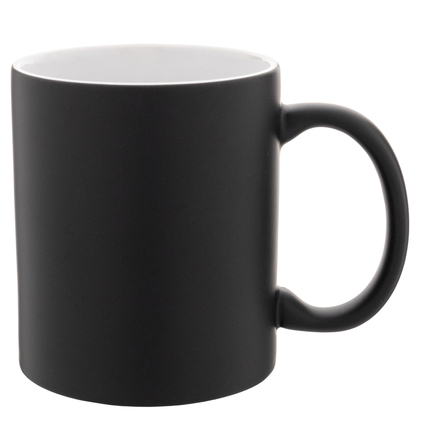
Matte black colour-changing mug, 330 ml
Matte · 8 cm diameter · white inside
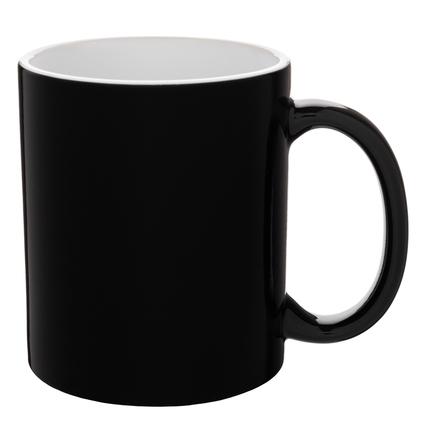
Glossy black colour-changing mug, 330 ml
Glossy · 8 cm diameter · white inside
Print a complete sample with the customer's artwork: an empty black mug will not show how lettering or a portrait will look through the coating. Keep the approved mug until the order is finished, and compare each subsequent mug with it once it has cooled. Make a new sample if you change the blank or the artwork.
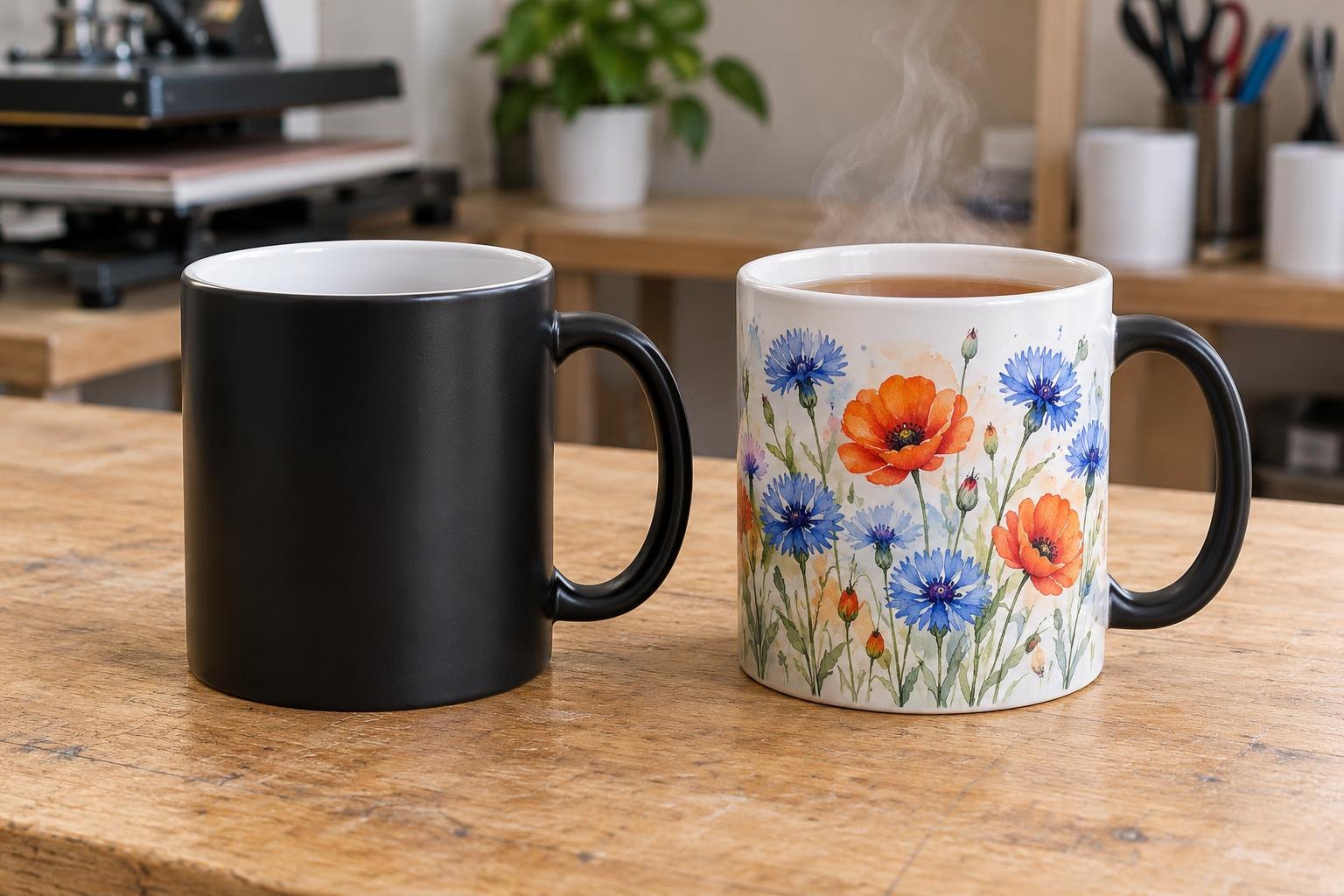
A sample for the customer: the same blank cold and with hot tea.
Does the message need to stay secret?
Give the cold mug to someone who does not know the message. If they can read it, try another colour-changing blank or change the concept. Neither a matte nor a glossy finish guarantees concealment on its own.
Show the customer the sample both cold and hot. A finished mug with a faint silhouette can be used if that appearance is accepted; replace a mug with damaged coating. Tell the customer to wash it only by hand with a soft sponge, never in a dishwasher, and not to heat it in a microwave.
Frequently asked questions
Why did the colour-changing mug turn grey after printing and fail to go black again?
The coating was overheated, most often by white-mug settings; use 180 °C and 150 s for a new sample. If pale streaks repeat in the same place on every mug, check the heater. Compare the cooled mug with an unprinted blank from the same box.
Can I put a colour-changing mug in the dishwasher or microwave?
No. Wash it by hand with a soft sponge, without a dishwasher, and do not heat it in a microwave — manufacturers of these blanks permit neither. Pass this rule on to the customer with the mug.
Can I press it again to hide the design?
No: extra heat will not make the coating more opaque, and overheating damages it. Replace a mug with damaged coating.
Does matte or glossy hide a message better?
There is no general rule. Print the ordered design on matte and glossy blanks and let them cool. Give both mugs to someone who does not know the message and check whether they can read it.