
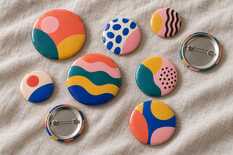
The insert is cut larger than the badge: a 35 mm circle for 25 mm, 48.5 for 37 mm, 54 for 44 mm, 66.5 for 56 mm and 70 mm for 58 mm. The front shows a circle the size of the badge. Keep text and logos back from the edge, by 1.5 mm on a 25 mm badge and by 2 mm on the others: that is where the badge already curves. The remaining 5–6 mm of paper on each side wraps over the edge and hides under the back.
The insert diameters come from MyPrint's die, cutter and blank cards; the text boundary comes from equipment makers' and print shops' templates.
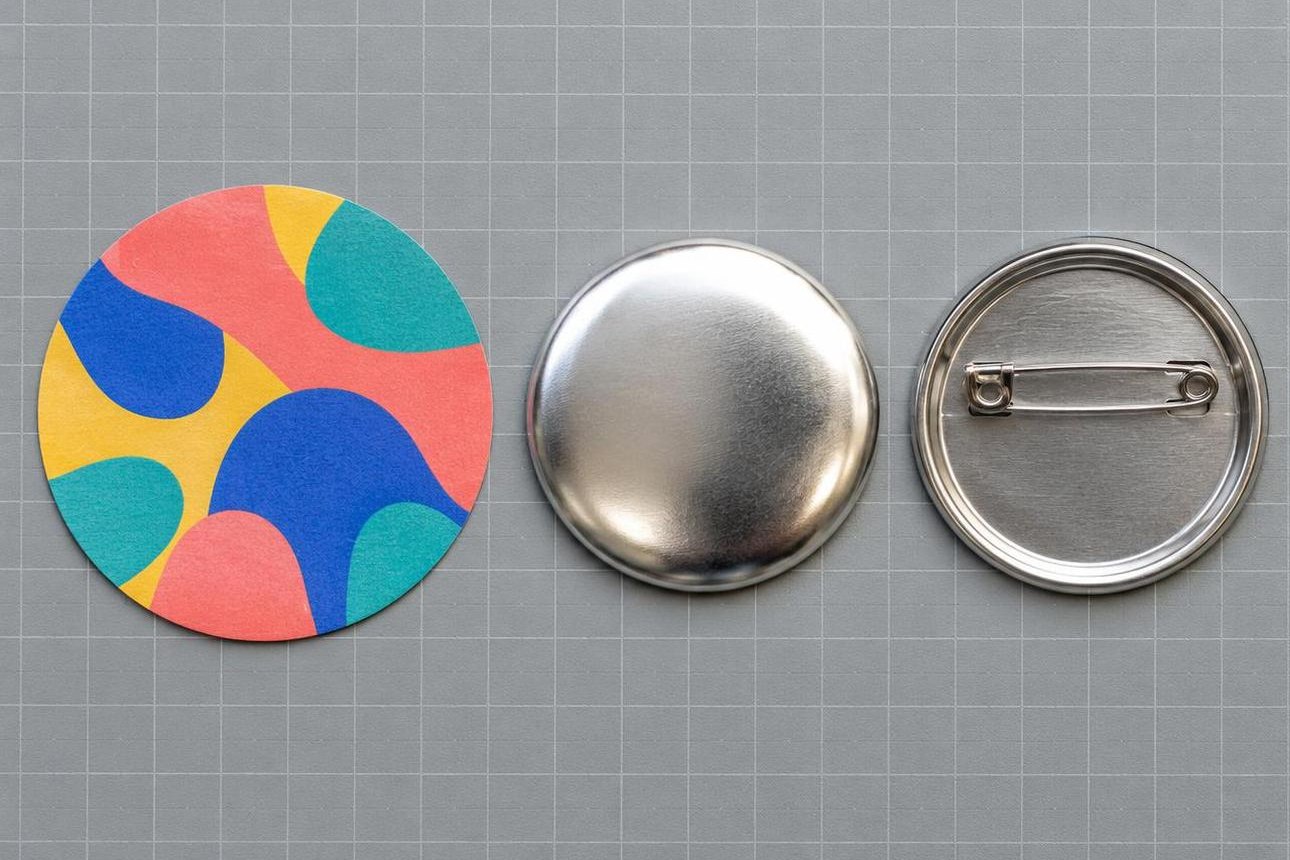
The paper circle is 10–12 mm wider than the metal front shell: the extra paper wraps over the edge and tucks under the back.
When assembling the badge, place the paper insert on the metal front shell, then put one clear film disc from the blank set over the paper.
Five sizes in one table
The size in a die's name is the diameter of the finished badge. MyPrint sells dies and cutters for each size separately, and blanks in two classes, Premium and Standart.
| Badge | Cut circle | Seen from the frontand text circle | Die and cutter | Blanks | Approximate fit, 16 pt |
|---|---|---|---|---|---|
| 25 mm | 35 mm35 per A4 | 25 mmtext — 22 mm | Premium, Standart, Light; cutter pc25, d = 25 mm or the hand cutter | Badge, pen; Standart adds a magnet and keychains | 2 lines of 6 characters, or a logo |
| 37 mm | 48,5 mm15 per A4 | 37 mmtext — 33 mm | Premium, Standart, Light; cutter d = 37 mm | Badge, magnet, keychains; Premium adds a butterfly-clutch badge, Standart a mirror keychain | 3 lines of 8 characters |
| 44 mm | 54 mm12 per A4 | 44 mmtext — 40 mm | Premium, Standart, Light; cutter pc44 | Badge, magnet, keychains, medal; Premium adds a mirror, Standart a rosette medal | 3 lines of 11 characters |
| 56 mm | 66,5 mm8 per A4 | 56 mmtext — 52 mm | Premium, Standart; cutter pc56 or d = 56 mm | Badge, mirror, bottle-opener keychain; Premium adds magnets | 4 lines of 14 characters |
| 58 mm | 70 mm6 per A4 | 58 mmtext — 54 mm | Premium, Standart, Light; cutters are awaited | The widest choice: badges, magnets, mirrors, openers, keychains, medals | 4 lines of 15 characters |
Inserts per A4: a straight grid with 10 mm margins and 2 mm gaps. “Approximate fit” is for a bold sans-serif font at 16 pt inside the text circle.
Each size in brief
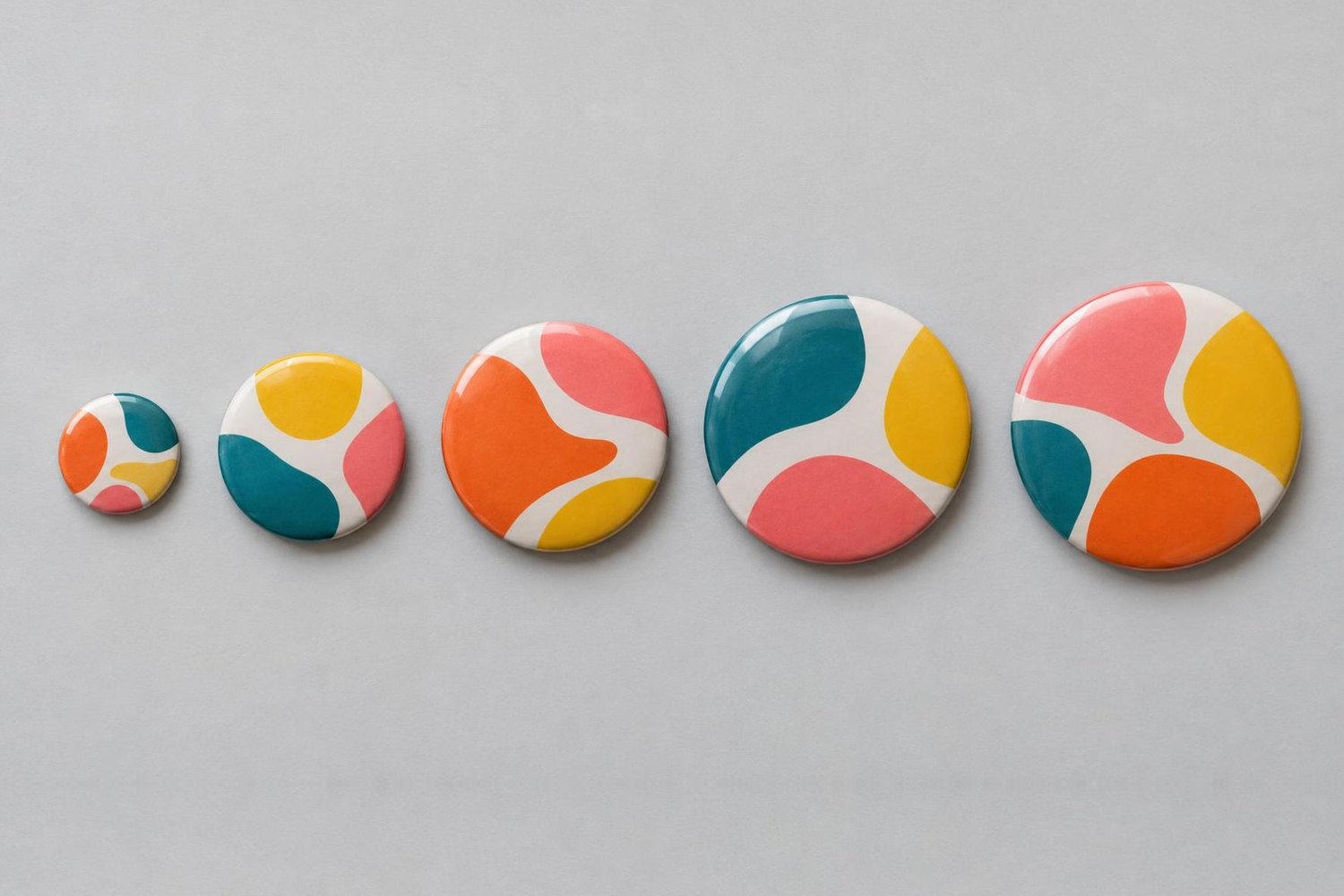
25, 37, 44, 56 and 58 mm side by side. The last two look almost the same, yet their inserts differ: 66.5 and 70 mm.
What shows of the insert and what hides
Mark the cut circle, badge edge and text boundary in the layout. Hide the two inner circles before printing. Below are the five sizes at the same scale.
35 mm circle
48,5 mm circle
54 mm circle
66,5 mm circle
70 mm circle
The wrap allowance is almost the same for every size, 5–6 mm, so on a small badge it takes a larger share of the insert.
Run the background to the cut line: if it stops at the badge circle, white paper shows on the curve and the side wall.
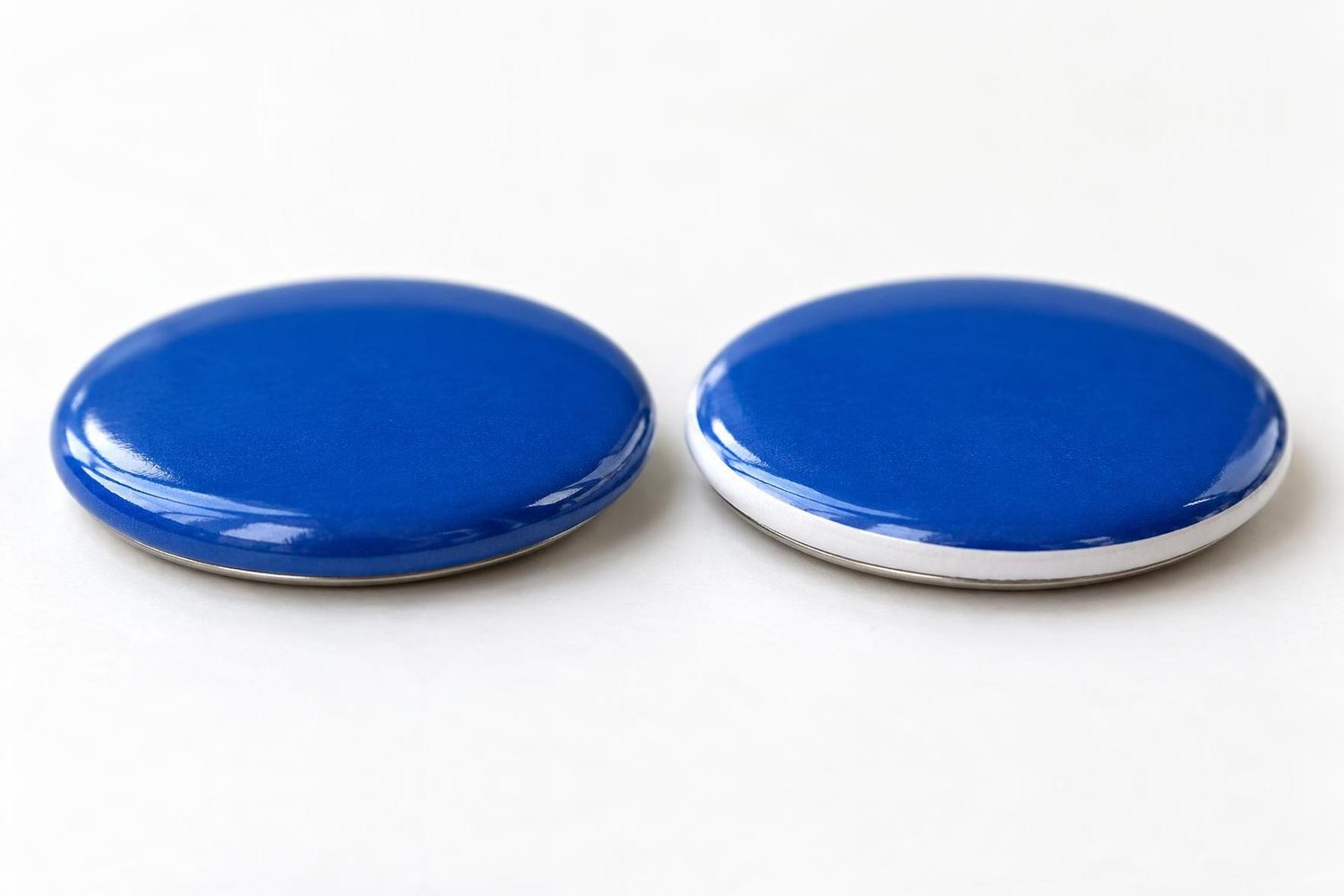
Left: the background runs to the cut line, so the edge is blue. Right: the background stops short, so a white ring shows on the curve.
Which type size people can read
Set a short line that people will read from a metre at 16 pt or more. From two metres you need twice that, 32 pt or more. Small print that people look at in their hand needs at least 8 pt.
If it does not fit, cut the text, not the type size. Check your actual wording inside the circle: its width depends on both the font and the letters.
Die, cutter and blanks: what goes with what
To make another size of the same line, change the die; the press stays the same. Take the die made for your press, as the kits pair them: for Talent N3 the Premium-class “d = … mm” dies, for New Look and Standart Pro the Standart-class My Print dies, for Light the My Print Light dies.
For Premium and Standart dies, the blank class must match the die class. In the category of badge blanks, turn on the size and class filters. With Light dies, MyPrint puts Standart mp-series blanks into the kits. If a new batch does not seat in the die, try the parts as this guide shows.
The cards of MyPrint kits list their contents: press, die, cutter and 100 badge blanks of one size.
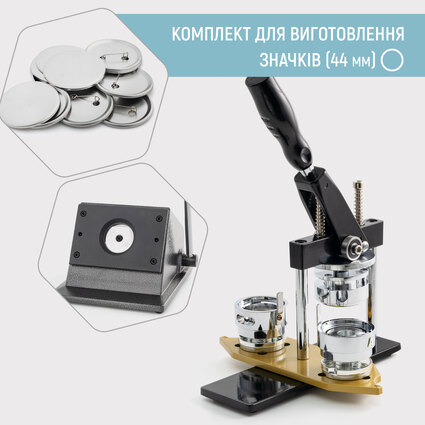
My Print Standart Pro 44 mm badge-making kit
Standart Pro press, My Print d = 44 mm die, pc44 cutter for a 54 mm circle and 100 mp44m blanks
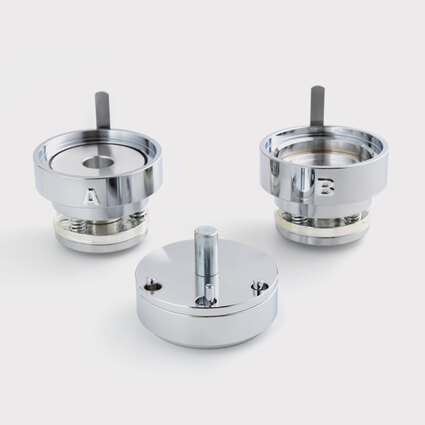
My Print d = 58 mm interchangeable die
Standart class · 70 mm insert · in MyPrint kits with the New Look and Standart Pro presses
Before printing a run
Check the layout
Frequently asked questions
Can one press make badges of different sizes?
Yes: change the die, then use a cutter for the new circle and compatible blanks of the matching badge size.
Can I cut the inserts with scissors?
For a test or a small batch, yes: print the cut line as a thin outline and cut along it. A circle cut too small or uneven may not reach under the back, so for a run use the cutter for your size.
Which paper should I use for inserts?
Ordinary printer paper works. MyPrint's blank cards state a weight of up to 120 g/m².
How do I print an insert exactly to size?
Print at 100 % scale without fit to page, and measure the printed circle: 70 mm for a 58 mm badge. How to find where the scale gets lost is covered in the article on the 44 mm badge.
How big do 25 and 44 mm look on clothing?
A 25 mm badge is slightly larger than a 10-hryvnia coin, which is 23.5 mm. A 44 mm badge is almost twice as wide as that coin, and 56 and 58 mm side by side are hard to tell apart.