
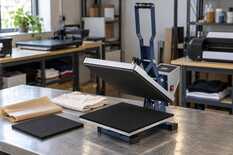
Every day, look over the Teflon sheet and the mug press heater; every week, clean the platen and inspect the silicone pad; every month, check the pressure, the temperature and the power cord. Replace parts by their condition, not by the calendar: the signs of wear and the replacement part are in the last column of the table.
The table is for flat heat presses and mug heat presses that work every day. Before cleaning, lubricating or inspecting the cord, unplug the press and let it cool down.
Care table
| What | How often | How | Replace if… |
|---|---|---|---|
| Teflon sheet | Daily, before work | Hold it against the light. Wipe ink and glue residue off the cold sheet. | Creased, torn or worn through to the glass-fibre weave → a new sheet sized to the platen |
| Mug press heater | Daily, while the press is cold | Silicone clean, with no dents, cuts or creases; the cable intact where it exits. | Dents, cuts or a sagging edge where the mugs show pale spots → a new heater for your press and mug size |
| End of shift | Daily, after work | Switch the press off and unplug it. Leave a flat press open; do not close a mug press empty. | — |
| Upper platen | Weekly and after every smear | Unplugged and cold: a soft cotton cloth with soapy water or glass cleaner, nothing abrasive. | The coating is peeling, or a check found a cold zone or an uneven platen → a heating platen for your press model |
| Silicone pad | Weekly | Look at it in good light and run your palm over the whole surface. | Dried out, cracked, chunks missing → a new pad sized to the platen |
| Pressure | Monthly and after moving the press | Cold press: a strip of paper in each corner and one in the centre, close the press, pull each strip. | One strip slides out more easily → inspect the pad, then the platen. The press does not lock closed → repair by MyPrint's technical department |
| Temperature | Monthly and whenever prints turn pale | A control piece at your usual settings; compare it with a good sample. | The print is pale and a contact measurement confirmed the difference → thermocouple, controller or platen for your press model |
| Cord, plug, socket | Monthly, with the press switched off | Insulation intact, plug fits tightly, socket earthed, cord clear of the platen. | Melted insulation, a scorched plug, a hot socket → do not switch the press on: the cord goes to MyPrint's technical department, the socket to an electrician |
| Mug press pressure | For every new batch of mugs | With the screw on the frame: the handle closes with moderate force. | The frame is bent, the heater does not wrap the mug evenly → MyPrint's technical department |
| Hinge, pivots, pressure screw | Mug press every 3 months, flat press every 6–12 months | Cold and unplugged: a little high-temperature lubricant, wipe off the excess. | The head will not stay open, the handle is cracked or loose → a spring or handle for your press model |
Lubrication intervals come from press makers' manuals.
Platen and Teflon sheet
According to the HP380A, HP450A and HP230B cards, the platen has a Teflon coating: it keeps transfers from sticking, and a scratch in it cannot be undone. Remove dried glue or transfer residue with a stronger detergent and a non-abrasive sponge. Sandpaper, abrasive sponges and metal scrapers scratch the coating.
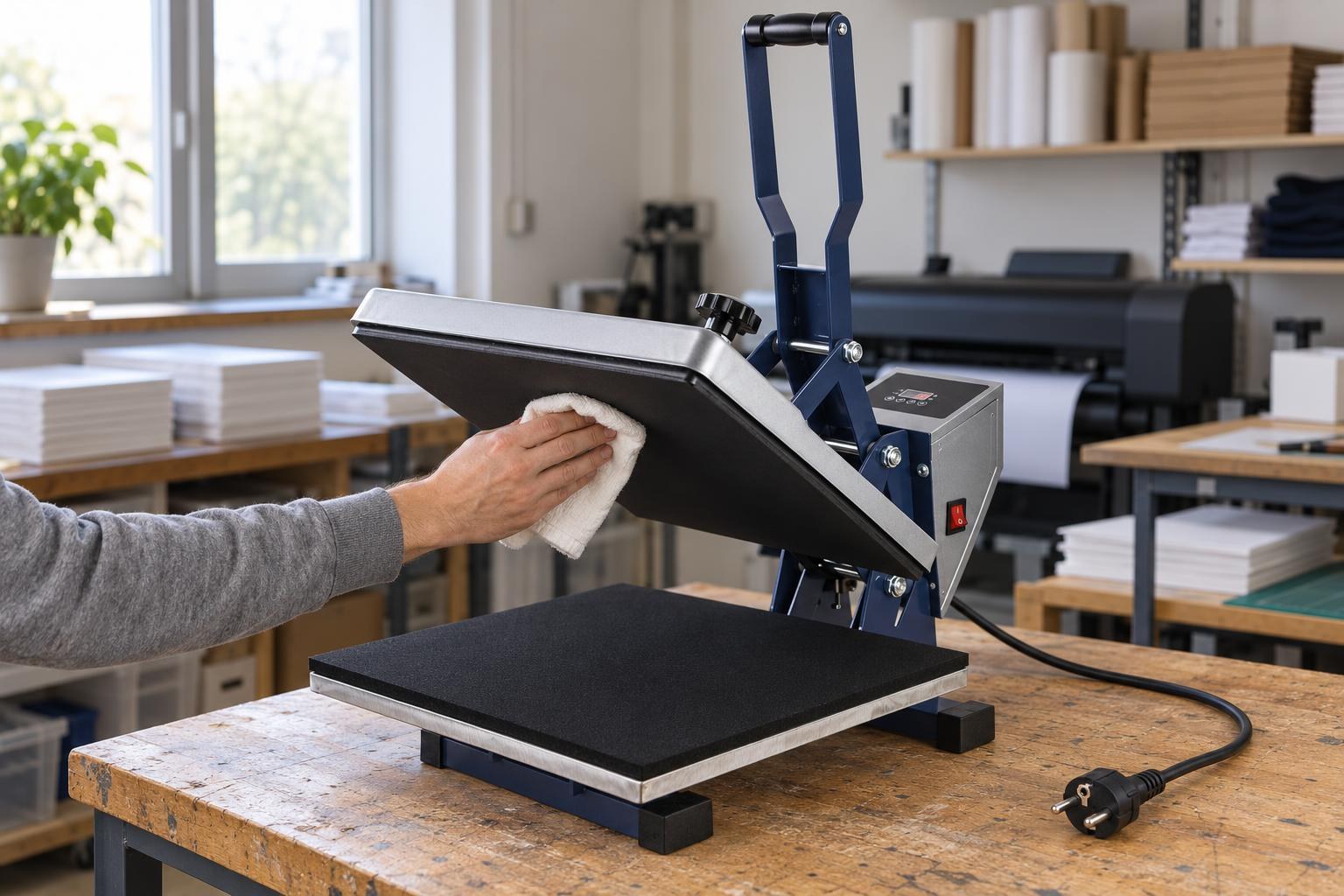
Clean the platen cold and unplugged: a soft cloth, nothing abrasive.
The Teflon sheet goes between the platen and the item; MyPrint's card recommends it as extra protection for the platen against dirt. A 38 × 38 cm sheet costs UAH 200, a heating platen for the HP380A UAH 4,550 (prices as of October 2026), so let the ink and glue stay on the sheet. Store it flat, without folds. Other sizes are in the section “Heat tape, Teflon, pads”.
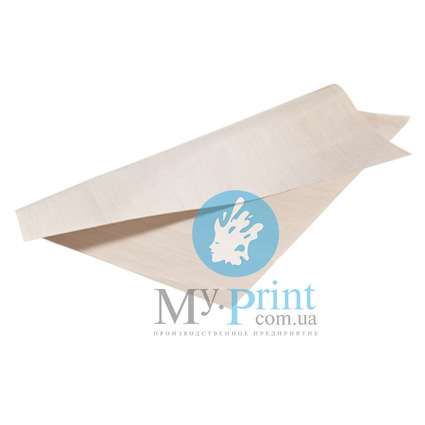
Beige, for a 38 × 38 cm work area like the HP380A's · UAH 200 as of October 2026
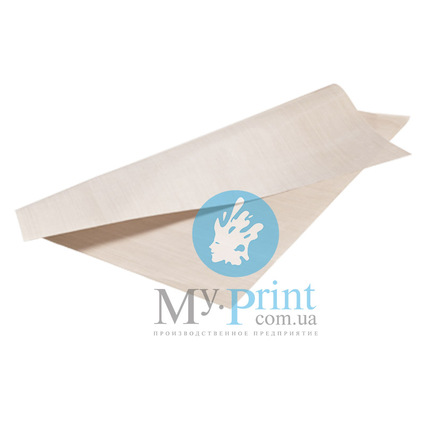
Beige, for a 40 × 50 cm work area like the HP450A's · UAH 220 as of October 2026
Silicone pad
The pad (also called the silicone cushion) lies on the lower platen and evens out the pressure. Press makers name three signs of wear: the silicone has dried out, cracked or lost chunks, and then transfers come out uneven. Look especially closely at the area where you press most often.
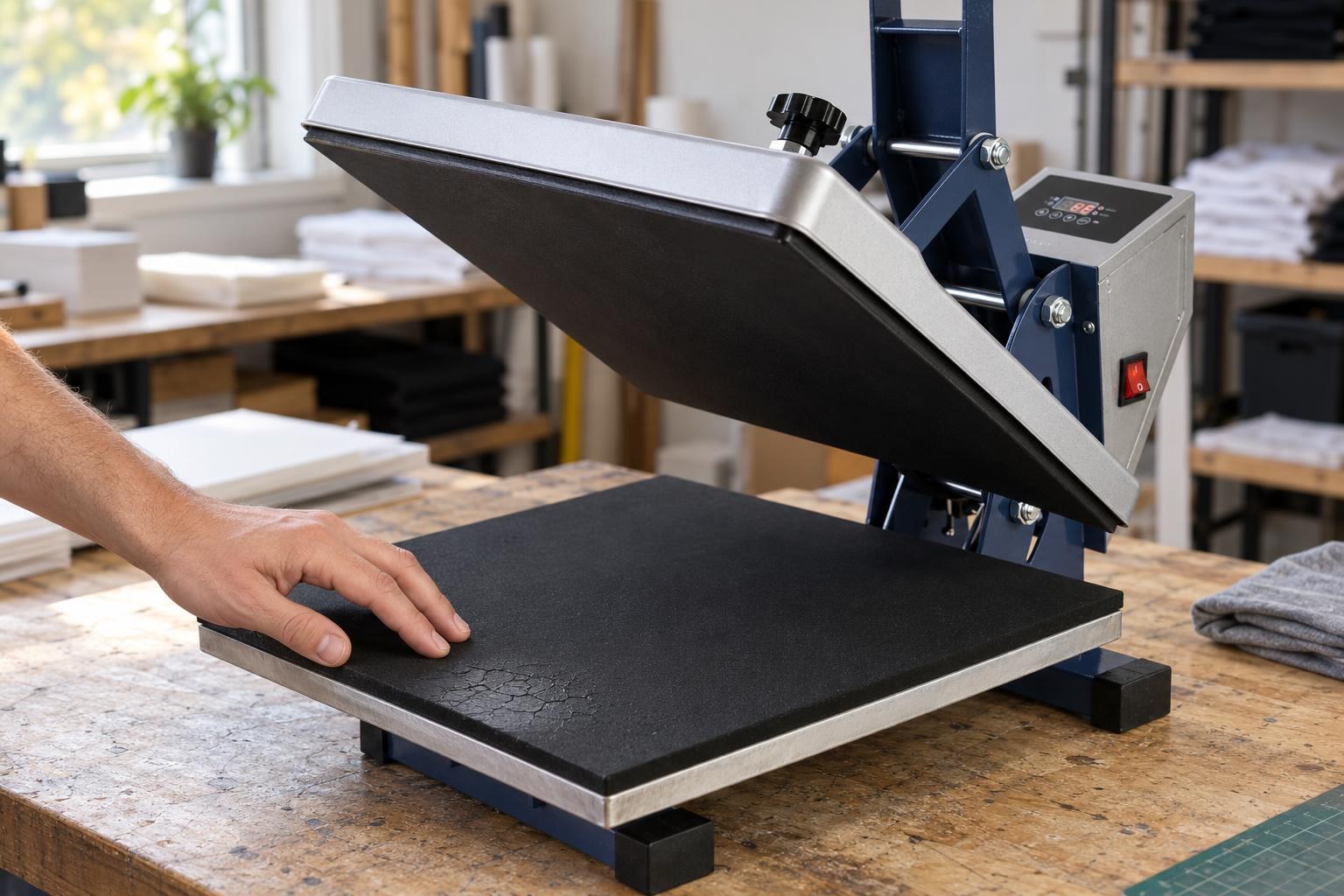
Cracks and a dried-out patch near the corner: this pad is due for replacement.
A small sag in the pad is not always visible. The monthly test with paper strips in the corners and in the centre of the platen shows it. Long contact with a hot platen shortens the pad's life, as press manuals warn. Keep the flat press open while it heats up and between items.
Choose a new pad by the size of the work area: 38 × 38 cm for the HP380A, 40 × 50 cm for the HP450A, 23 × 30 cm for the HP230B. MyPrint's technical department will tell you how to remove the old pad on your model.
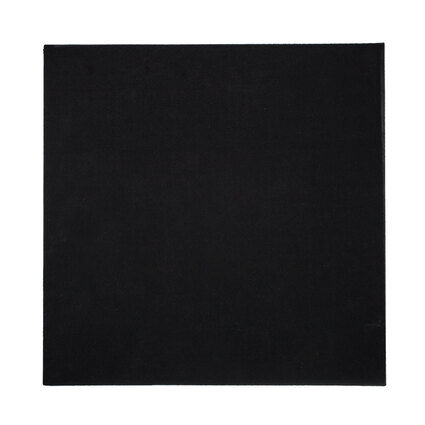
Silicone heat press pad 38 × 38 cm
Black silicone, 0.8 cm thick · UAH 1,092 as of October 2026
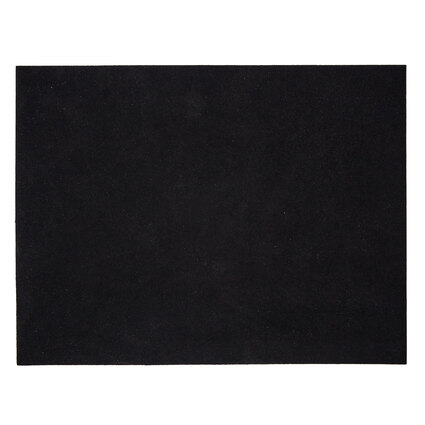
Silicone heat press pad 40 × 50 cm
Black silicone, 0.8 cm thick · UAH 1,217 as of October 2026
Pressure and temperature once a month
Check the pressure on a cold press with five strips of paper: put one in each corner of the lower platen and one in the centre, close the press and pull each strip in turn.
All strips hold tight or barely move
Pressure is even
Change nothing. Next test in a month or after moving the press.
All strips slide out easily
Pressure is too light
Turn the pressure knob up, usually clockwise, and repeat the test.
One strip slides out more easily than the others
Pressure is uneven
Inspect the pad at that spot. If it is intact, check the platen: how to do it without taking the press apart.
Check the temperature with a control piece: the same material, your usual settings and a good sample next to it for comparison. If it comes out as usual, the press heats enough, even if a pyrometer reads lower. If the print is pale and the pressure is fine, confirm the difference with a contact probe for hot surfaces or temperature indicator strips. How to measure without overheating a sound platen is explained in the article on why the display and the pyrometer show different temperatures. Choose a thermocouple, controller or heating platen from the section “Heat press spare parts” only after such a check, by press model.
Cord, socket and hinge
Plug the press into an earthed socket — press makers require it — and keep other high-power appliances off the same circuit. The HP380A draws 1400 W and the HP450A 1600 W, so use a short extension cord with an earth conductor, rated for more power than the press. Route the cord so it does not touch the platen or pull tight when the head moves.
For the hinge, pivots and pressure screw, use the high-temperature lubricant your press manual names, and very little: the excess ends up on the item. A cracked or loose handle on a flat press is replaced separately.
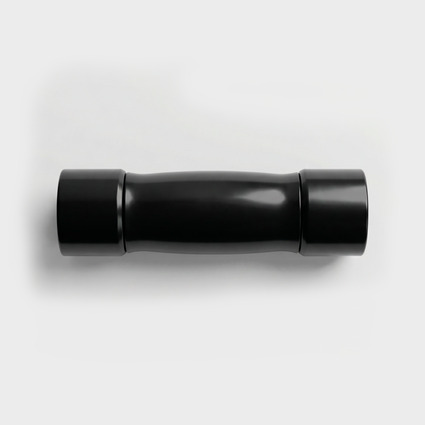
Plastic handle for HP380A/HP450A/HP460A
Lever handle for the HP380A, HP450A and HP460A flat presses · UAH 280 as of October 2026
Mug press: heater and clamp
Never heat or close it empty. The sticker on the AP1803 housing warns against heating without a mug. Without a mug the heater gets creased and can burn out, which is a fire risk — mug press makers warn about this. Heat the press up with a clean white mug inside.
Do not put a chipped mug or one with a sharp edge into the press: it cuts the heater's silicone. Between mugs, do not leave the hot press empty — put the same white mug in. Switch the press off after work: needless hours of heating shorten the heater's life.
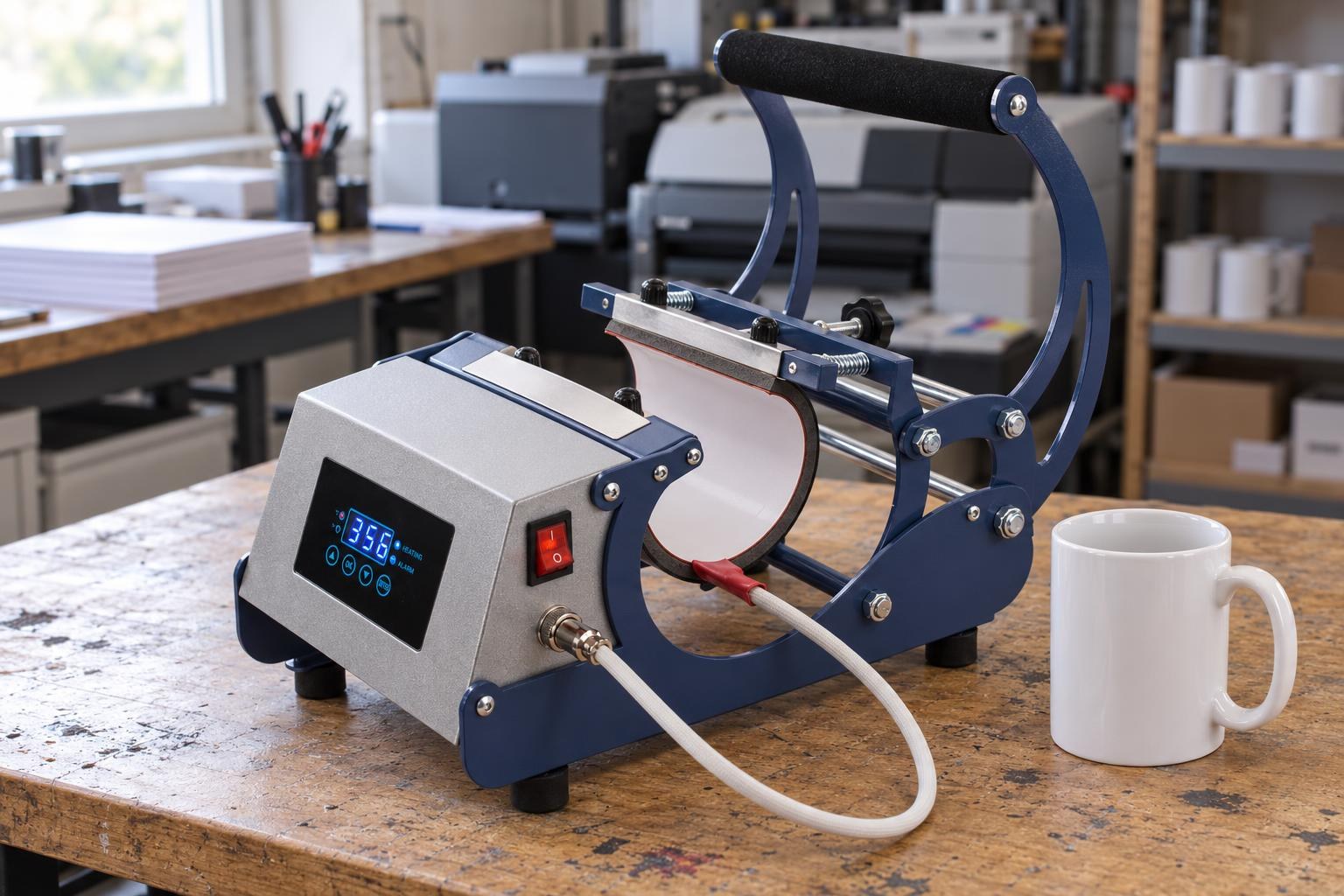
The heater in its frame with the pressure screw: the silicone is smooth and clean, the cable intact where it exits.
Set the pressure for each new batch: mugs differ slightly in diameter, and pressure that is too tight breaks the mug. If the lever is hard to close with one hand, reduce the pressure: excessive force can break the adjustment knob or the mug handle. How to set the pressure so the mug does not crack is explained in the article about a mug that cracked in the heat press. If the frame is bent or the heater does not wrap the mug evenly even after adjustment, take a photo and send it to MyPrint's technical department.
How many mugs a heater lasts depends on how often, at what temperature and with what pressure it works — that is how makers explain it, so replace it by the signs in the table. But a pale spot can also come from the mug itself — how to tell them apart is in the article about a pale band at the bottom of the mug. Before replacing the heater, unplug the press and wait until it has cooled to room temperature.
For regular mugs 7.5–9 cm in diameter, MyPrint has a standard 12 × 23.5 cm heater; its card names the universal HP presses and the MP160 mug press. For the AP1803, conical and non-standard mugs, choose a heater with a MyPrint manager: give the press model and the mug size.
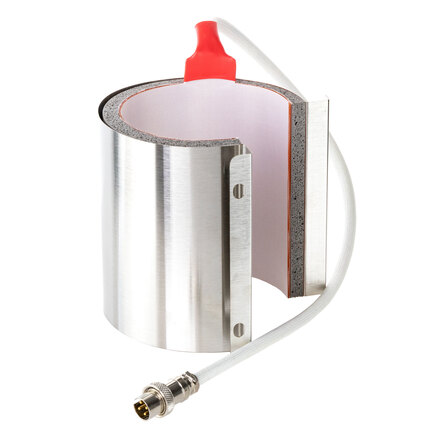
HP standard mug heater 12 × 23.5 cm (11 oz)
Mugs 7.5–9 cm in diameter · height 12 cm, circumference 23.5 cm · UAH 1,794 as of October 2026
Frequently asked questions
The heat press does not heat: what can I check myself?
The display is dark: with the press unplugged, inspect the cord and plug, test the socket with another appliance, and check the switch and the fuse if there is one on the housing. The display shows an error or a clearly wrong temperature: the thermocouple or controller may be faulty. The display works but the platen stays cold: the fault may be in the heater, its cable, the relay or the controller; on a mug press, first unplug it and check that the heater connector is fully inserted. Choose the part with MyPrint's technical department: send the press model and a photo of the display.
What should I clean the platen with, and can I do it hot?
Routine cleaning is as in the table, on a cold platen with the plug pulled out. One maker advises wiping fresh ink off while the press is still hot, with a soft cloth and carefully, so as not to get burned; wear heat-resistant gloves and never pour water or cleaner on a hot platen.
How long does a Teflon sheet last?
One Teflon sheet maker speaks of hundreds of presses. Replace it by its condition: creased, torn or worn through to the glass-fibre weave. A sheet that has darkened but is intact, smooth and clean still works.
The press head no longer stays open: what needs replacing?
That is how weakened or damaged lift springs behave: gas springs, according to makers, gradually lose force after very many cycles. A head that drops by itself can trap your hands, so replace the spring right away and choose the model with a MyPrint manager.