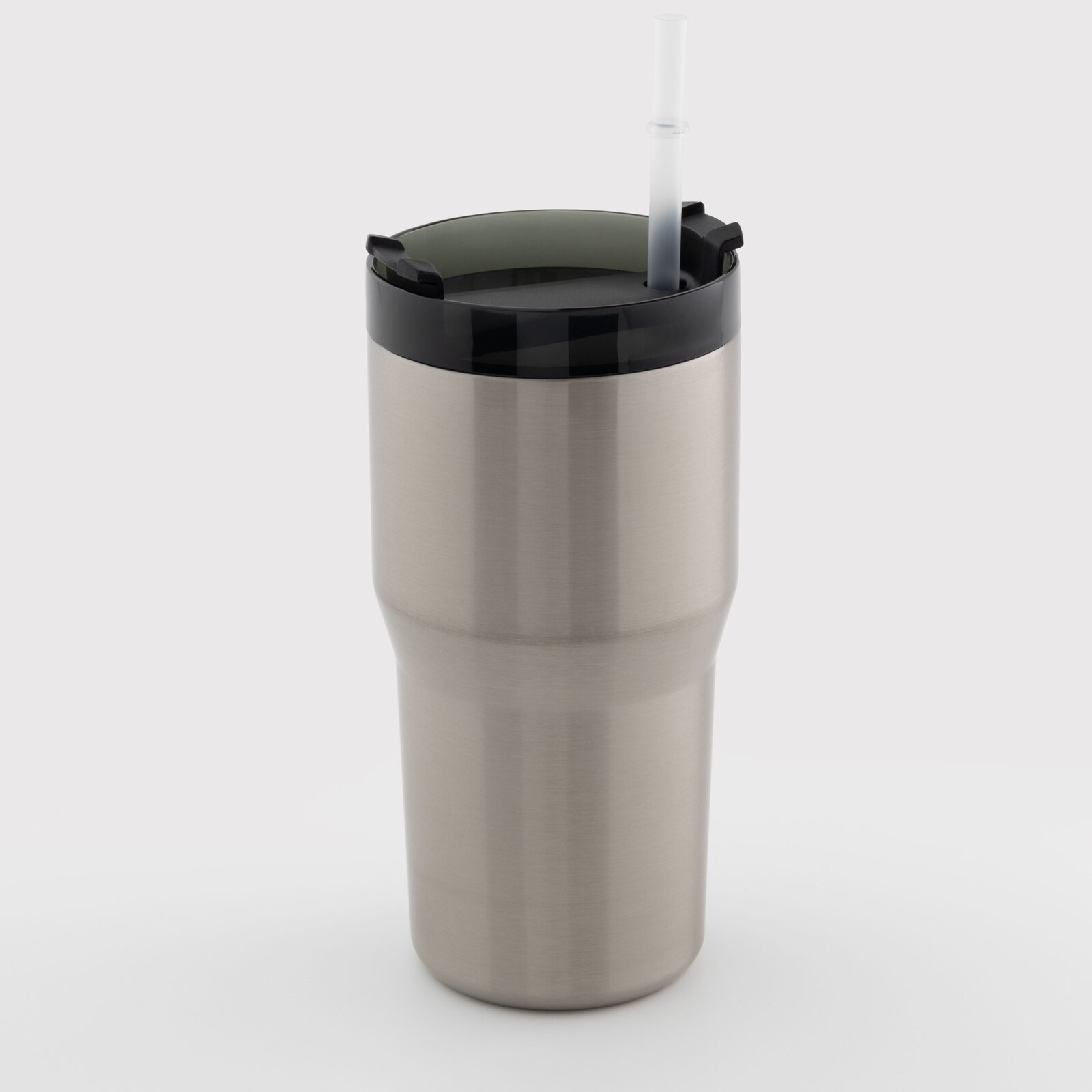
Thermal mug for sublimation with black lid silver 600 ml (10626) - фото 1 - Blanks for sublimation
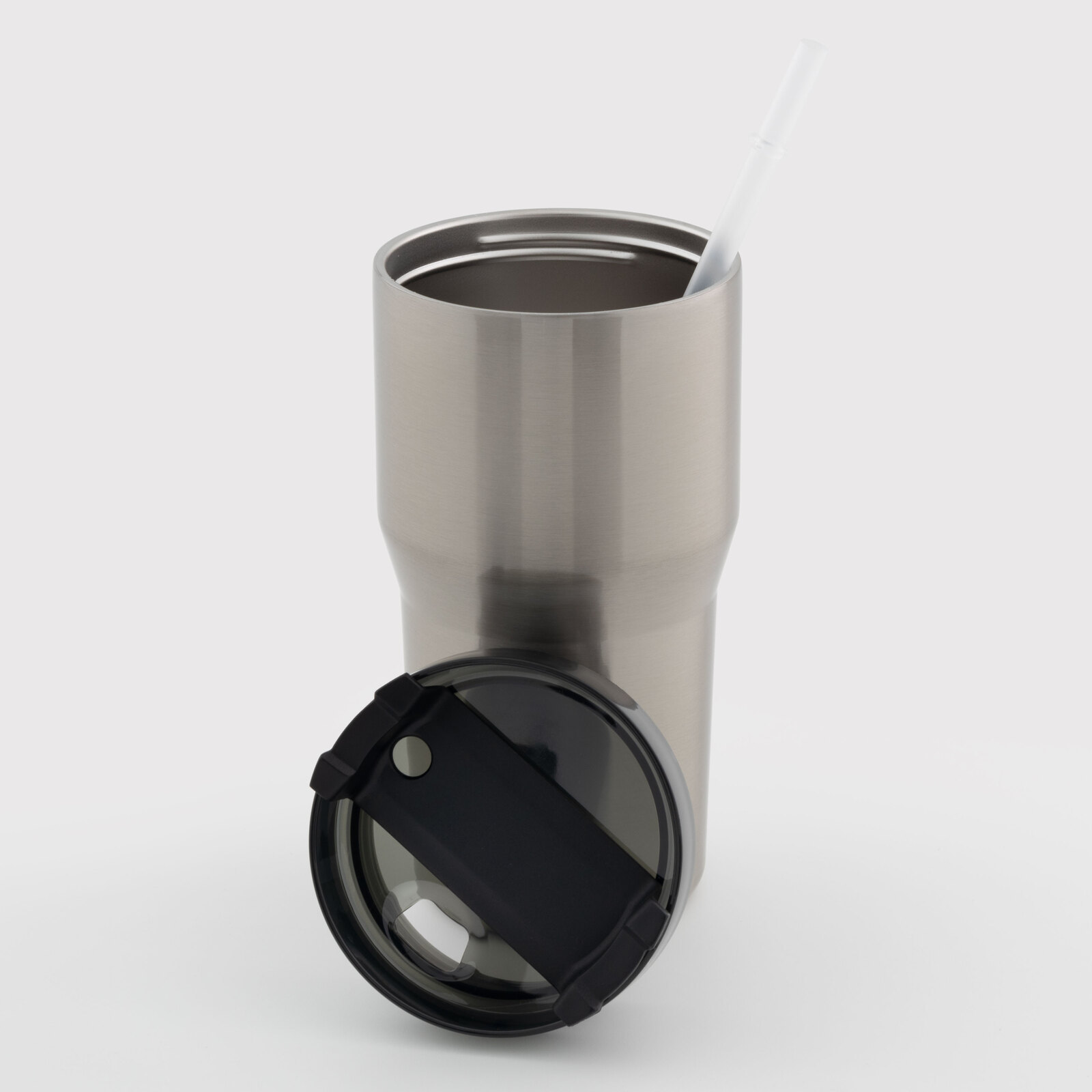
Thermal mug for sublimation with black lid silver 600 ml (10626) - фото 2 - Blanks for sublimation
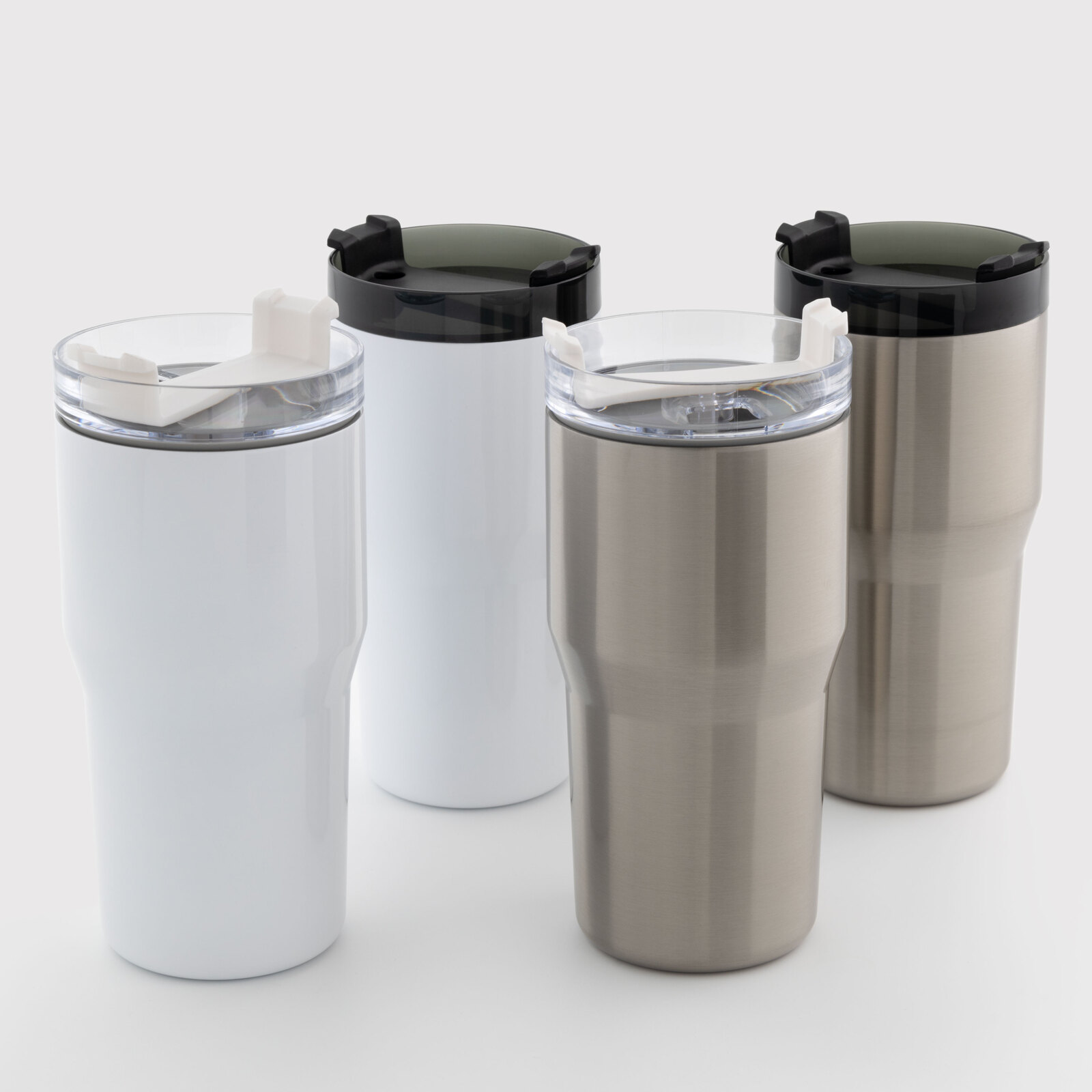
Thermal mug for sublimation with black lid silver 600 ml (10626) - фото 3 - Blanks for sublimation
  • Thermal mug for sublimation with black lid silver 600 ml (10626) - фото 1 - Blanks for sublimation
  • Thermal mug for sublimation with black lid silver 600 ml (10626) - фото 2 - Blanks for sublimation
  • Thermal mug for sublimation with black lid silver 600 ml (10626) - фото 3 - Blanks for sublimation
  • Thermal mug for sublimation with black lid silver 600 ml (10626) - фото 1 - Blanks for sublimation
  • Thermal mug for sublimation with black lid silver 600 ml (10626) - фото 2 - Blanks for sublimation
  • Thermal mug for sublimation with black lid silver 600 ml (10626) - фото 3 - Blanks for sublimation

Thermal mug for sublimation with black lid silver 600 ml (10626)

(0)
Color:
In stock
Price:
328.00 грн
Product in cart
  • The date of shipment of the goods: 2026-11-23
  • Ask a question for this product

Payment Cash, Visa/MasterCard, Payment in installments, Instant installments, Cashless settlement.
Delivery By new mail to the branch, post machine or courier at carrier rates.

  • Return guarantee

    We guarantee a refund if you are not satisfied with the product

  • Доставка

    Delivery across Ukraine to any settlement

Description Thermal mug for sublimation with black lid silver 600 ml (10626)

A silver tumbler with a black lid for a logo on metal


A 600 ml steel tumbler: a silver steel body, a black lid with a straw. The body is wide at the top and narrower at the bottom, with a step in between; the wide Ø 9 cm upper part is printed. The double steel wall keeps drinks at temperature, and the sublimation coating is only on the outer wall. Sublimation ink is transparent, so the silver metal stays in place of any white in the design — the choice for logos and lettering. It is printed in a heater for a 7.5–9 cm diameter — a standard 11 oz one, or a 30 oz one in the MP170 press. MyPrint's starting settings for tumblers are 180 °C, 80 seconds, medium pressure.

600 mlvolume
Silvermetal for a logo
180 °Cstarting settings, 80 s
Strawin the black lid

Is this tumbler right for you

 
Your heater fits Ø 9 cm, makes close contact with the wide part and covers the full design height
You print with sublimation ink on sublimation paper
You need a logo or lettering that sits on metal
Compare these alternatives: the white 600 ml tumbler with a black lid with a straw and the silver 600 ml tumbler with a black lid and handle
The design has to run onto the narrower lower part — the heater makes no contact there

Size and print settings

 
Ø 9 cmwide upper part
≈ 28.3 cmapproximate circumference of the wide part
Narrower basea step below the wide part
Temperature
180 °Cstarting point for a tumbler in a press
Time
80 sfrom closing the preheated press
Pressure
mediumthe press handle closes easily and the tumbler does not turn

These are starting settings for a heater that wraps the body all round. Tune the exact values to your press, paper, ink and room conditions — temperature and humidity — on a test tumbler.

Why this tumbler


A black lid with a straw

A contrast with the body and a straw for cold drinks

Metal under the logo

Unprinted areas stay silver

From file to finished tumbler


Prepare the layout
Measure the height of the wide part down to the step and its circumference; add a paper overlap at the seam.
 
Print mirrored
With sublimation ink on sublimation paper.
 
Remove the lid
Together with the straw: only the body goes into the heater.
 
Fix the paper
Tightly all round on the wide part, with an overlap at the seam, and secure it with heat-resistant tape along the edges.
 
Key step
Press
Starting settings — 180 °C, 80 seconds, medium pressure in a 7.5–9 cm heater.
 
Remove the paper
Right after the signal, wearing heat-resistant gloves.
 
Put the lid back
Once the body has cooled completely, put the lid back in place.
Tip: Make the first tumbler from each new box a test piece. If the design blurs, give the next one 15 s less; if it is pale everywhere, check the press warm-up and paper contact, then add 10–15 s. Change one setting at a time.

Travel tumbler: which to choose

 
VariantColourVolume and lidDesign and use
Silver with a black lid, 600 mlYou are hereSilver metal600 ml, black lid with a strawA logo on metal
White with a black lid, 600 mlWhite background600 ml, black lid with a strawPhotos and full-colour layouts
Silver with a black lid and handle, 600 mlSilver metal600 ml, black lid and handleA logo on metal
Silver with a straw, 600 mlSilver metal600 ml, clear lid with a strawA logo on metal

Where it works best

 
Corporate gifts
A logo on silver metal
A gift for him
A name or lettering on a steel tumbler
Car dealers and taxi fleets
Understated branded merch

What can go wrong

 
A pale band on one side or a pale edge

Cause: the paper or heater does not make contact, or heating is uneven

Fix: check paper and heater contact and the press warm-up; a gap cannot be fixed with more time
A pale band at the bottom of the design

Cause: the design ran onto the step or the narrower part, where the heater makes no contact

Fix: keep the design within the wide part
The design blurred

Cause: overheating

Fix: give the next tumbler 15 s less
Pale all over

Cause: underheating or weak paper contact

Fix: check the press warm-up and paper contact, then add 10–15 s on the next one

Questions and answers


What are the print settings for this tumbler?

MyPrint's starting settings for tumblers are 180 °C, 80 seconds, medium pressure, in a heater that wraps the body all round. If the design blurs, give the next one 15 s less; if it is pale everywhere, check the warm-up and paper contact, then add 10–15 s. The exact values depend on the press, paper, ink and room conditions, so make the first tumbler from a new box a test piece.

Which heater does it need?

A mug heater for a 7.5–9 cm diameter: the standard 11 oz heater in a mug press such as the AP1803, or the 30 oz heater in the MP170 press. Ask the manager whether a heater fits your press before buying it, and before the first print check that it makes close contact with the wide part and covers the full design height.

What do I do with the lid when printing?

Remove it together with the straw: only the body goes into the heater. Put the lid back once the body has cooled completely.

Can I print in a sublimation oven?

Yes, after checking the dimensions: remove the lid and take out any straw; wrap the wide part in paper and fit shrink film sized to the body. Check that the body with its paper and film fits inside the HO-16 oven, then preheat the oven. MyPrint's starting point for a trial is 180 °C for 4–5 minutes. Use a test tumbler to tune the exact values to the oven, paper, ink, film and room conditions, including temperature and humidity; change one setting at a time. Remove the film and paper immediately after transfer, wearing heat-resistant gloves.

White or silver — which to choose?

For a logo on metal, silver: white areas of the design stay metal. For photos and full-colour layouts, white.

How should a printed tumbler be washed?

By hand, with a soft sponge, without abrasives. Never in a microwave: it is metal.

What you need for printing


Equipment and materials for your chosen sublimation printing method.

Характеристики Thermal mug for sublimation with black lid silver 600 ml (10626)

Customer reviews  (0)Leave a review
Customer reviews  (0)

You have already rated this product