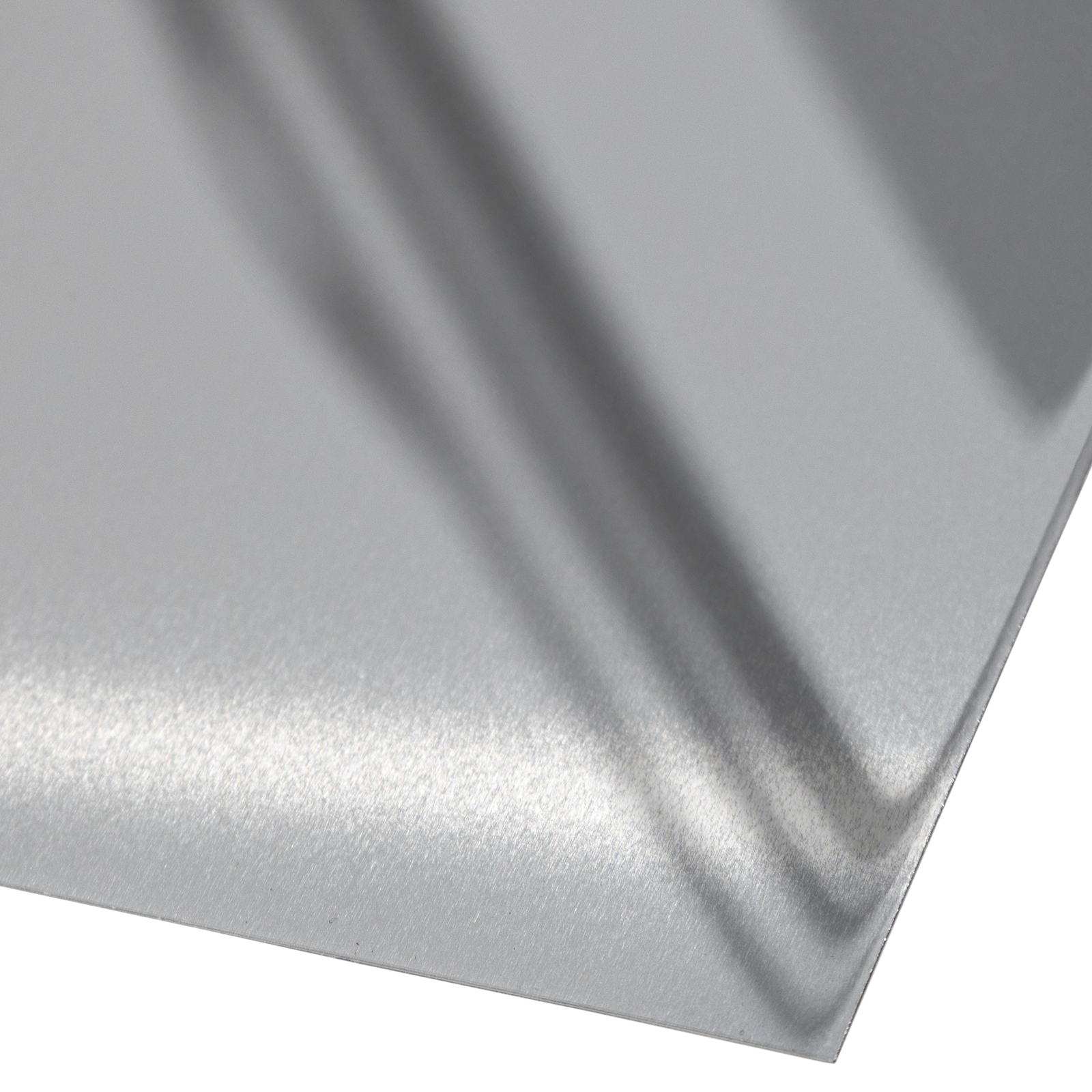
Metal for sublimation two-sided silver 60*30 cm (6723) - фото 1 - Blanks for sublimation
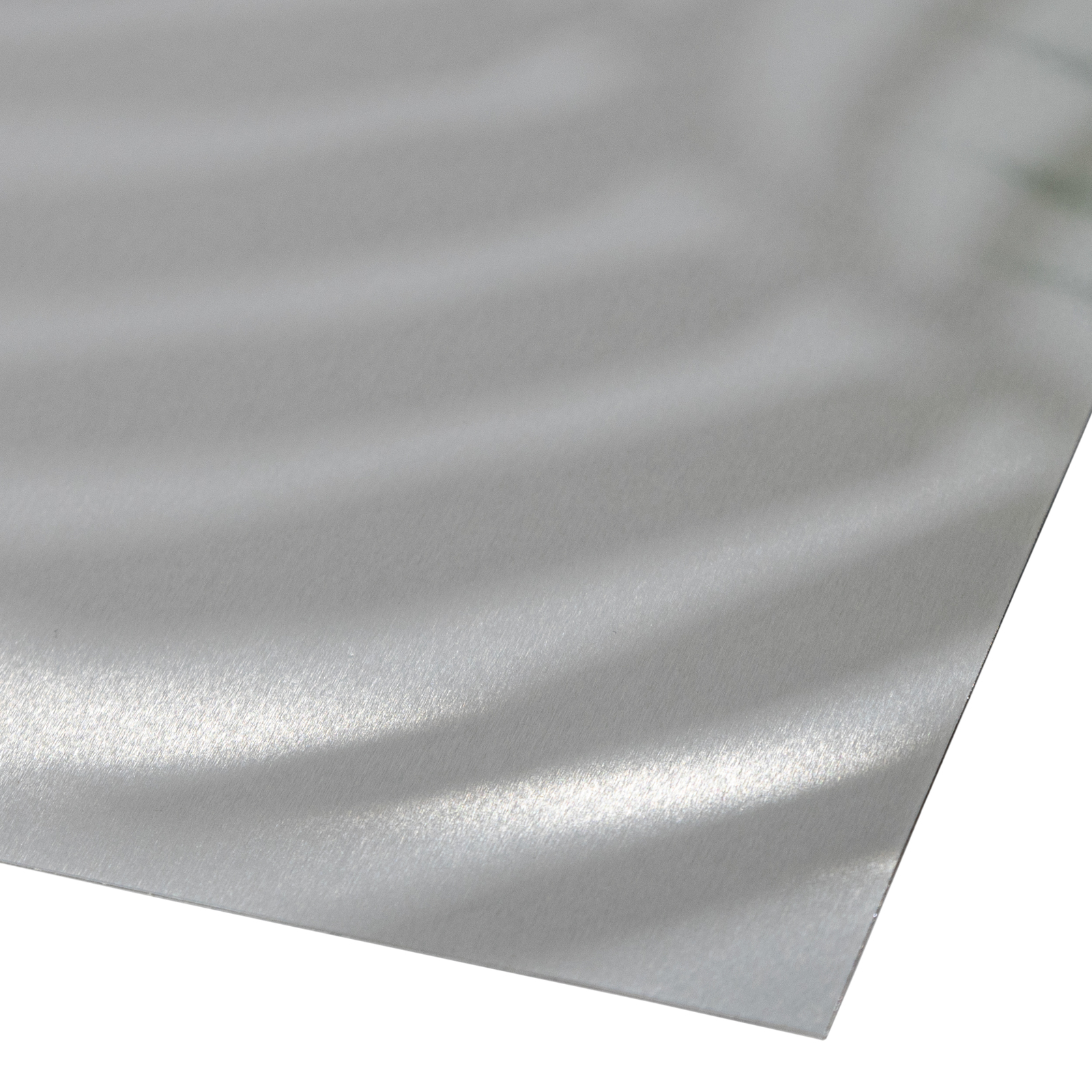
Metal for sublimation two-sided silver 60*30 cm (6723) - фото 2 - Blanks for sublimation
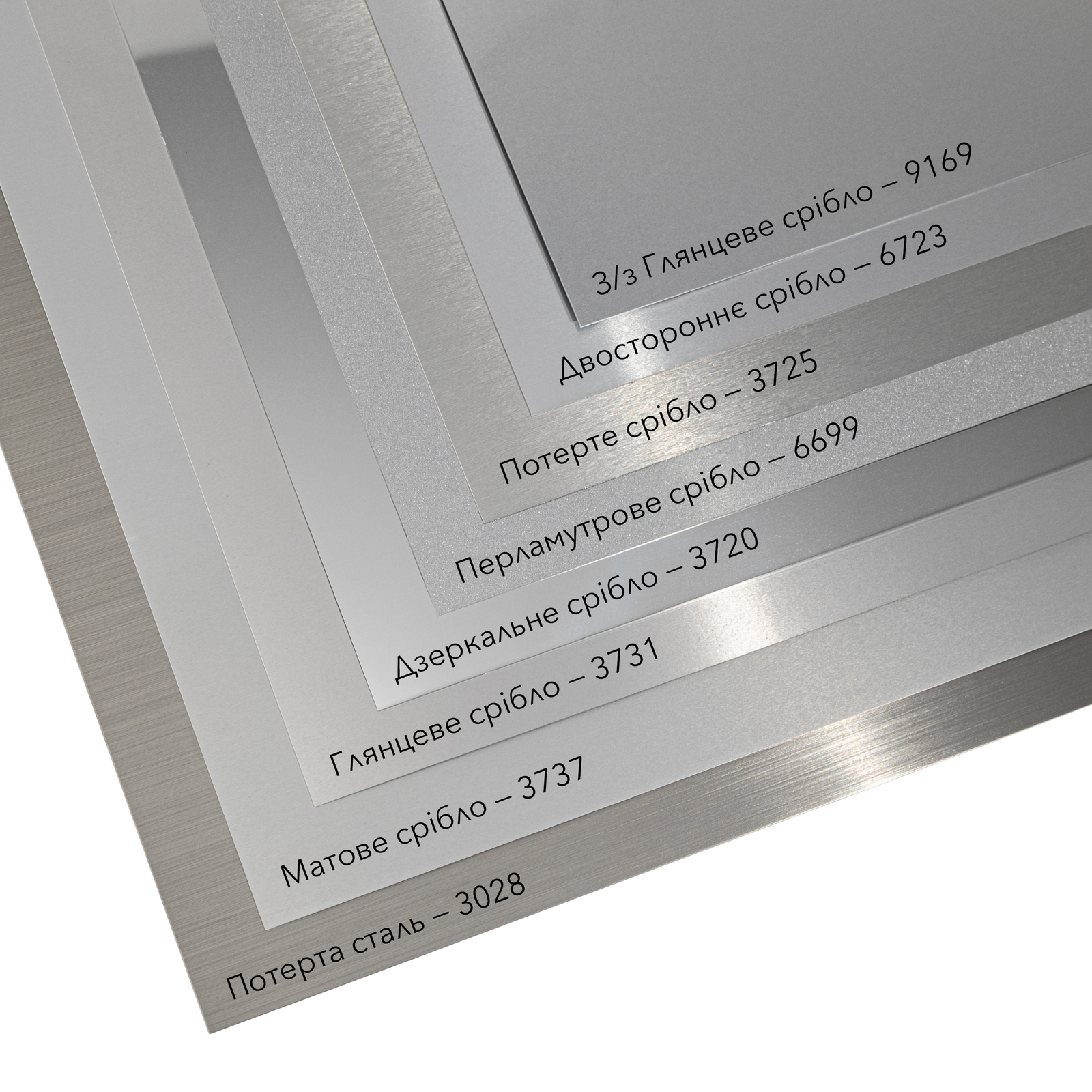
Metal for sublimation two-sided silver 60*30 cm (6723) - фото 3 - Blanks for sublimation
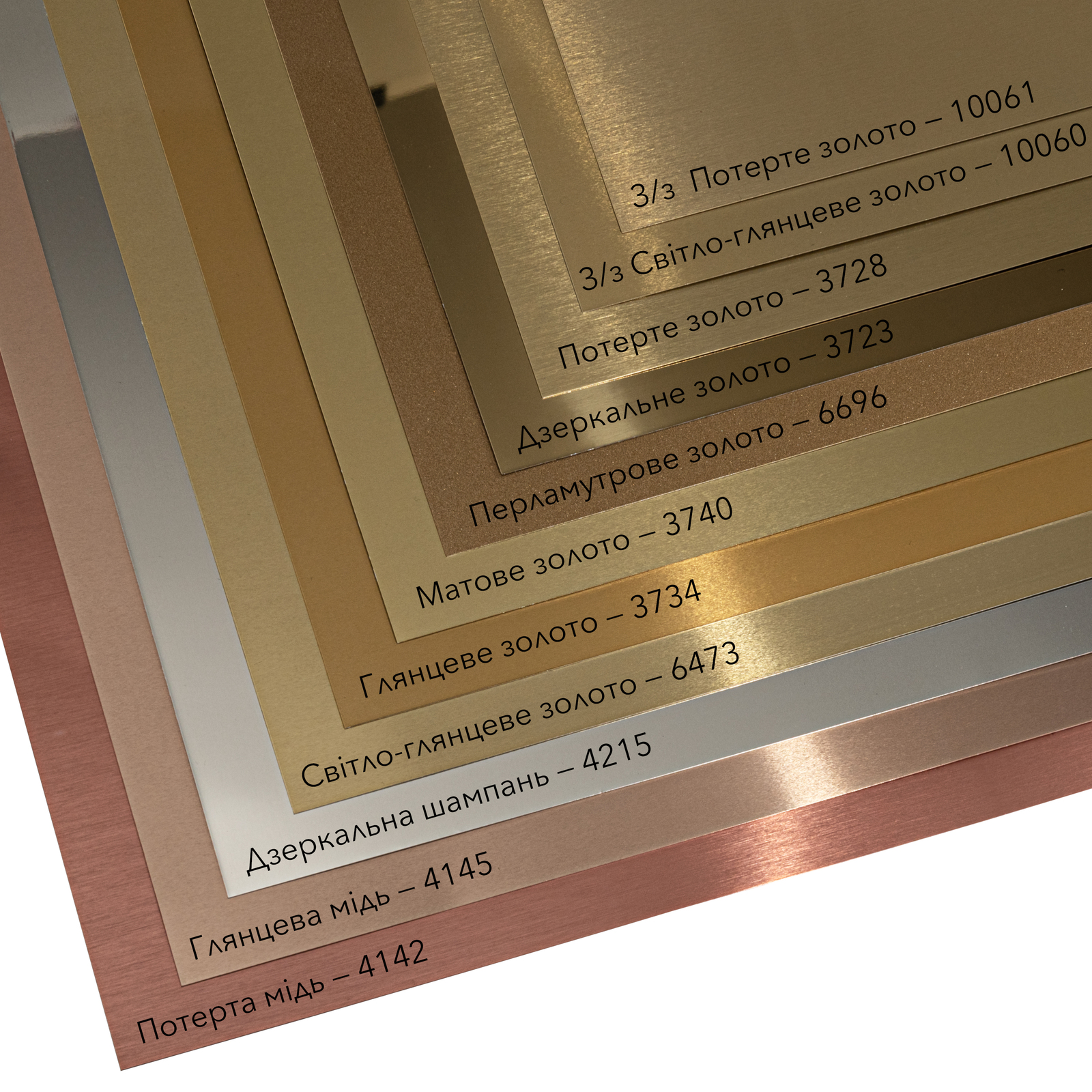
Metal for sublimation two-sided silver 60*30 cm (6723) - фото 4 - Blanks for sublimation
  • Metal for sublimation two-sided silver 60*30 cm (6723) - фото 1 - Blanks for sublimation
  • Metal for sublimation two-sided silver 60*30 cm (6723) - фото 2 - Blanks for sublimation
  • Metal for sublimation two-sided silver 60*30 cm (6723) - фото 3 - Blanks for sublimation
  • Metal for sublimation two-sided silver 60*30 cm (6723) - фото 4 - Blanks for sublimation
  • Metal for sublimation two-sided silver 60*30 cm (6723) - фото 1 - Blanks for sublimation
  • Metal for sublimation two-sided silver 60*30 cm (6723) - фото 2 - Blanks for sublimation
  • Metal for sublimation two-sided silver 60*30 cm (6723) - фото 3 - Blanks for sublimation
  • Metal for sublimation two-sided silver 60*30 cm (6723) - фото 4 - Blanks for sublimation

Metal for sublimation two-sided silver 60*30 cm (6723)

(0)
In stock
Price:
166.00 грн
Product in cart
  • The date of shipment of the goods: 2026-11-23
  • Ask a question for this product

Payment Cash, Visa/MasterCard, Payment in installments, Instant installments, Cashless settlement.
Delivery By new mail to the branch, post machine or courier at carrier rates.

  • Return guarantee

    We guarantee a refund if you are not satisfied with the product

  • Доставка

    Delivery across Ukraine to any settlement

Description Metal for sublimation two-sided silver 60*30 cm (6723)

Aluminium sheet with a silver base and a gloss surface


Aluminium sheet with a special sublimation coating: under the press the dye from the paper sinks into the coating and the image becomes part of the surface. The coating is clear: where there is no dye, the base itself shows — silver. Both sides are coated, so you can print double-sided plates and tags. The large format suits a wall panel or cutting into several plates.

Silver baseblank areas show silver
Glosscolours with shine
0.45 mmaluminium thickness
185–200 °Cstarting setting, 70–90 s per side

Is this sheet right for you

 
You have a flat heat press with a work area of 32 × 62 cm or more — 60 × 30 cm fits with room to spare
You print with sublimation inks on sublimation paper
You need print on both sides: tags, hanging plates, number tags
White in the design does not print: that spot shows silver. For white elements take the single-sided white base in the same size
For an outdoor piece take the single-sided outdoor sheet
You need opaque white over metal — plain sublimation does not print it

Sizes and press settings

 
60 × 30 cmsize
32 × 62 cm or morepress work area
2 sidescoated on both sides
filmremoved before pressing
Temperature
185–200 °Cstart for a 0.45 mm plate
Time
70–90 sfor each side separately
Pressure
light or mediumthe plate lies flat, without bending

These are starting settings: the exact ones depend on your press, paper, inks and room conditions — temperature and humidity.

Why this sheet


Metal in the design

Blank areas show silver: black lettering on bare metal looks like a classic metal plate

Gloss surface

Rich colours with shine: photos and logos look vivid.

Two sides

Coated on both sides: a tag or hanging plate carries an image on each side

0.45 mm thick

the most common thickness in our range; aluminium is cut with a guillotine metal cutter

From file to finished plate


Cut the sheet
If the piece is smaller than the sheet, cut the metal before printing, while the film still protects the coating.
 
Remove the film
Peel the protective film off both sides right before pressing: each side is coated.
 
Print mirrored
With sublimation inks on sublimation paper, with 2–3 mm of bleed past the plate edge.
 
Fix the paper
Tape the paper to the plate with heat tape so it does not shift during pressing.
 
Key step
Press each side
First one side, then, once the plate has cooled, the other. Starting settings: 185–200 °C, 70–90 s per side, light or medium pressure.
 
Remove the paper and let it cool
Lift the paper off in one movement without sliding it across the plate. The plate is very hot: hold it by the edges with heat-resistant gloves and let it cool on a flat surface.
 
Assess the test print
Once it has cooled, check transfer uniformity and colour appearance. For a pale or patchy print, check the materials and press contact first, then adjust the settings on a fresh test blank.
Tip: Before a production run, test a separate blank of the same size, thickness and coating. Adjust the starting settings for your press, paper, inks, room temperature and humidity, changing one setting at a time.

Sublimation metal: what to choose

 
VariantThicknessBaseSurfaceBest for
60 × 30 cm, double-sidedYou are here0.45 mmsilverglossA wall panel or several plates from one sheet
20 × 30 cm, double-sided0.45 mmsilverglossPlates, photos, business cards after cutting
60 × 30 cm, single-sided0.45 mmsilvermatteA wall panel or several plates from one sheet
60 × 30 cm, single-sided0.35 mmsilvermatteA wall panel or several plates from one sheet

Where it works best

 
Award plates
Black or colour lettering on bare metal for diplomas and certificates
Door plates and nameplates
Office, study, equipment — the plate looks like real metal
Business cards and badges
You cut the sheet into small plates and print a run

What can go wrong

 
The surface turned dull

Cause: overheating: too many degrees or seconds

Fix: on a test plate lower the time or the temperature, changing one setting at a time
Colours look pale

Cause: possible underheating, uneven contact or unsuitable materials

Fix: check the paper, inks and press contact; after correcting the cause, adjust the settings on a fresh test blank, changing one setting at a time
Patches, some ink stayed on the paper

Cause: uneven pressure or cold spots on the platen

Fix: check pressure and temperature uniformity across the working area; make a new test after correcting the problem
Double outline

Cause: the paper shifted during pressing or removal

Fix: fix the paper with heat tape and lift it off in one movement without sliding it across the plate
Scratches on the finished piece

Cause: the film came off too early or the plate was held by its face

Fix: remove the film right before pressing and hold the plate by its edges
White lettering turned silver

Cause: sublimation does not print white: blank areas show the metal

Fix: for white elements take a white base; on metal use dark lettering

Questions and answers


Can I print white?

No: plain sublimation does not print white. Where the design is white, the silver colour of the base will show through the coating. For white elements take a white base.

Which side do I print on?

Either: both sides carry the sublimation coating. Press each side separately, once the plate has cooled after the first one.

Can I cut the sheet?

Yes, with a guillotine metal cutter, ideally before printing while the coating is under the film. You can also order cutting to your size from us.

Which press will do?

A flat heat press whose work area is at least a centimetre larger than the plate on each side. For 60 × 30 cm that is 32 × 62 cm or more, for example HP570DP 50×70.

What temperature and time?

Starting settings: 185–200 °C, 70–90 s per side, light or medium pressure. The exact values depend on the press, paper and inks, so make the first plate a test.

How do the thicknesses differ?

A thicker plate is stiffer and bends less; a thinner one is lighter and easier to cut. This sheet is 0.45 mm; thicker plates need more pressing time.

Can I hang it outdoors?

This sheet is for indoor use. For façades and gates take sheets from the outdoor range.

What you need for printing


What you need to turn the sheet into a finished plate or photo panel.

Характеристики Metal for sublimation two-sided silver 60*30 cm (6723)

Customer reviews  (0)Leave a review
Customer reviews  (0)

You have already rated this product