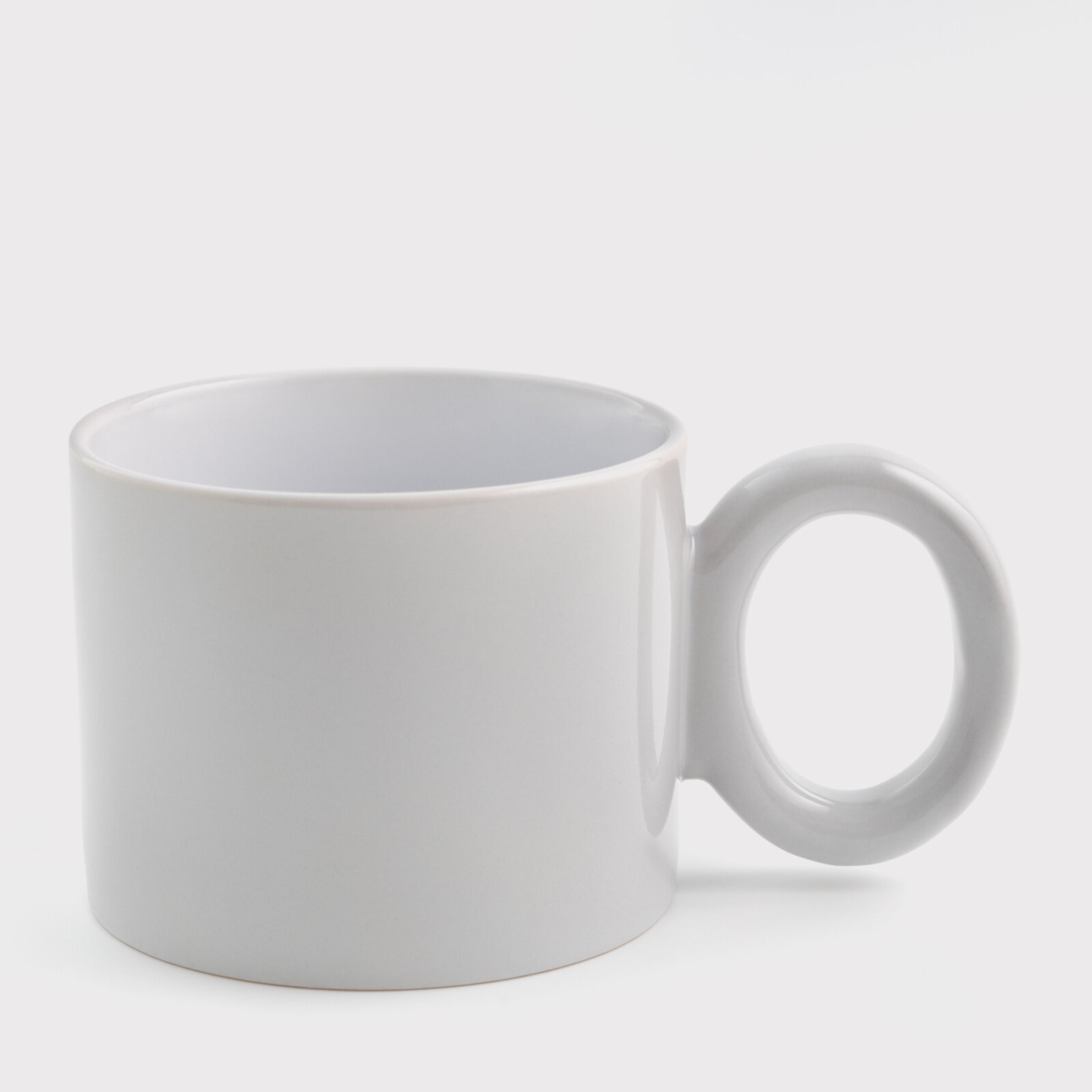
Sublimation cup colored with round handle light gray (400 ml) (12160) - фото 1 - Blanks for sublimation
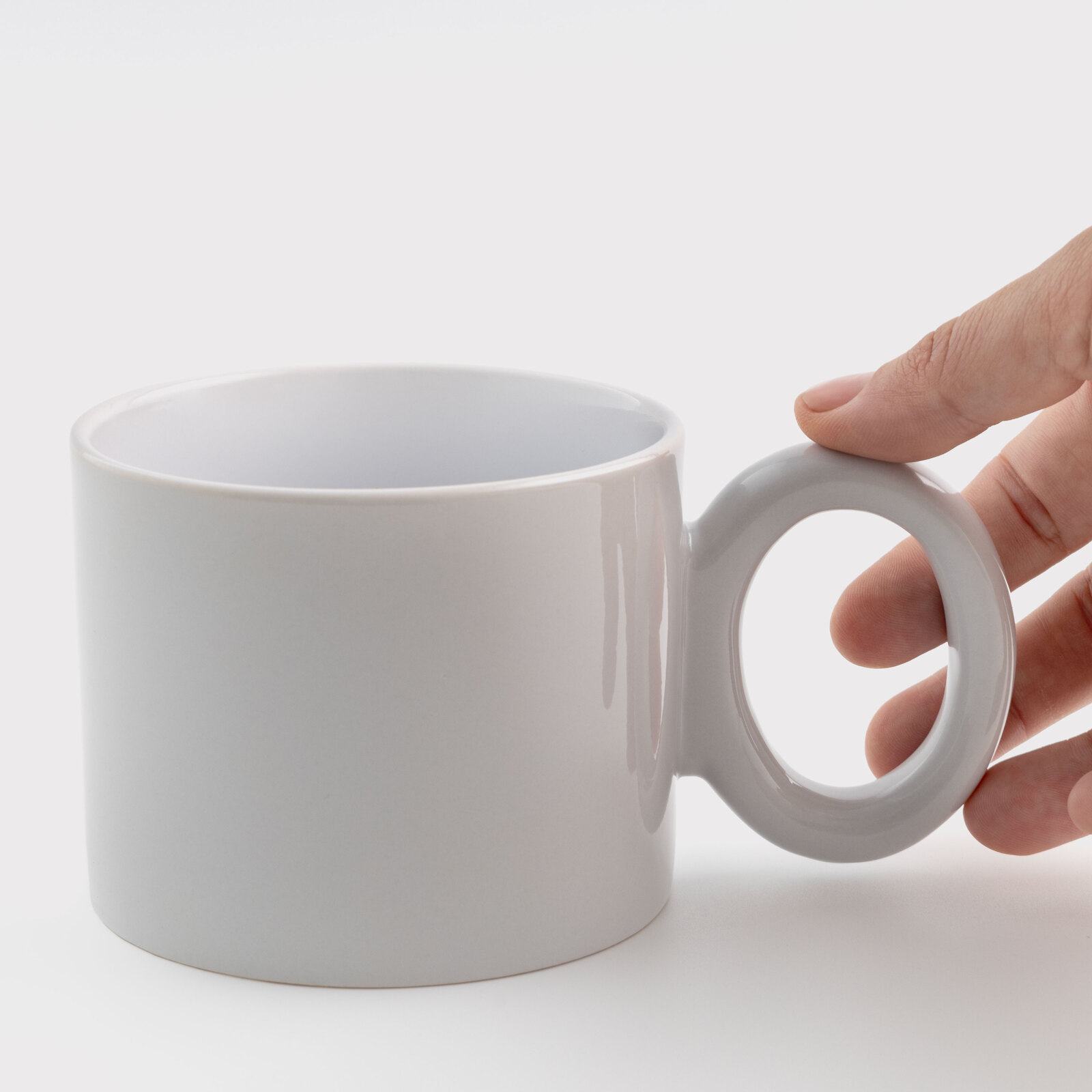
Sublimation cup colored with round handle light gray (400 ml) (12160) - фото 2 - Blanks for sublimation
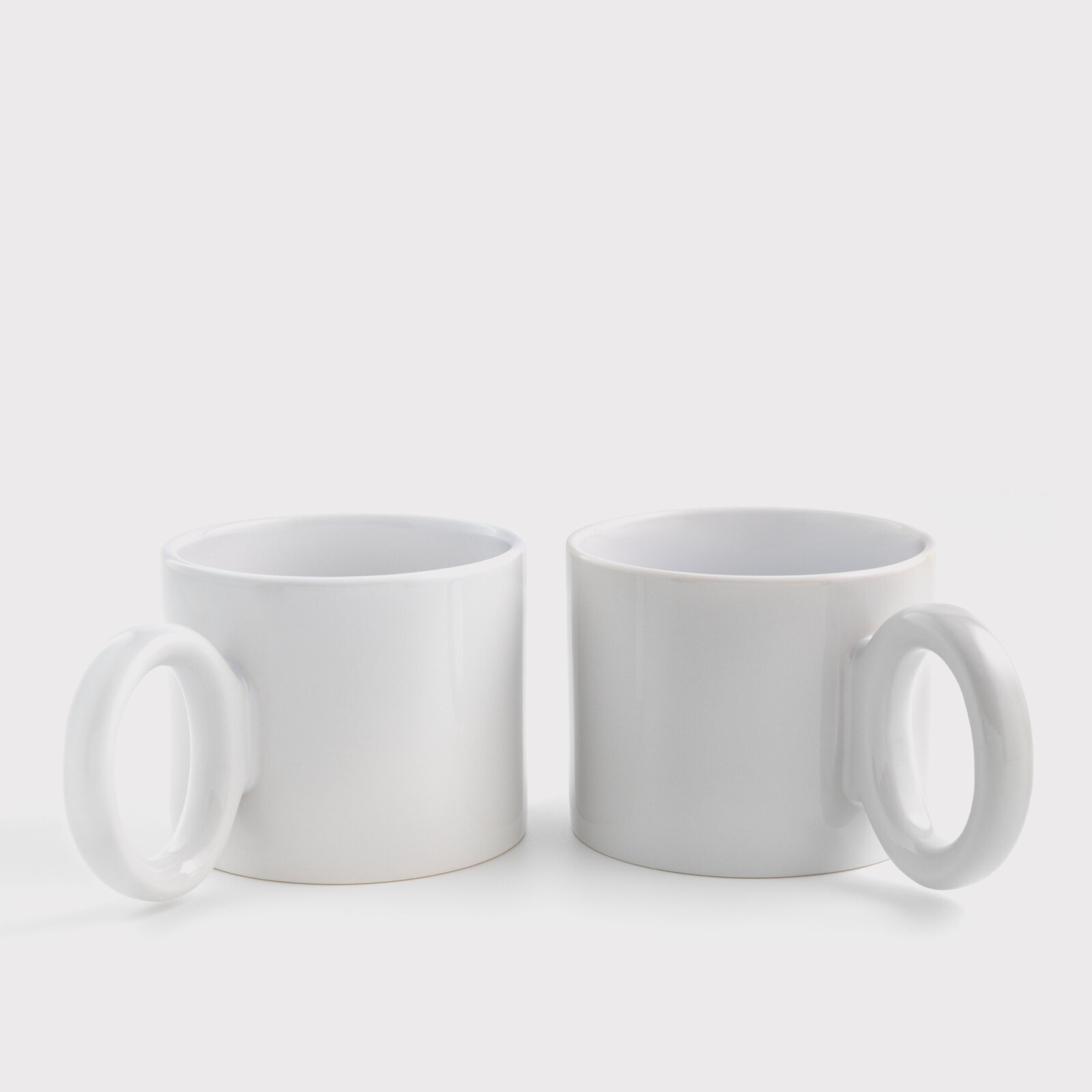
Sublimation cup colored with round handle light gray (400 ml) (12160) - фото 3 - Blanks for sublimation
  • Sublimation cup colored with round handle light gray (400 ml) (12160) - фото 1 - Blanks for sublimation
  • Sublimation cup colored with round handle light gray (400 ml) (12160) - фото 2 - Blanks for sublimation
  • Sublimation cup colored with round handle light gray (400 ml) (12160) - фото 3 - Blanks for sublimation
  • Sublimation cup colored with round handle light gray (400 ml) (12160) - фото 1 - Blanks for sublimation
  • Sublimation cup colored with round handle light gray (400 ml) (12160) - фото 2 - Blanks for sublimation
  • Sublimation cup colored with round handle light gray (400 ml) (12160) - фото 3 - Blanks for sublimation

Sublimation cup colored with round handle light gray (400 ml) (12160)

(0)
Volume:
Color:
In stock
Price:
94.00 грн
Product in cart
  • The date of shipment of the goods: today (23.11.2026)
  • Ask a question for this product

Payment Cash, Visa/MasterCard, Payment in installments, Instant installments, Cashless settlement.
Delivery By new mail to the branch, post machine or courier at carrier rates.

  • Return guarantee

    We guarantee a refund if you are not satisfied with the product

  • Доставка

    Delivery across Ukraine to any settlement

Description Sublimation cup colored with round handle light gray (400 ml) (12160)

A light grey 400 ml mug with a ring handle


A 400 ml cylindrical ceramic mug with a round ring handle. The outside is light grey, the handle is the same colour, and the print goes straight onto the coloured wall. Sublimation ink is transparent, so the mug colour becomes the background of the design: dark and saturated colours work best, and there will be no white in the print. Its 9.9 cm diameter exceeds the upper limits of standard 11 oz (7.5–9 cm) and large 15 oz (8–9.5 cm) heaters, but falls within the 9.5–10.5 cm range of a wide heater; before the first print, check that the heater makes close contact with the wall and covers the full design height. The starting settings are 200 °C for 200 seconds, as for large mugs in the MyPrint guide.

Light greyexterior and handle colour
400 mlvolume
200 °Cstarting settings, 200 s
Singlyas many as the order needs

Is this mug right for you

 
Your heater matches the body diameter, makes close contact with the smooth print area and covers the full design height, with clearance for the handle
You print with sublimation ink on sublimation paper
Your design uses dark or saturated colours: lettering, a logo, line art
You print in a standard 11 oz or a large 15 oz heater — Ø 9.9 cm is larger than their range; consider a wide 16 × 28.5 cm heater after checking contact with the print area, coverage over the design height and handle clearance
You want another colour — there is, for example, Light blue, 400 ml or Light pink, 400 ml
Your design has white lettering or details — sublimation prints no white; take the white round-handle mug

Size and print settings

 
Ø 9.9 cmdiameter
Roundring handle
Cylindricalshape
Glossysurface
Temperature
200 °Cstarting point for a 400 ml ceramic mug
Time
200 scount from closing the preheated press
Pressure
firmthe press handle closes with effort

These are starting settings: the exact ones are tuned to your press, paper, ink and room conditions — temperature and humidity.

Why this mug


A ring handle

The large round handle makes the mug recognisable even before printing

Colour already on the mug

The light grey wall and matching handle mean lettering or a logo is enough for a finished look

A wide wall for the design

Ø 9.9 cm gives a longer circumference for a panoramic picture or long lettering

From file to finished mug


Prepare the layout
Measure the wall height and the circumference without the handle zone on the mug itself; keep important elements away from the handle. Use dark and saturated colours: white elements will not print.
 
Print mirrored
With sublimation ink on the white side of sublimation paper.
 
Let it dry
The paper dries quickly; a damp print blurs the outline.
 
Fix the paper
Wrap the mug tightly with no gaps and secure the edges with heat-resistant tape.
 
Key step
Press
Preheat the press to the selected temperature. Starting settings — 200 °C, 200 s, firm pressure; count the time from closing the press around the mug.
 
Remove the paper
Right after the signal, wearing heat-resistant gloves, without sliding the sheet over the hot surface.
 
Let it cool
Let the mug cool completely before packing it.
Tip: Make the first mug of a batch a test piece: tune the starting settings to your press, paper, ink and room conditions, changing one setting at a time.

Round-handle mug: which to choose

 
VariantColourVolumeDesigns and uses
Light grey, 400 mlYou are hereLight grey400 mlUnderstated business designs
Light blue, 400 mlLight blue400 mlCalm, soft designs
Light pink, 400 mlLight pink400 mlDelicate gift designs
Light grey, 250 mlLight grey250 mlUnderstated business designs
White, 400 mlWhite400 mlPhotos and full-colour designs

Where it works best

 
Gifts with lettering
A name, a short phrase or line art on a pastel background
Merch and brands
A dark logo on a mug with an eye-catching ring handle
Cafés and sets
One design on mugs in different pastel colours

What can go wrong

 
White parts of the design disappeared

Cause: sublimation ink is transparent and has no white

Fix: the mug colour stays in place of white: build the design from dark and saturated colours
Pale patches around the mug

Cause: the heater does not wrap Ø 9.9 cm: a standard 11 oz or large 15 oz heater is too narrow for it

Fix: use a wide 9.5–10.5 cm heater for a trial only after checking close contact across the entire print area
Colours differ from the screen

Cause: the mug colour mixes with the ink and shifts the shades towards it

Fix: for accurate colours take a white mug, and on a coloured one make a test print
Ghosted outline

Cause: the paper shifted on the hot mug

Fix: tape the edges and remove the sheet in one motion without dragging it over the surface
The print faded within a few months

Cause: dishwasher and abrasive sponges

Fix: wash by hand with a soft sponge — the print keeps its brightness longer

Questions and answers


How is it different from a standard 11 oz mug?

A larger volume — 400 ml instead of 330, a wider body — Ø 9.9 cm — and a ring handle. A standard 11 oz heater (7.5–9 cm) is too narrow for it.

Which heater does it need?

Ø 9.9 cm is within the range of the wide 16 × 28.5 cm heater for 9.5–10.5 cm. A standard 11 oz heater (7.5–9 cm) and a large 15 oz heater (8–9.5 cm) are too narrow for it. Before the first print, check that the heater wraps the body tightly and covers the design height.

What temperature does mug sublimation need?

The starting settings are 200 °C and 200 seconds with firm pressure. The exact values depend on your press, paper, ink and room conditions, so make the first mug of a batch a test piece.

Can white be printed?

No: sublimation ink is transparent and has no white. White areas of the design take the mug colour, so for white lettering take the white round-handle mug.

Will a photo work on a coloured mug?

It will, but tinted by the background: light areas take the mug colour. For a photo with accurate colours a white mug is better; lettering, logos and high-contrast designs look best on a coloured one.

How should a sublimated mug be washed?

By hand, with a soft sponge and a mild detergent. The print keeps its brightness longer, so pass this tip on to your customer with the mug.

What you need for printing


Everything it takes to turn this mug into a finished gift: a heater, paper, ink and heat-resistant tape.

Характеристики Sublimation cup colored with round handle light gray (400 ml) (12160)

Customer reviews  (0)Leave a review
Customer reviews  (0)

You have already rated this product