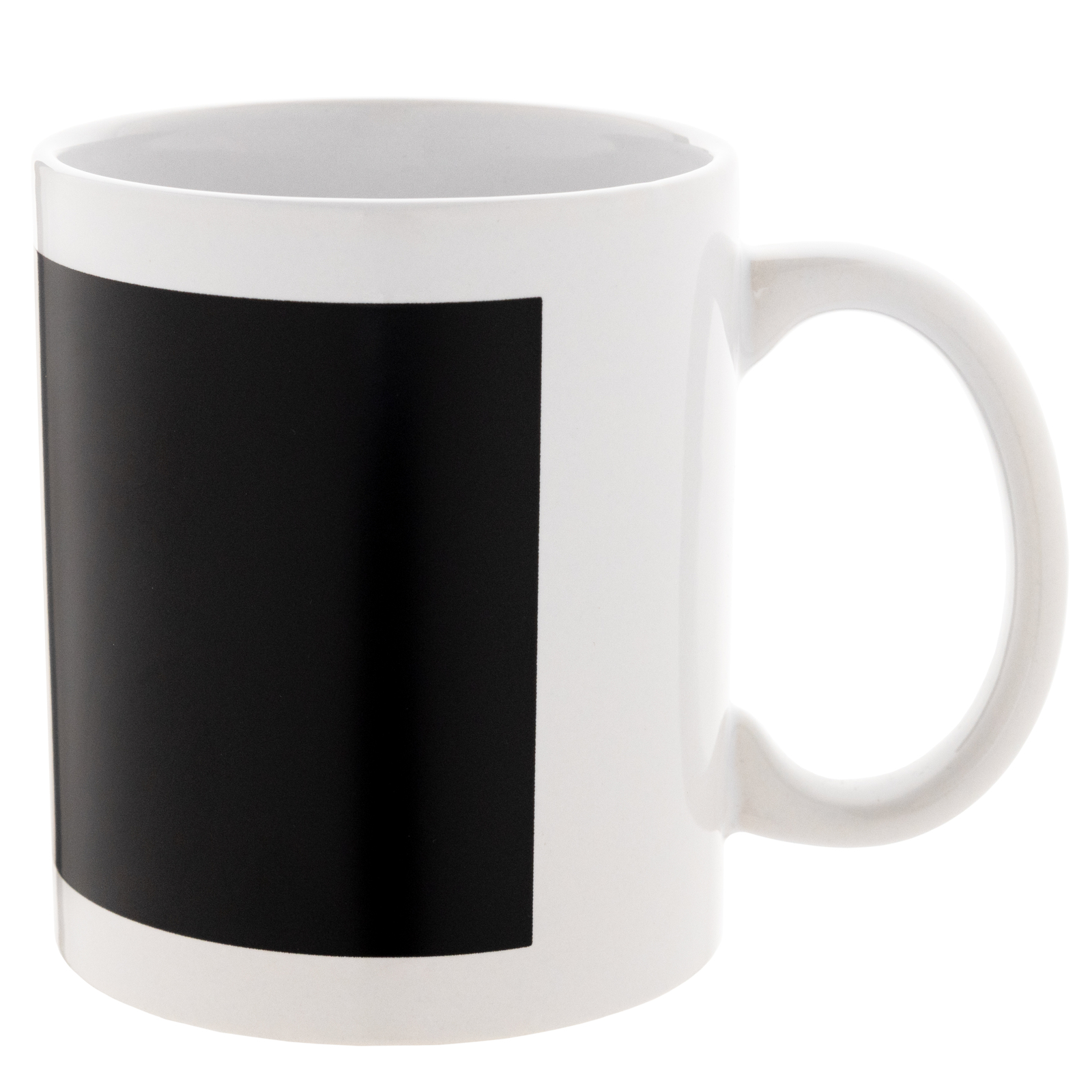
Chameleon Sublimation Mug with Printable Area White 11 Oz (330 ml) (9299) - фото 1 - Blanks for sublimation
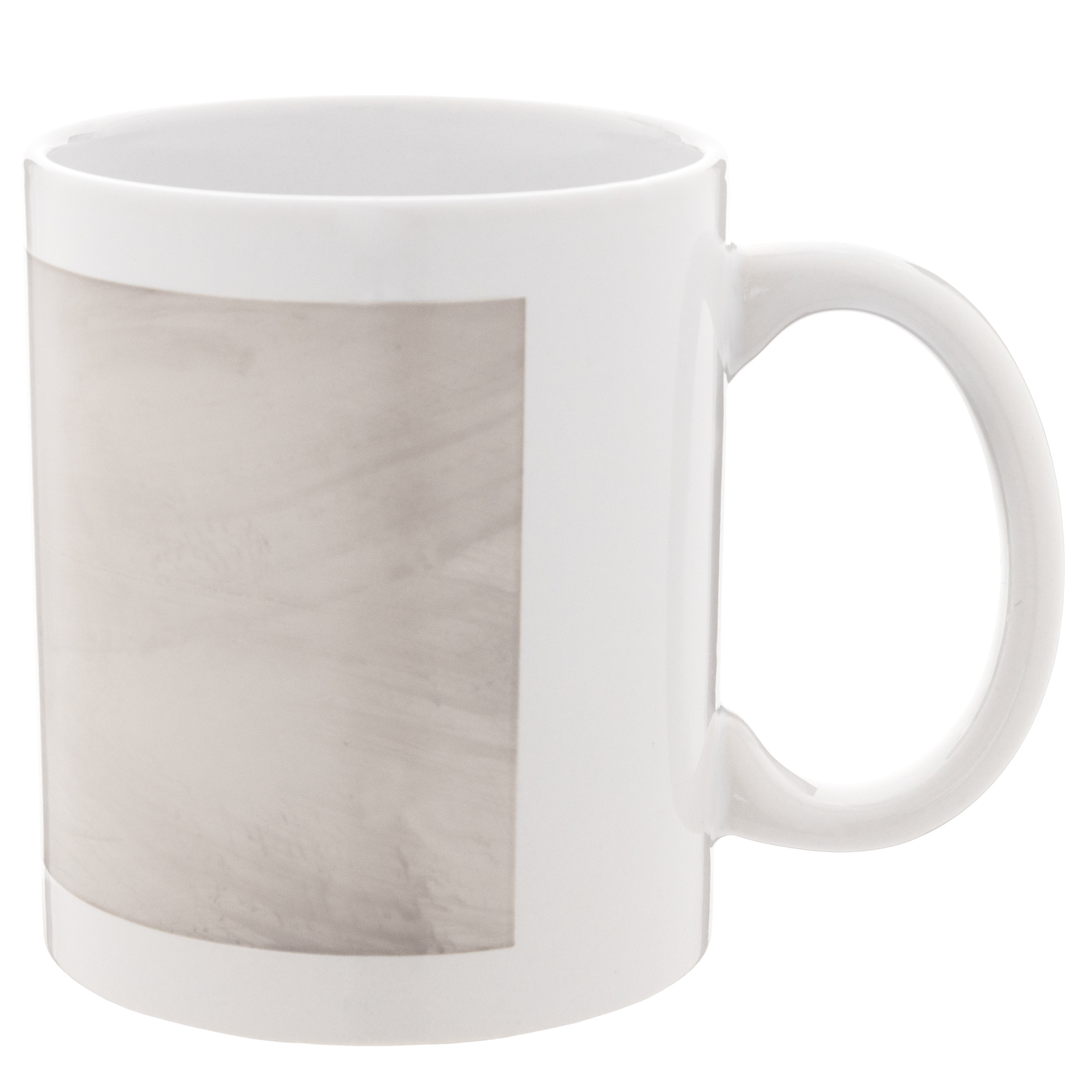
Chameleon Sublimation Mug with Printable Area White 11 Oz (330 ml) (9299) - фото 2 - Blanks for sublimation
  • Chameleon Sublimation Mug with Printable Area White 11 Oz (330 ml) (9299) - фото 1 - Blanks for sublimation
  • Chameleon Sublimation Mug with Printable Area White 11 Oz (330 ml) (9299) - фото 2 - Blanks for sublimation
  • Chameleon Sublimation Mug with Printable Area White 11 Oz (330 ml) (9299) - фото 1 - Blanks for sublimation
  • Chameleon Sublimation Mug with Printable Area White 11 Oz (330 ml) (9299) - фото 2 - Blanks for sublimation

Chameleon Sublimation Mug with Printable Area White 11 Oz (330 ml) (9299)

(0)
Color: White
In stock
Price:
89.00 грн
Product in cart
  • The date of shipment of the goods: 2026-11-23
  • Buy a box36 штук - 3204 грн
  • Ask a question for this product

Payment Cash, Visa/MasterCard, Payment in installments, Instant installments, Cashless settlement.
Delivery By new mail to the branch, post machine or courier at carrier rates.

  • Return guarantee

    We guarantee a refund if you are not satisfied with the product

  • Доставка

    Delivery across Ukraine to any settlement

Description Chameleon Sublimation Mug with Printable Area White 11 Oz (330 ml) (9299)

A white mug with a black area that reveals the design


A white 330 ml ceramic mug with a black rectangular colour-changing area on the front. When cold, the area is black; a hot drink lightens it and reveals the printed design, and as the mug cools it darkens again. It is sublimated in a mug press, but more gently than a white mug: MyPrint's starting settings are 180 °C for 150 seconds with firm pressure. Ø 8 cm is within the range of a standard 11 oz heater (7.5–9 cm); before the first print, check heater contact and the design height.

180 °Cstarting settings, 150 s
Rectangularcolour-changing area
330 mlvolume
Singlyas many as the order needs

Is this mug right for you

 
Your heater matches the body diameter, makes close contact with the smooth print area and covers the full design height, with clearance for the handle
You print with sublimation ink on sublimation paper
You need a surprise inside the area: lettering, a date or a logo that appears with hot tea
The lettering must stay completely hidden on the cold mug — a saturated design may show faintly through the coating; check on a sample
You want the effect over the whole wall — there is the matte black colour-changing mug
The mug will go in a dishwasher or a microwave — a colour-changing mug is washed by hand only and never heated in a microwave

Size and print settings

 
Ø 8 cmdiameter
Cylindricalshape
Black → lightthe area cold and hot
Whitemug glaze
Start for a colour-changing mug
180 °Clower than for a white one
Time
150 scount from closing the preheated press
Pressure
firmthe press handle closes with effort

These are starting settings: the exact ones are tuned to your press, paper, ink and room conditions — temperature and humidity. Judge the result only once the mug has cooled.

Why this mug


White and black contrast

The black area on a white mug stands out before the first tea

Printed like a white mug

The same paper and ink, just gentler settings — no special equipment

From file to finished mug


Prepare the layout
Place the design inside the black area: measure it on the mug itself; saturated dark areas may show faintly through the cold coating.
 
Print mirrored
With sublimation ink on sublimation paper.
 
Fix the paper
Wrap the mug tightly with no gaps and secure the edges with heat-resistant tape.
 
Key step
Press
Starting settings — 180 °C, 150 seconds, firm pressure. White-mug settings overheat the heat-sensitive coating.
 
Remove the paper
Right after the signal, wearing heat-resistant gloves, without sliding the sheet over the hot surface.
 
Let it cool
To room temperature, on a heat-resistant stand: a warm coating looks lighter than it will be.
 
Test with hot water
The design appears; pour the water out and let the mug cool — the coating should darken evenly again.
Tip: Make the first mug of a batch a test piece and judge it cold, hot, then cold again; keep the approved sample until the order is finished to compare the following mugs with it.

Colour-changing mug: which to choose

 
VariantBaseWhere the design appearsDesign and use
White with a black colour-changing areaYou are hereWhiteBlack rectangular areaContrast
Black with a colour-changing areaBlack glazeRectangular areaMatching colour
White with a colour-changing heartWhiteRed heartA gift for a loved one
Matte black, 330 mlMatte blackThe whole wallClassic

Where it works best

 
A gift with a surprise
A name or a date hidden in the black area until the tea is hot
A corporate souvenir
A logo inside the area appears with the first coffee
Holidays
A greeting that appears with a drink

What can go wrong

 
The background stays grey or patchy after cooling

Cause: overheating, most often with white-mug settings

Fix: adjust the starting settings on a fresh test mug to suit your press, paper, ink, room temperature and humidity, changing one setting at a time; do not press this mug again
Part of the design does not hide

Cause: the design went beyond the colour-changing area

Fix: measure the area on the mug itself and keep the design inside it
The design shows faintly on the cold mug

Cause: a property of the blank: the coating does not fully hide a saturated design

Fix: agree this look with the customer on a sample
Light streaks in the same place on every mug

Cause: a hot zone in the heater

Fix: set the batch aside and check the heater; do not raise the settings
Ghosted outline

Cause: the paper shifted during pressing

Fix: tape the edges and remove the sheet in one motion

Questions and answers


What are the print settings for a colour-changing mug?

MyPrint's starting settings are 180 °C, 150 seconds, firm pressure. That is lower than for a white mug (200 °C and 180 s): white-mug settings overheat the heat-sensitive coating. Tune the exact values to your press, paper, ink and room conditions on a test mug.

Why did the mug turn grey after printing and not darken again?

The coating was overheated, most often with white-mug settings. Compare it with an unprinted blank from the same box once both have cooled; adjust the starting settings on a fresh test mug, changing one setting at a time.

Where should the design go?

Inside the colour-changing area: that is the part a hot drink lightens to reveal the design. Measure the area on the mug itself.

Which heater does it need?

A mug heater that wraps the Ø 8 cm body tightly and covers the design height, for example a standard 11 oz heater for 7.5–9 cm in the AP1803 press; check this before the first print.

How should a colour-changing mug be cared for?

Hand wash only, with a soft sponge, never in a dishwasher; never heat it in a microwave. Pass this rule on to your customer with the mug.

What you need for printing


Everything it takes to turn this colour-changing mug into a finished gift: a press, paper, ink and packaging.

Характеристики Chameleon Sublimation Mug with Printable Area White 11 Oz (330 ml) (9299)

Customer reviews  (0)Leave a review
Customer reviews  (0)

You have already rated this product