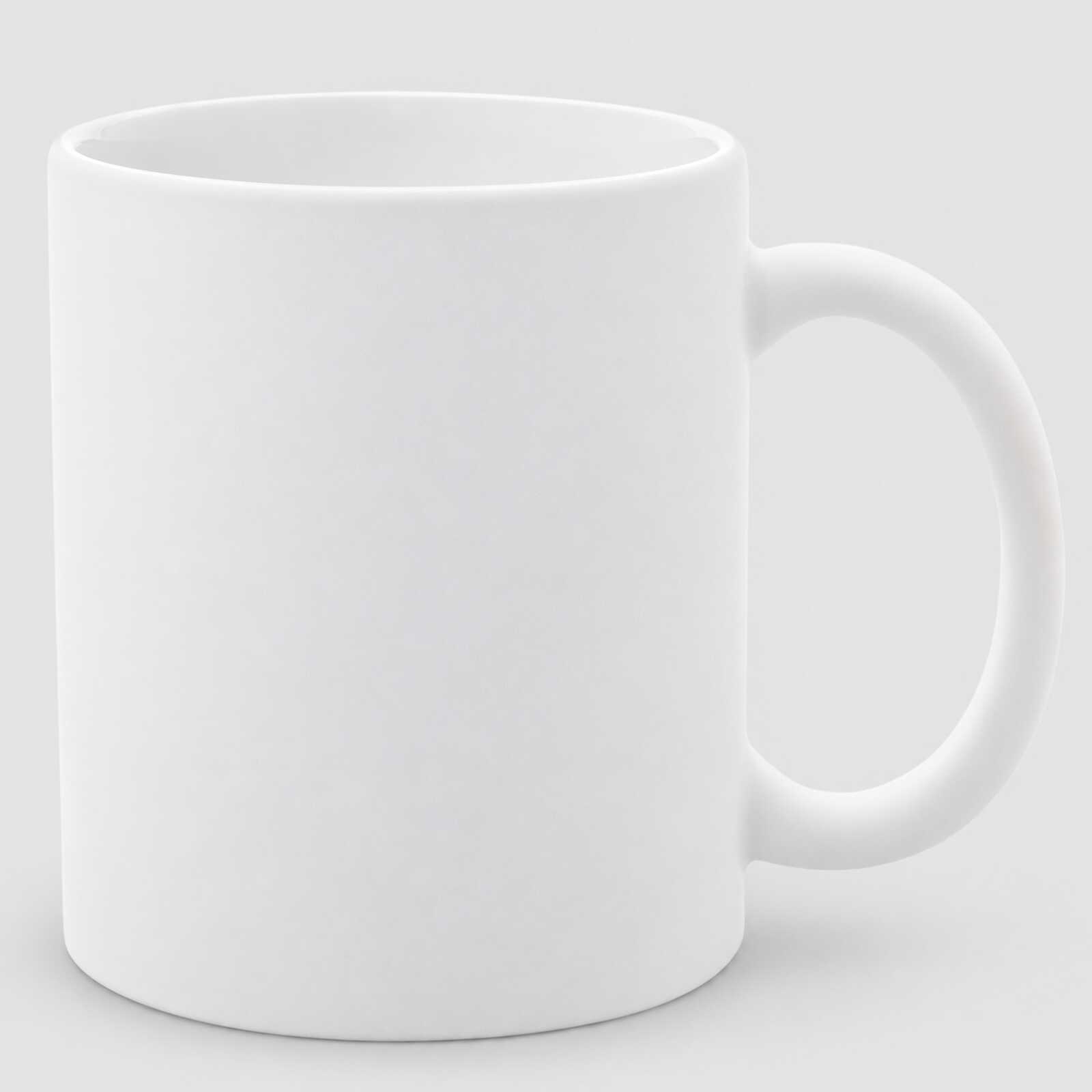

Sublimation mug white matte 11 Oz (330 ml) (6070) - фото 1 - Blanks for sublimation
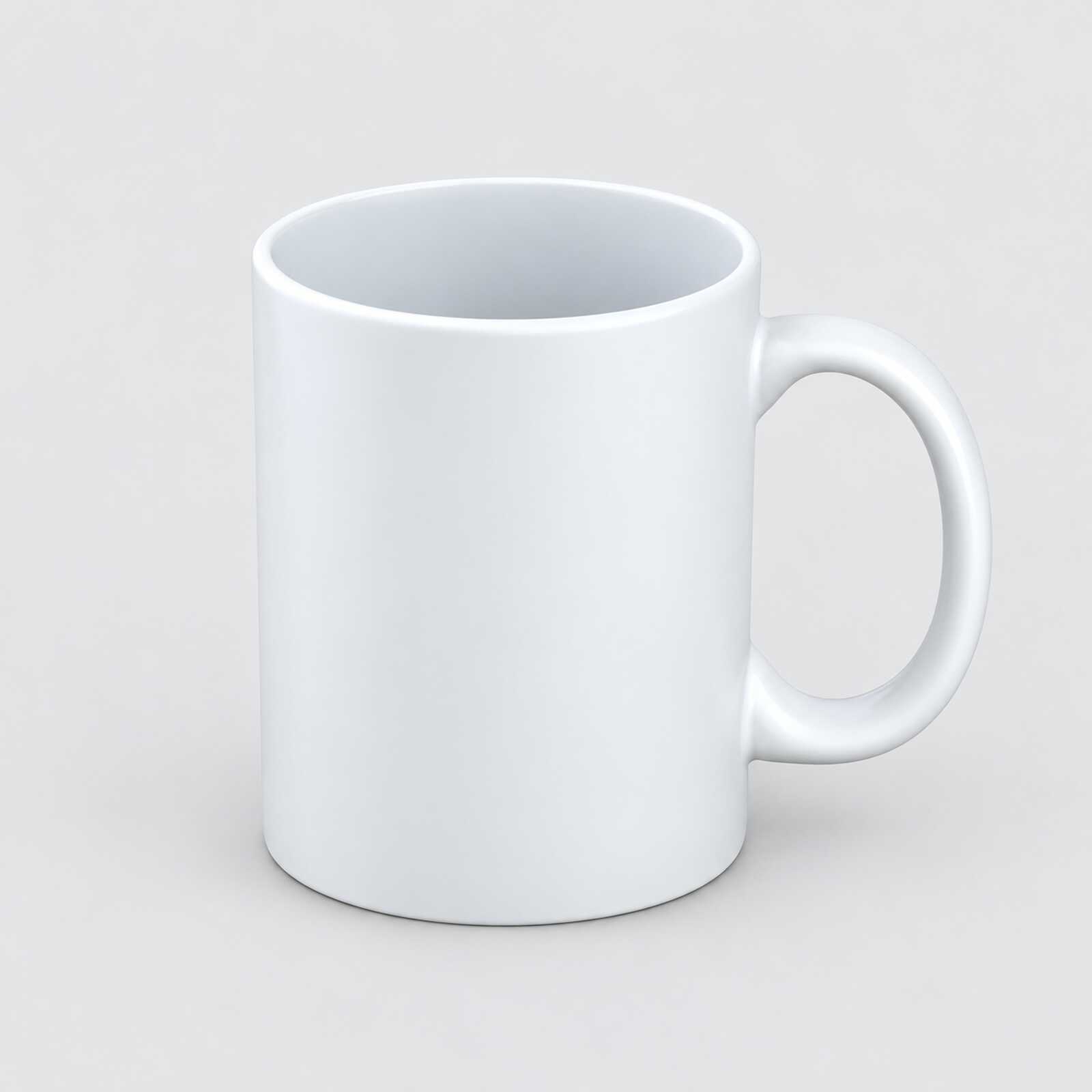
Sublimation mug white matte 11 Oz (330 ml) (6070) - фото 2 - Blanks for sublimation
Sublimation mug white matte 11 Oz (330 ml) (6070) - фото 3 - Blanks for sublimation
  • Sublimation mug white matte 11 Oz (330 ml) (6070) - фото 1 - Blanks for sublimation
  • Sublimation mug white matte 11 Oz (330 ml) (6070) - фото 2 - Blanks for sublimation
  • Sublimation mug white matte 11 Oz (330 ml) (6070) - фото 3 - Blanks for sublimation
  • Sublimation mug white matte 11 Oz (330 ml) (6070) - фото 1 - Blanks for sublimation
  • Sublimation mug white matte 11 Oz (330 ml) (6070) - фото 2 - Blanks for sublimation
  • Sublimation mug white matte 11 Oz (330 ml) (6070) - фото 3 - Blanks for sublimation

Sublimation mug white matte 11 Oz (330 ml) (6070)

(0)
In stock
Price:
60.00 грн
Product in cart
  • The date of shipment of the goods: tomorrow (20.11.2026)
  • Buy a box36 штук - 2160 грн
  • Ask a question for this product

Payment Cash, Visa/MasterCard, Payment in installments, Instant installments, Cashless settlement.
Delivery By new mail to the branch, post machine or courier at carrier rates.

  • Return guarantee

    We guarantee a refund if you are not satisfied with the product

  • Доставка

    Delivery across Ukraine to any settlement

Description Sublimation mug white matte 11 Oz (330 ml) (6070)

A white matte mug for photos and lettering


A 330 ml ceramic mug with a matte sublimation coating: under the press, the ink from the paper is absorbed into the coating, so the design becomes part of the surface. The matte surface gives an understated finish; assess the colours and legibility of your design on a test mug under the intended lighting. Choose a mug heater that fits the body diameter and covers the height of your design; MyPrint's starting settings for a trial are 180–200 °C for 180 seconds.

Mattesublimation coating
330 ml11 oz volume
180–200 °Cstarting settings, 180 s
36 pcsper box, or buy singly

Is this mug right for you

 
You have a mug or combo heat press; before printing, check heater contact with the Ø 8 cm body and coverage over the height of your design
You print with sublimation ink on sublimation paper
You want a soft, understated look with a matte finish: minimalist designs, lettering, monograms
You want a glossy finish on photos — take the glossy Premium+ 11 oz
The mug goes straight into a gift — there is the glossy Premium+ in an individual gift box
You need a larger 15 oz or latte mug — see all sublimation mugs; before printing, check the mug diameter and design height against the heater's working area

Size and print settings

 
≈ 8 cmdiameter
Cylindricalbody shape
Whitecolour for printing
AAAgrade
Temperature
180–200 °Cstarting point for a white 330 ml ceramic mug
Time
180 scount from closing the preheated press
Pressure
firmthe press handle closes with effort

These are starting settings: the exact ones are tuned to your press, paper, ink and room conditions — temperature and humidity.

Why this mug


Matte finish

A matte surface has less pronounced shine than a glossy one; check the legibility of small lettering on a test mug

An understated look

Soft colours on a matte surface suit minimalist and corporate designs

Choosing a heater

For the Ø 8 cm body, check heater contact and coverage over the height of your design before printing

As many as you need

Singly for a specific order or a whole box of 36 for steady volume

From file to finished mug


Prepare the layout
Keep important elements away from the handle zone; on a matte surface, contrasting details that are not too small read best.
 
Print mirrored
With sublimation ink on the white side of sublimation paper.
 
Let it dry
The paper dries quickly; a damp print blurs the outline.
 
Fix the paper
Wrap the mug tightly with no gaps and secure the edges with heat-resistant tape.
 
Key step
Press
Starting settings — 180–200 °C, 180 seconds, firm pressure in a heater checked for body fit and coverage over the height of the design.
 
Remove the paper
Right after the signal, wearing heat-resistant gloves, without sliding the sheet over the hot surface.
 
Let it cool
The mug stays hot for a few minutes; after that it can be packed.
Tip: Make the first mug from a new box a test piece: a matte coating may need different seconds than a glossy one, so tune the settings to your press and paper before printing the order.

White 11 oz mug: which to choose

 
VariantClassSurfaceHow it is soldFor whom
White matte 11 ozYou are hereAAAMatteSinglyA matte finish for understated designs
Premium+ 11 ozAAAGlossySinglyPhotos and gifts for sale
Premium+, box of 36AAAGlossyWhole boxSteady order flow and regular purchasing
Premium+ in an individual gift boxAAAGlossyMug + white gift boxA gift ready to hand over
Standart+ 11 ozAGlossySinglyTests, training, promo where price comes first

Where it works best

 
Corporate style
A logo and brand colours on a matte mug look restrained and neat
Lettering and monograms
Contrasting lettering, names and monograms are design options for the matte surface
A gift for matte lovers
For people who like matte things: the mug feels different in the hand and looks unusual

What can go wrong

 
Colours look pale

Cause: print settings, heater contact or uneven heating

Fix: check the paper, ink and heater contact; tune the starting settings on a fresh 6070 matte test mug for your press and room conditions, changing one setting at a time
Pale band near the base

Cause: underheating or weak pressure exactly there: the thick base draws heat

Fix: check heater and paper contact; adjust the starting time on a fresh test mug, changing one setting at a time
Ghosted outline

Cause: the paper shifted on the hot mug

Fix: tape the edges and remove the sheet in one motion without dragging it over the surface
Specks in solid fills

Cause: dust or moisture on the mug, or the paper sits unevenly

Fix: wipe the mug before printing and wrap the paper tightly, with no air
The print faded within a few months

Cause: dishwasher and abrasive sponges

Fix: wash by hand with a soft sponge — the print keeps its brightness longer

Questions and answers


How is a matte mug different from a glossy one?

By its matte finish: assess colour appearance and design legibility on a test mug under the intended lighting. If you want a glossy finish, take the Premium+.

What temperature does mug sublimation need?

The starting settings are 180–200 °C and 180 seconds with firm pressure in a heater checked for body fit and coverage over the height of the design. The exact values depend on your press, paper, ink and even the temperature in the workshop, so make the first mug from a new box a test piece.

How is a sublimation mug different from a regular one?

By the special coating on its surface. Under the press, the ink from the paper turns into gas and is absorbed into that coating, which is why sublimation printing only holds on mugs that have it.

How many mugs are in a box?

36. You can also buy the mug singly — as many as the order needs.

How should a printed matte mug be washed?

By hand, with a soft sponge and a mild detergent. The print keeps its look longer, so pass this tip on to your customer with the mug.

Which press will work?

Consider a mug heat press such as the AP1803 after checking heater contact with the Ø 8 cm body and coverage over the height of your design.

What you need for printing


Everything it takes to turn this mug into a finished gift: press, paper, ink and packaging.

Характеристики Sublimation mug white matte 11 Oz (330 ml) (6070)

Customer reviews  (0)Leave a review
Customer reviews  (0)

You have already rated this product