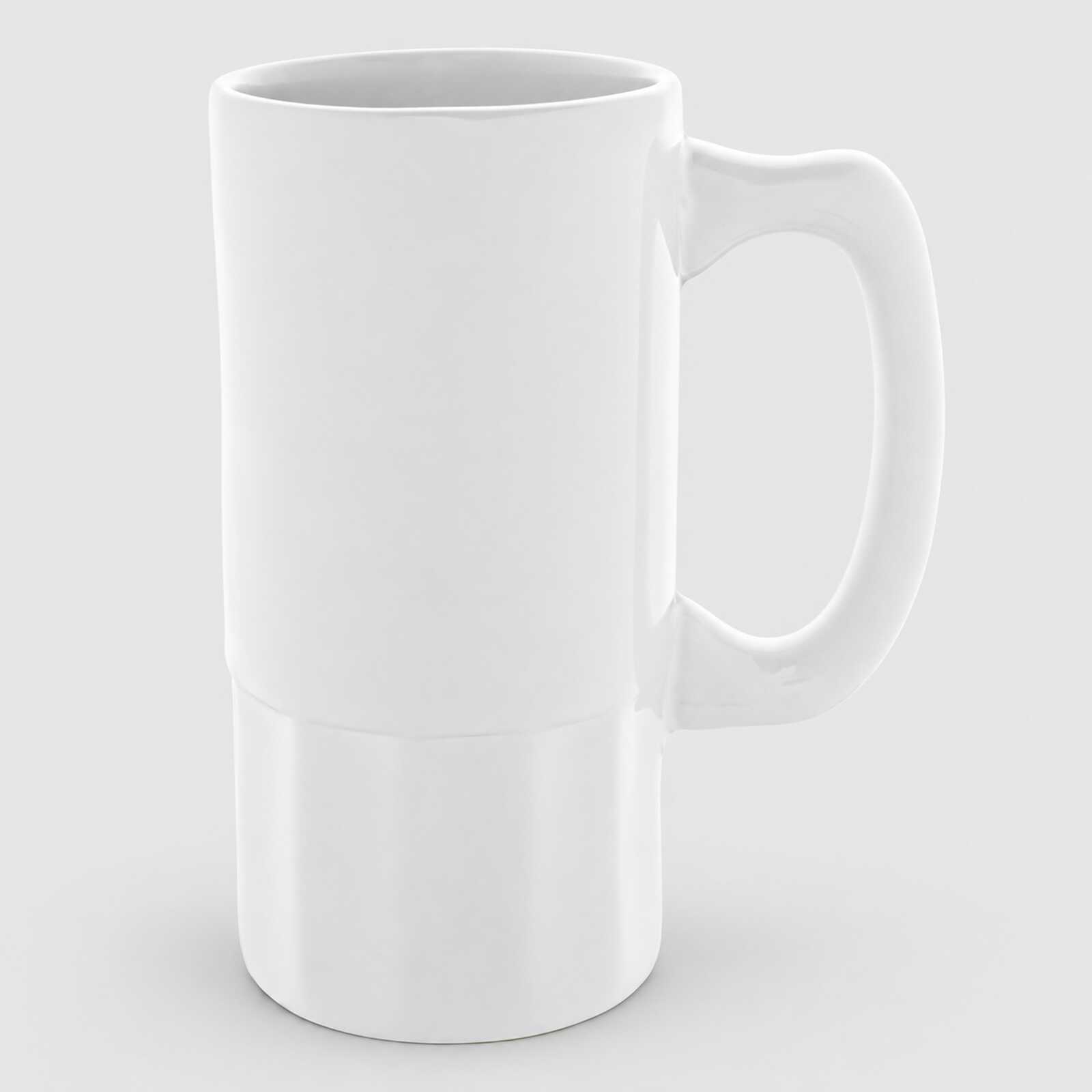
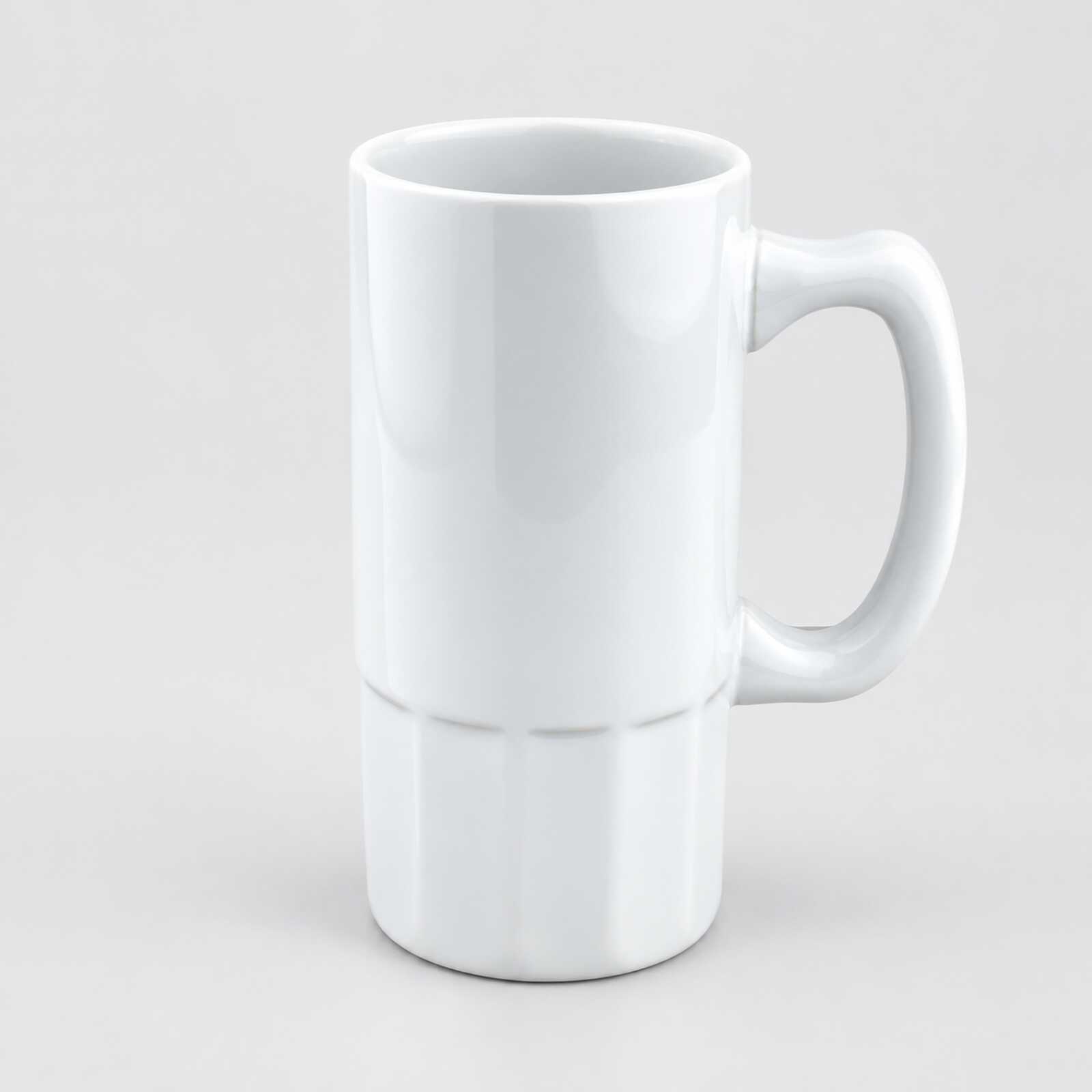
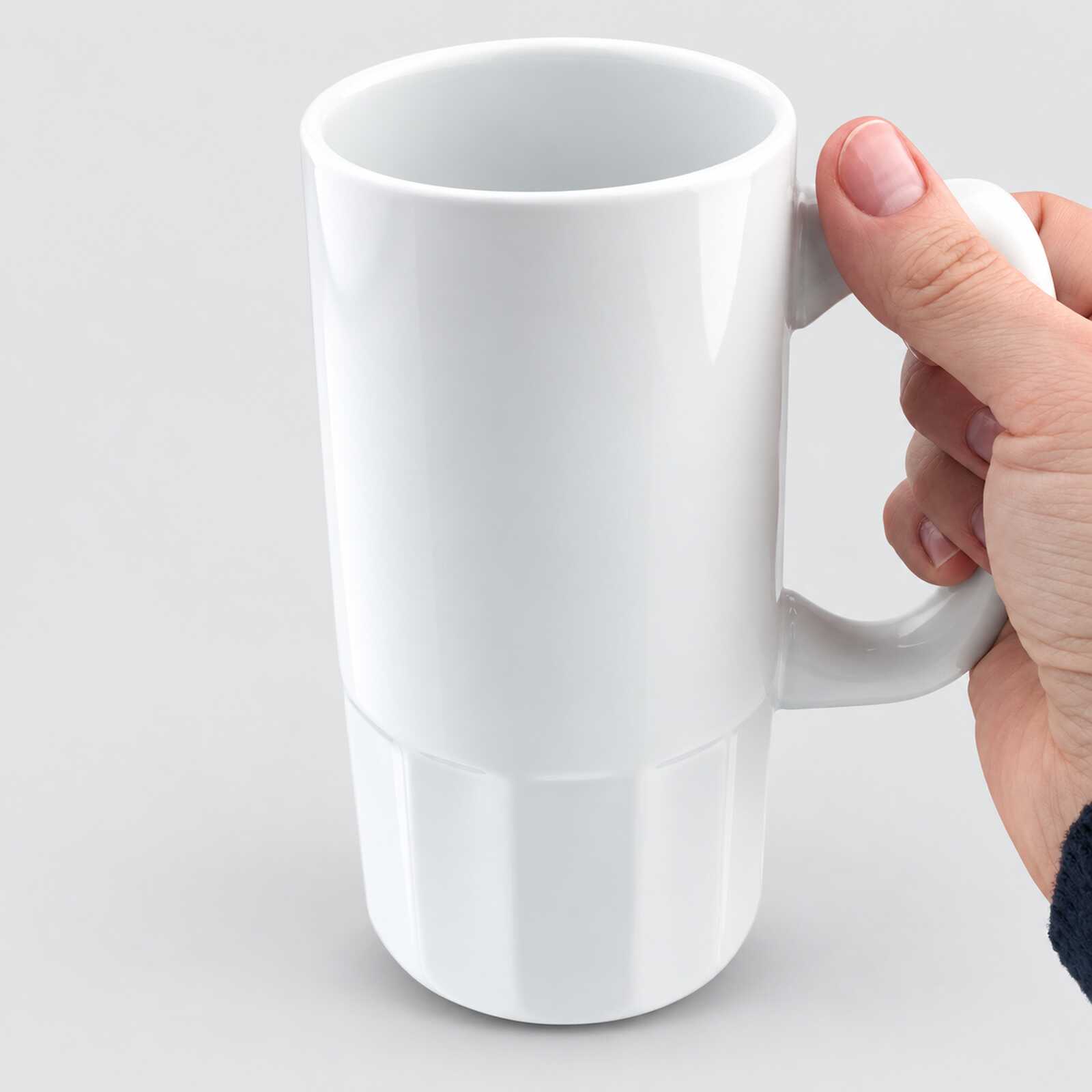
Beer glass for sublimation white (500 ml) (6074) - фото 1 - Blanks for sublimation
Beer glass for sublimation white (500 ml) (6074) - фото 2 - Blanks for sublimation
Beer glass for sublimation white (500 ml) (6074) - фото 3 - Blanks for sublimation
  • Beer glass for sublimation white (500 ml) (6074) - фото 1 - Blanks for sublimation
  • Beer glass for sublimation white (500 ml) (6074) - фото 2 - Blanks for sublimation
  • Beer glass for sublimation white (500 ml) (6074) - фото 3 - Blanks for sublimation
  • Beer glass for sublimation white (500 ml) (6074) - фото 1 - Blanks for sublimation
  • Beer glass for sublimation white (500 ml) (6074) - фото 2 - Blanks for sublimation
  • Beer glass for sublimation white (500 ml) (6074) - фото 3 - Blanks for sublimation

Beer glass for sublimation white (500 ml) (6074)

(0)
Color: White
Volume:
Expected 30.11.2026 (через ≈ 8 days)
Price:
155.00 грн
  • Buy a box24 штук - 3720 грн
  • Report availability
  • Ask a question for this product

Payment Cash, Visa/MasterCard, Payment in installments, Instant installments, Cashless settlement.
Delivery By new mail to the branch, post machine or courier at carrier rates.

  • Return guarantee

    We guarantee a refund if you are not satisfied with the product

  • Доставка

    Delivery across Ukraine to any settlement

Description Beer glass for sublimation white (500 ml) (6074)

A tall white beer stein for photos, lettering and logos


A 500 ml ceramic beer stein with a white gloss sublimation coating: a straight Ø 8 cm cylinder with a faceted lower part and a large handle. The print sits on the smooth upper part above the facets; the faceted base stays white. At Ø 8 cm it is within the range of a standard 11 oz heater (7.5–9 cm); before the first print, check that the heater wraps the smooth part closely and covers the full design height, or print in an oven with shrink film. Makers recommend a longer time for beer steins than for a regular mug: the starting range in a press is 180–200 °C for 200–300 seconds, then the settings are tuned on a test stein.

500 mlvolume
Whitecoating for full-colour print
180–200 °Cpress start, 200–300 s
Smooth topprint area above the faceted base

Is this stein right for you

 
You have a mug press whose heater wraps the smooth upper part closely and covers the full design height, or a sublimation oven with shrink film
You print with sublimation ink on sublimation paper
You need a tall beer stein with a photo, lettering or a logo
A heater cannot wrap the faceted base closely — keep the design on the smooth upper part
You need a print over the full height — the facets at the bottom stay unprinted; consider the white 15 oz mug with its smooth cylindrical body

Size and print settings

 
Ø 8 cmbody diameter
11 oz heaterstandard, for 7.5–9 cm
Ovenstarting point: 180–200 °C, 13–15 min with film
Temperature
180–200 °Cstarting range in a press
Time
200–300 sfirst trial in the middle of the range
Pressure
mediumthe press handle closes easily and the stein does not turn

This starting range for a test print combines MyPrint's guide for a large mug (200 °C, 200 s) with makers' data for ceramic beer steins (180 °C, 300 s; 13–15 minutes in an oven). Tune the exact settings on a test stein to your press or oven, paper, ink and room conditions — temperature and humidity.

Why this stein


A tall classic shape

A straight body, a faceted base and a large handle

A white background for photos

Photos, full-colour designs and text sit on a white background; check the colours on a test stein

From file to finished stein


Prepare the layout
Measure the height of the smooth part above the facets on the stein itself and the usable width, allowing clearance beside the handle; keep the design off the facets.
 
Print mirrored
With sublimation ink on sublimation paper.
 
Fix the paper
Tightly on the smooth part, leaving clearance beside the handle, and secure it with heat-resistant tape along the edges.
 
Place it in the heater
The 11 oz heater wraps the smooth part above the facets closely, with the handle outside.
 
Key step
Press
Starting range — 180–200 °C, 200–300 seconds, medium pressure; make the first trial in the middle of the range.
 
Remove the paper
Right after the signal, wearing heat-resistant gloves.
 
Let it cool
Ceramics hold heat for a long time; pack the stein once it has cooled completely.
Tip: Make the first stein from a new batch a test piece. If it is pale, check heater and paper contact, then add 20–30 s; if the design blurs or the white yellows, shorten the time. Change one setting at a time.

Beer stein or regular mug: which to choose

 
VariantShapeVolumePrinting equipment
Beer stein, 500 mlYou are hereStraight body, faceted base500 ml11 oz heater or oven
Clear glass beer mug with a print area, 500 mlGlass mug, white print area500 ml11 oz heater
White mug 15 oz, 425 mlCylindrical425 ml15 oz heater
Large white mug 32 oz, 950 mlCylindrical950 ml32 oz heater

Where it works best

 
A holiday gift
A name or lettering on a beer stein
Pubs and breweries
The venue's logo on steins for guests
Corporate parties
Personalised steins for the team

What can go wrong

 
Pale stripes at the bottom of the design

Cause: the heater does not touch the faceted part

Fix: keep the design on the smooth upper part
Pale patches around the body

Cause: the heater does not wrap the body closely

Fix: check contact; a gap cannot be fixed with more time
Pale all over

Cause: underheating: a large stein takes longer to heat

Fix: add 20–30 s on the next trial
The design blurred or the white yellowed

Cause: overheating

Fix: shorten the time on the next trial
A shadow or a double image

Cause: the paper shifted

Fix: tape the edges, and in an oven use tight film

Questions and answers


What are the print settings for this stein?

A beer stein needs more time than a regular mug: MyPrint's guide gives 200 °C for 200 seconds for a large 425 ml mug, and makers of ceramic beer steins give 180 °C for 300 seconds. Start in the middle of that range on a test stein: if it is pale, add 20–30 s; if the design blurs or the white yellows, shorten the time.

Which heater does it need?

A standard 11 oz mug heater for 7.5–9 cm, for example in the AP1803 press. Before the first print, check that it wraps the smooth upper part closely and covers the full design height; keep the heater off the facets.

Can it be printed in an oven?

Yes, after checking the dimensions: wrap the smooth part in paper, fit shrink film or a silicone stein wrap of the right size and check that the stein fits inside the oven chamber. A starting point from makers of ceramic beer steins is 180–200 °C for 13–15 minutes in a preheated oven; confirm it on a test stein. If the print is pale, first check warm-up and even paper contact, then gradually increase the time on the next trial; if the design blurs or the white yellows, shorten the time. Change one setting at a time. Remove the film and paper right after transfer, wearing heat-resistant gloves.

How should a printed stein be cared for?

Wash it by hand with a soft sponge and no abrasives — the print keeps its brightness longer.

What you need for printing


Equipment and materials for printing on a beer stein.

Характеристики Beer glass for sublimation white (500 ml) (6074)

Customer reviews  (0)Leave a review
Customer reviews  (0)

You have already rated this product