
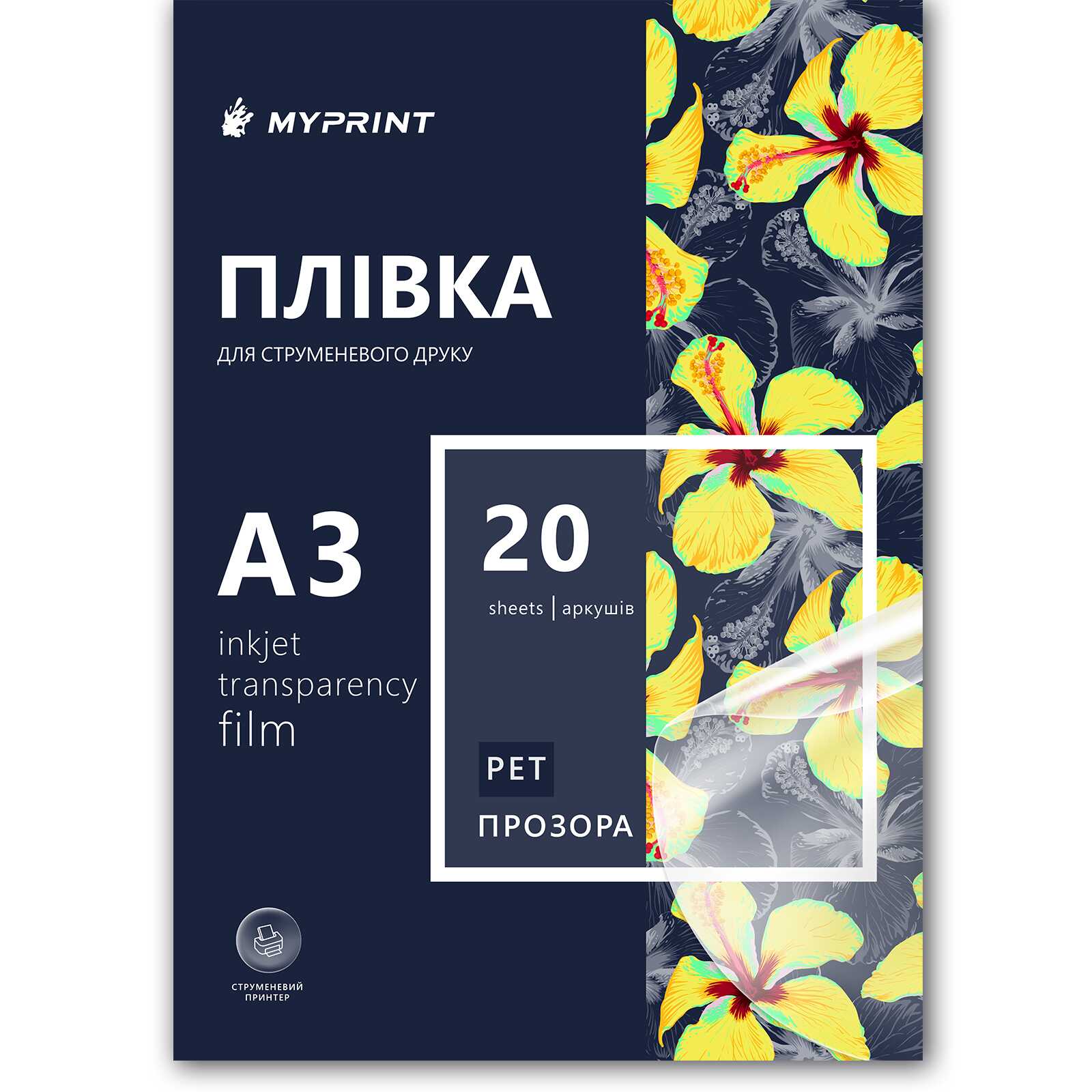
Film for inkjet printing My Print PET, A3, 20 sheets, transparent (11047)
- The date of shipment of the goods: 2026-08-10
- Ask a question for this product
Payment Cash, Visa/MasterCard, Payment in installments, Instant installments, Cashless settlement.
Delivery By new mail to the branch, post machine or courier at carrier rates.
- Return guarantee
We guarantee a refund if you are not satisfied with the product
- Доставка
Delivery across Ukraine to any settlement
Description Film for inkjet printing My Print PET, A3, 20 sheets, transparent (11047)
Transparent A3 PET film with no adhesive layer
This is a transparent film for inkjet printers with no adhesive layer: you print and get a clean transparent sheet, not a sticker. There is no liner and nothing to peel. A3 takes on what does not fit A4: an overlay for an A3 drawing, a large diagram, a large template. In the catalogue this item carries the "Feature" value "Not water-resistant". The pack holds 20 sheets; the small pack in the same format is 5 sheets.
Is this the right one for you
Specifications
| Parameter | Value |
|---|---|
| Base material | PET (polyester) |
| Base colour | Transparent |
| Surface | Glossy |
| Type | Ordinary — no adhesive layer and no liner |
| Format | A3 sheets |
| Print area | 297×420 mm |
| Quantity per pack | 20 sheets |
| Feature | Not water-resistant |
| Print type | Inkjet |
| Working side | One, with an ink-receptive coating |
What the sheet is made of
Why this film
The "Not water-resistant" feature
This is the catalogue axis on which this item differs from A3, 20 sheets carrying "Water-resistant". The format (A3), the print area (297×420 mm) and the quantity per pack (20 sheets) are the same for both.
A sheet larger than A4
An overlay for an A3 drawing comes out on a single sheet — no taping two halves together.
PET as the base
Polyester belongs to the dimensionally stable film family — that is a property of the material class, not a measured scale accuracy for this item.
Twenty sheets per pack
The large A3 pack in this range; the small one is 5 sheets.
An honest boundary
We say plainly what we do not know: the catalogue gives the value of the "Feature" attribute but no test method, so we do not describe how the print behaves in water.
From file to finished sheet
This one or its neighbour in the range
The ten items in this slice are compared on three catalogue axes: format, quantity per pack and the value of the "Feature" attribute. In the catalogue each of them is recorded as transparent glossy PET for inkjet printing with no adhesive layer.
| Variant | Format | Per pack | Feature | Best for |
|---|---|---|---|---|
| A3, 20 sheets, not water-resistantYou are here | A3 | 20 | Not water-resistant | Print area 297×420 mm |
| A3, 20 sheets, water-resistant | A3 | 20 | Water-resistant | The same format and pack, a different feature value |
| A3, 5 sheets, not water-resistant | A3 | 5 | Not water-resistant | The same format in a pack of 5 sheets |
| A4, 20 sheets, not water-resistant | A4 | 20 | Not water-resistant | A smaller sheet format, the same quantity per pack |
| Roll 0.61×30 m, not water-resistant | Roll | 1 roll | Not water-resistant | 0.61 m wide, 30 m long |
Where this film works best
What goes wrong and why
Cause: the print landed on the reverse side, which has no coating
Cause: the scale changed at print time through "fit to page"
Cause: the stack was assembled while the ink was still wet
Cause: the pack was stored in a damp place
Frequently asked questions
Does this film stick?
What does "not water-resistant" mean?
Do I need a separate A3 printer?
Can I make screen-printing positives with it?
Can I print it on a laser printer?
Which side do I print on?
What exactly is the sheet size?
What else you will need
Here are the neighbouring items in this range and the materials you need alongside them.
Характеристики Film for inkjet printing My Print PET, A3, 20 sheets, transparent (11047)
- Type:Ordinary
- Color:Transparent
- Surface:Glossy
- Size:A3
- Quantity per package:20
- Feature:Not waterproof
- Format:Letters
- Material:PET
- The size of the printed area:297*420 mm
- Print type:Jet


