
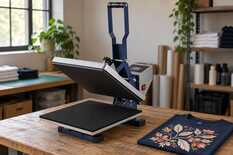
No — do not add degrees because of the infrared reading alone. The gun easily reads low: it sees a Teflon sheet instead of the platen or takes in the cooler edge and background. Measure properly, then let a control transfer decide: if it comes out as usual at your normal settings, the press is hot enough.
The display on a flat heat press reads 160 °C, while the infrared gun shows 135 °C. Adding those 25 degrees without checking could overheat a correctly functioning platen.
Three readings, three different things
The display reports the sensor inside the platen; the infrared gun reads the surface you aim at. They can therefore measure different places and even different layers.
Press display
Check what the display shows: the current temperature or the set point.
Infrared thermometer
Check where you aimed and from what distance. Do not adjust the press based on this number.
Control transfer
A transfer at your normal settings shows whether heat is really missing.
Example: display 160 °C, infrared gun 135 °C.
If a removable Teflon cover sheet hangs over the upper platen, the infrared thermometer sees the sheet rather than the metal underneath. Switch off the press and let it cool before removing the separate sheet for this check. Leave the platen’s factory non-stick coating in place.
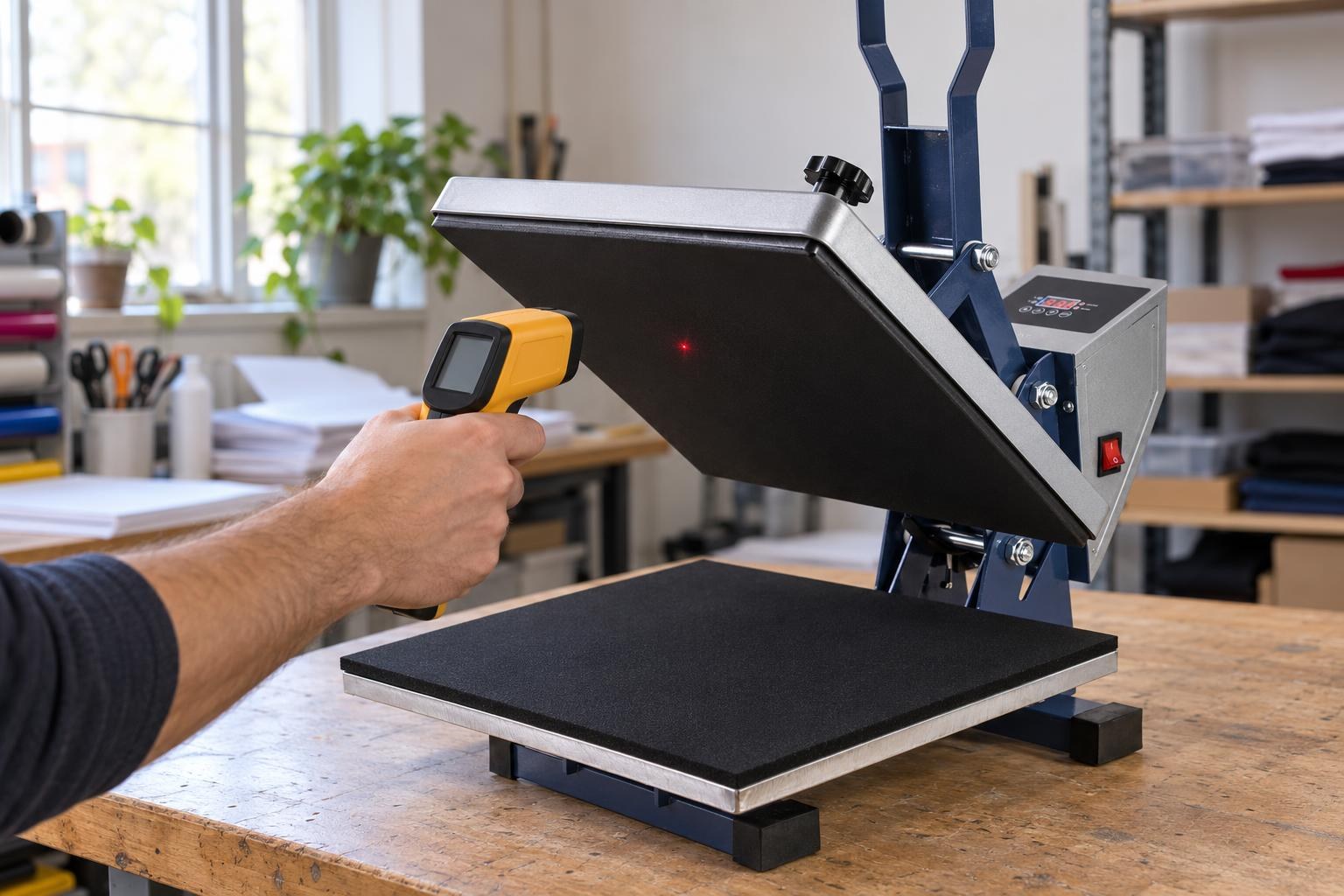
Right: close up, at the centre of the black working face, with nothing on the platen.
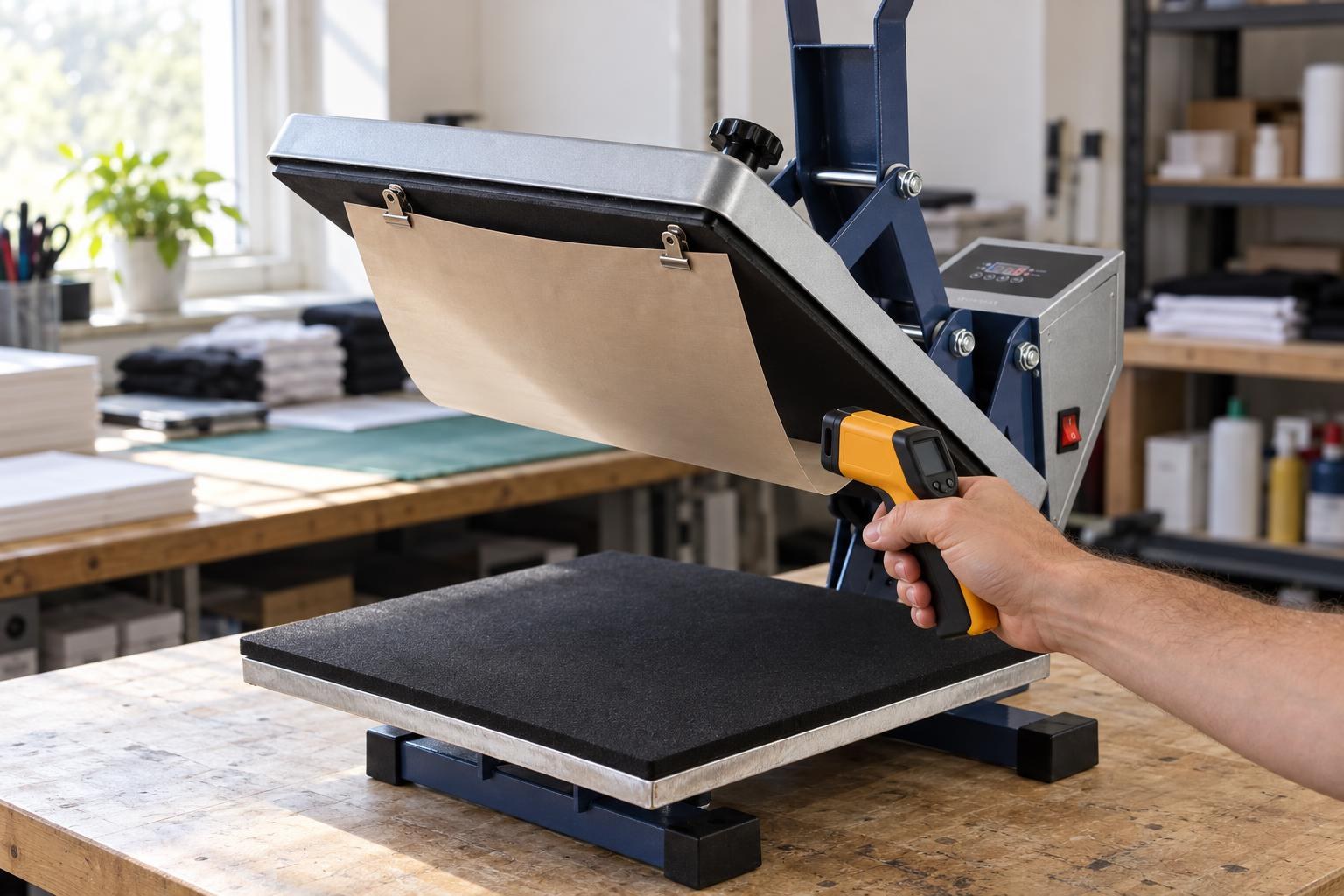
Wrong: a Teflon sheet hangs on the platen, so the gun measures the sheet, with air between it and the platen.
The red dot is not the whole measurement area
The laser only helps you aim. The measurement area grows with distance and may include cooler surroundings beyond the platen edge, even while the dot is still on the metal.
Example for 12:1 optics · distance to surface / spot diameter
24 cm → about 2 cm
Keep the entire measurement spot within the platen.
48 cm → about 4 cm
Check that the spot does not include the edge and surroundings.
The circle is the measurement area; the dot is the aiming point. Check your instrument’s manual for its spot sizes.
On shiny metal the gun reads far too low, because the metal reflects the heat around it. The working face of the HP380A NEW platen is black, so the error there is smaller, but the silver rim misleads the gun just like bare metal. Do not adjust the gun’s emissivity setting to match the display: that can “confirm” any number. Do not paint the platen or apply household electrical tape for this check.
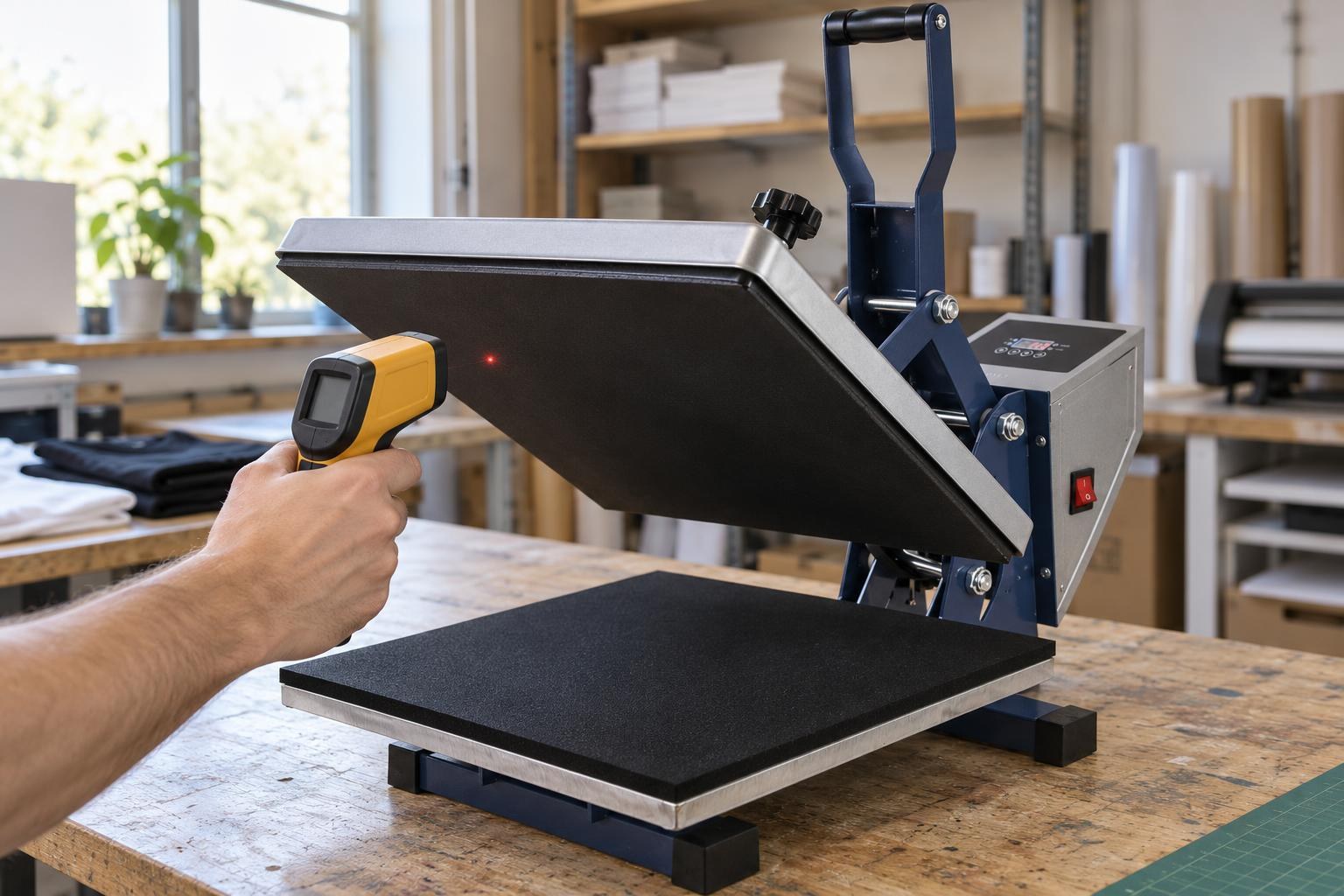
Near the edge, move closer: the spot must stay on the working face and not take in the platen edge.
How to check the difference without adding heat
Warm-up
5–10 min
after the display reaches the set point
Distance
up to 24 cm
12:1 optics — spot up to 2 cm
Points
centre + 4 corners
note where each reading was taken
Teflon sheet
remove
from the switched-off, cold press
For the HP380A NEW 38×38 cm (up to 230 °C): the working face of the upper platen is black and non-stick. Aim at it, not at the silver rim.
- Check the units and allow the press to warm up. Both instruments should be set to degrees Celsius. Once the display reaches the working temperature, wait another 5–10 minutes.
- Measure the centre of the open platen twice. Keep the gun at the same distance and angle, with the Teflon sheet removed. Record the display and gun readings at the same moment. If the number is still changing, wait and repeat. If you only have an infrared gun, there is another way: close the press on its own lower pad for 60 seconds, open it and immediately measure the centre of the pad. This shows roughly how much heat the item receives.
- Check against a control transfer. Make a test at your normal settings with the material you always use. If it comes out as usual, leave the settings alone. If it is pale or does not hold although pressure and material are unchanged, and the gun reads equally low in the centre and near the corners, have the calibration checked. A contact probe for hot surfaces or temperature indicator strips, if you have them, confirm the difference more precisely; a kitchen probe thermometer is not suitable.
Keep your hands out of the closing area and never clamp a rigid probe between the platens. On an automatic or pneumatic press, have a technician take the contact measurement.
What to do after the test and the readings
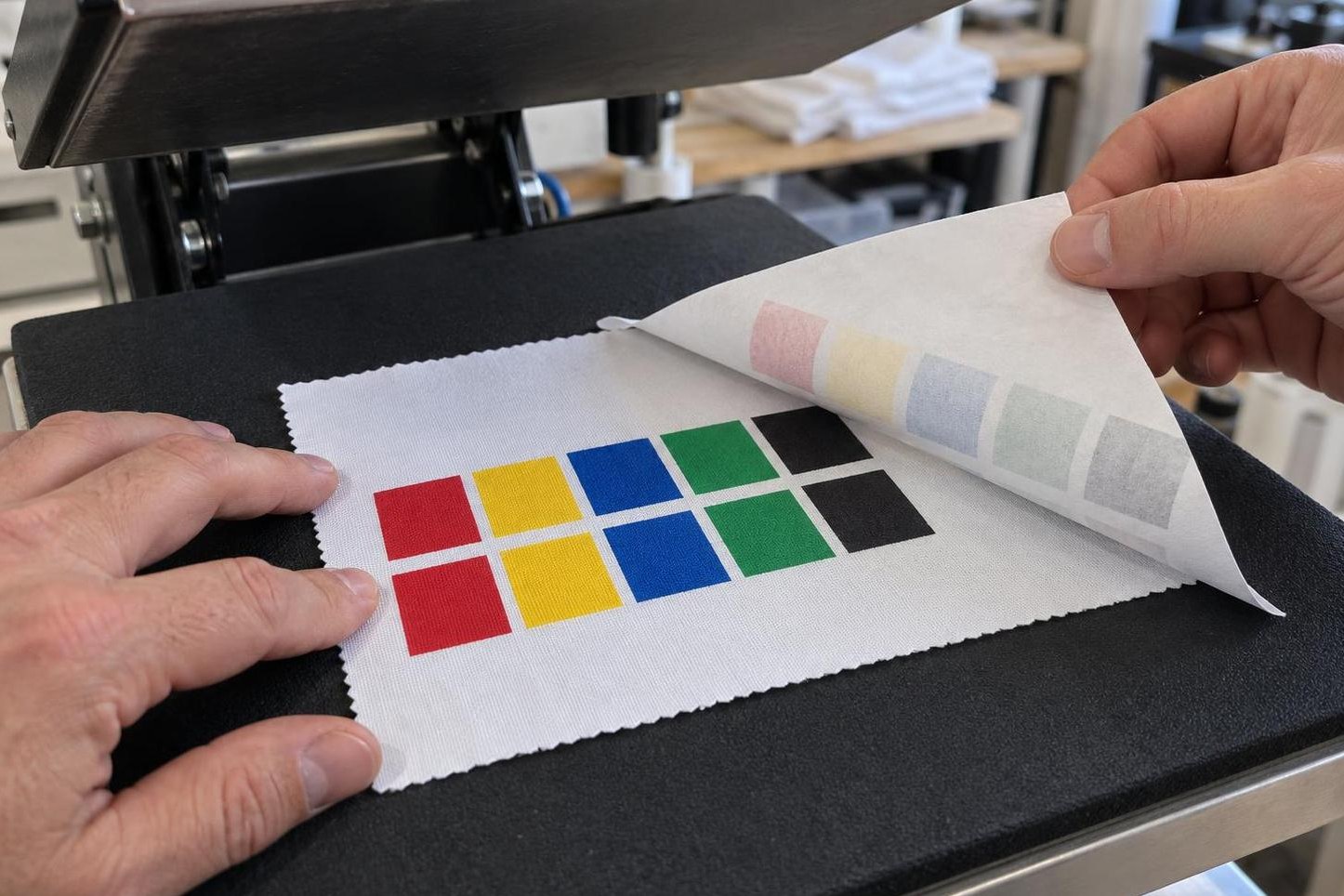
A control transfer before the batch, at your usual settings without extra heat: the colours should come out as saturated as usual.
When a spare part is needed
A low number on the infrared gun does not yet mean a part has failed. The heat press spare parts range includes thermocouples, control units and heating platens. Select parts by press model after diagnosis. A replacement thermocouple is a press component, not a complete reference thermometer.
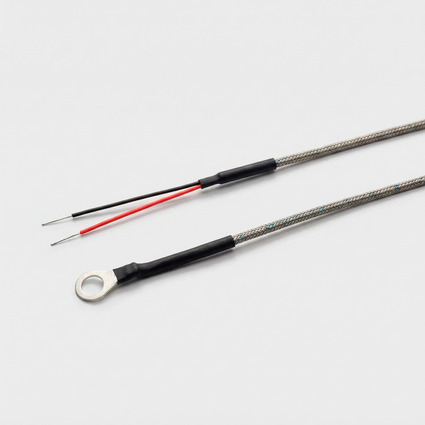
Thermocouple for flat heat presses (2601)
Platen temperature sensor · match it to your press model
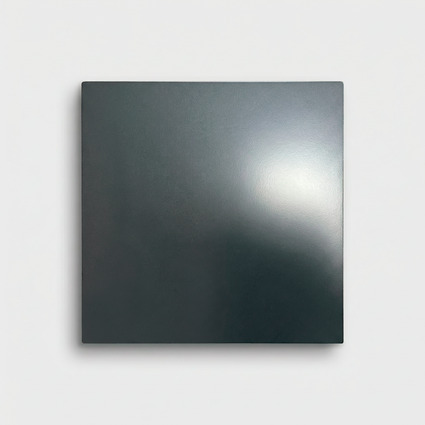
Heating platen for the HP380A heat press (6201)
For the HP380A · when the centre and corners differ consistently
Start with MyPrint's technical department (the HP380A NEW has a 12-month warranty). Send photos of the rating plate and display, the thermometer model, the display/gun pairs with their locations and a photo of the control transfer, and say whether a Teflon sheet was on the platen. These show whether calibration or a part is needed.
Frequently asked questions
Can I measure through a Teflon sheet with an infrared gun?
No. Air remains between the sheet and the platen, so the gun reads the sheet’s temperature. Remove the sheet from the cold press and measure the black working face; leave the factory coating in place.
Why does the infrared gun give a different number each time?
The number depends on the angle, distance and location: the spot grows with distance and can include the rim or background. Measure the same point from the same distance and record the display at the same moment.
What difference between the display and the infrared gun is normal?
There is no common limit for all presses and infrared guns: the gun has its own accuracy rating, listed in its manual. Leave a few degrees alone. For a large difference, first check your measurement method and make a control transfer.
How do I calibrate the heat press temperature?
Many controllers have a temperature correction in the service menu, but the access steps, buttons and correction sign differ between models, and a wrong correction shifts every setting. Do not guess: give MyPrint’s technical department the model and the display/gun pairs with their measurement locations and a photo of the test transfer.
Will any infrared thermometer work?
Its range must extend above your working temperature: the HP380A NEW heats up to 230 °C. Check the optics too — 12:1 gives a 2 cm spot from 24 cm away. A medical non-contact thermometer is unsuitable: it is designed for body temperature.